0.0.10 • Published 3 years ago
git-install-hook v0.0.10
git-install-hook
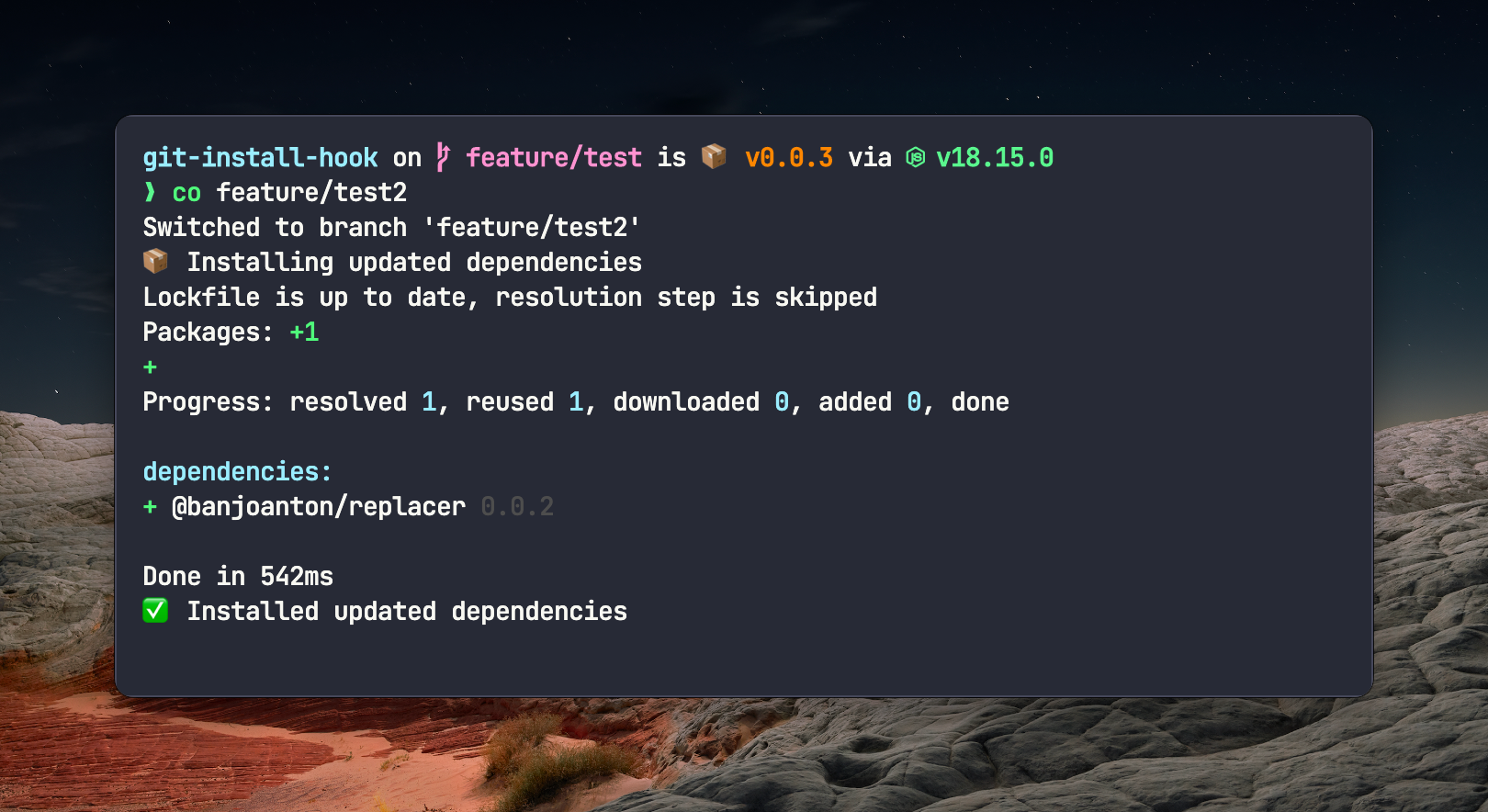
Install dependencies automatically when you change branches or merge and some new dependencies have been added or removed.
Made to be used with the post-checkout and post-merge hooks.
It detects the package manager automatically and installs the dependencies. You can prompt the user if you want to install the dependencies on change.
Supported package managers
Install
# npm
npm install --save-dev git-install-hook

# yarn
yarn add -D git-install-hook

# pnpm
pnpm add -D git-install-hook
Usage
The command is supposed to run with simple-git-hooks or husky.
Basic usage in terminal
# run normally
git-install-hook

# Ask if you want to install the dependencies on change
git-install-hook --prompt

# show spinner instead of installation output
git-install-hook --installation spinner

# don't show information text output
git-install-hook --no-text
simple-git-hooks
Install simple-git-hooks and initialize it. After that you can add the hooks to your package.json. Below example is for pnpm. For npm and yarn you can use npx or yarn instead of pnpm exec.
"simple-git-hooks": {
    "post-checkout": "pnpm exec git-install-hook",
    "post-merge": "pnpm exec git-install-hook --prompt"
}
Run the simple-git-hooks command to install the hooks:
# npm
npx simple-git-hooks

# yarn
yarn simple-git-hooks

# pnpm
pnpm exec simple-git-hooks
husky
Run the prepare script to install the hooks:
# npm
npx husky install

# yarn
yarn husky install

# pnpm
pnpm dlx husky install
Add the post-checkout or the post-merge hook:
# npm
npx husky add .husky/post-checkout "npx git-install-hook"

# yarn
yarn husky add .husky/post-checkout "yarn git-install-hook"

# pnpm
pnpm dlx husky add .husky/post-checkout "pnpm exec git-install-hook"
Flags
--prompt- Ask if you want to install the dependencies on change.--debug- Show debug messages.--installation- Installation output. Can beshow,hideorspinner. Default isshow.--no-text- Don't show information text output.