grpc-getting-started v0.4.3
gRPC Getting Started
Demonstration of the use of gRPC and front-end.
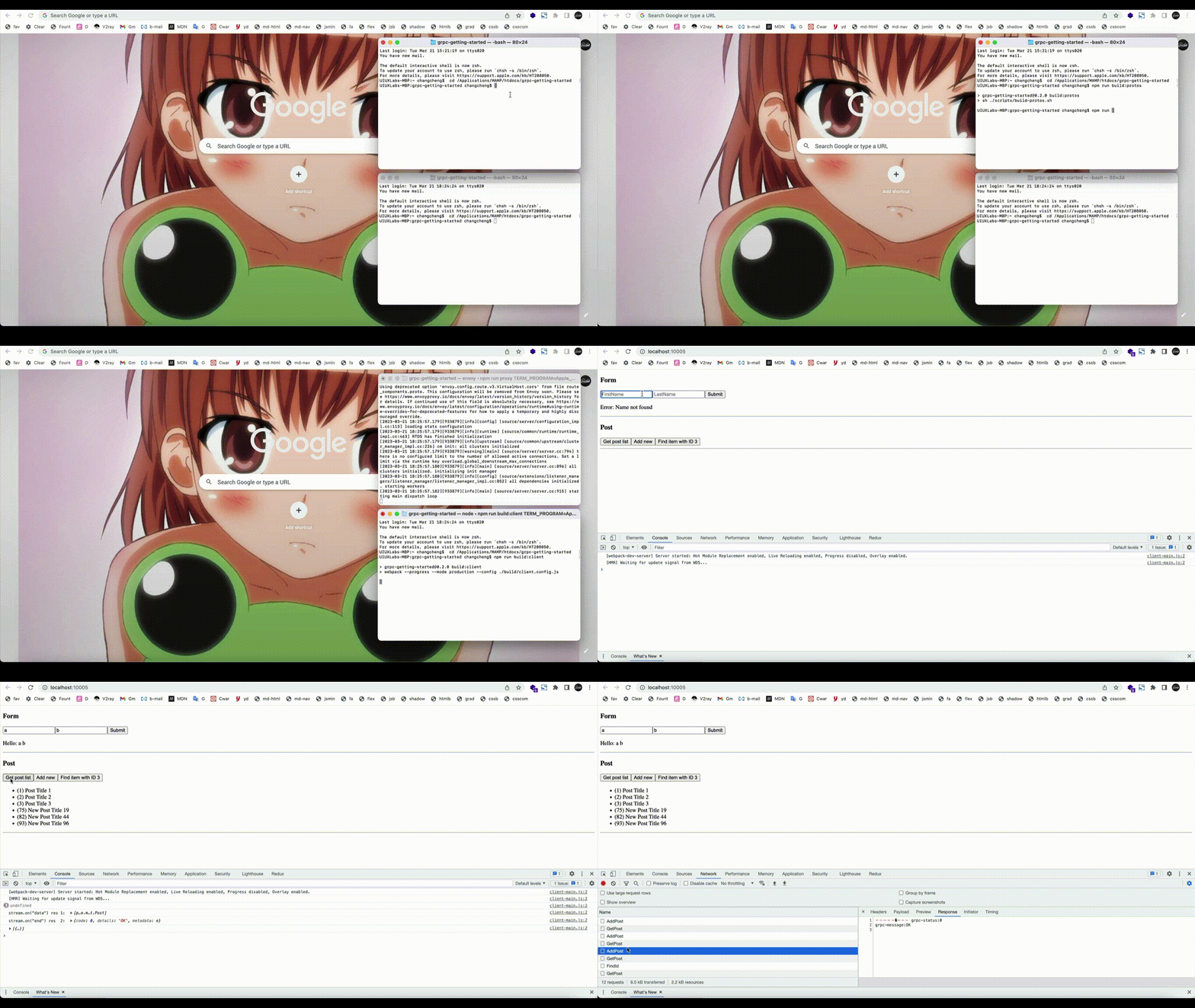
(Ⅰ) Original tutorial (simple)
(Ⅱ) How to use this repository
Step 1: Run the Envoy proxy.
The envoy.yaml file configures Envoy to listen to browser requests at port 12345, and forward them to port 9090.
$ npm run proxyStep 2: User Interaction Test
- the NodeJS gRPC Service (port
9090) - the webpack server (port
10005)
run following command to test:
$ npm run startWhen these are all ready, you can open a browser tab and navigate to http://localhost:10005
Step 3: (optional) Build proto files and client files
a) Run the following command to compile the .proto file and generate a .js file we can recognize.
$ npm run build:protosb) Create client file
It will generate a js file dist/client-main.js and a html file dist/index.html
$ npm run build:client(Ⅲ) Create a API file
This file is to call with <script>, which is used as the interface of gRPC API.
Execute the build command below, it will generate a js file dist-api/api-main.js and a html file dist-api/index.html
$ npm run build:api-prodor
$ npm run build:api-devNext, Use api-main.js to call the interface and run following command:
$ npm run proxy
$ npm run test:api
Visit http://localhost:4002 to test, it will output in the console: "Hello: string 1 string 2"
Licensing
Licensed under the MIT.
2 years ago
2 years ago
3 years ago
3 years ago
3 years ago
3 years ago
3 years ago
3 years ago
3 years ago
3 years ago
3 years ago
3 years ago
3 years ago
3 years ago
3 years ago
3 years ago
3 years ago
3 years ago
3 years ago
3 years ago
3 years ago