hyperline v1.2.0
HyperLine
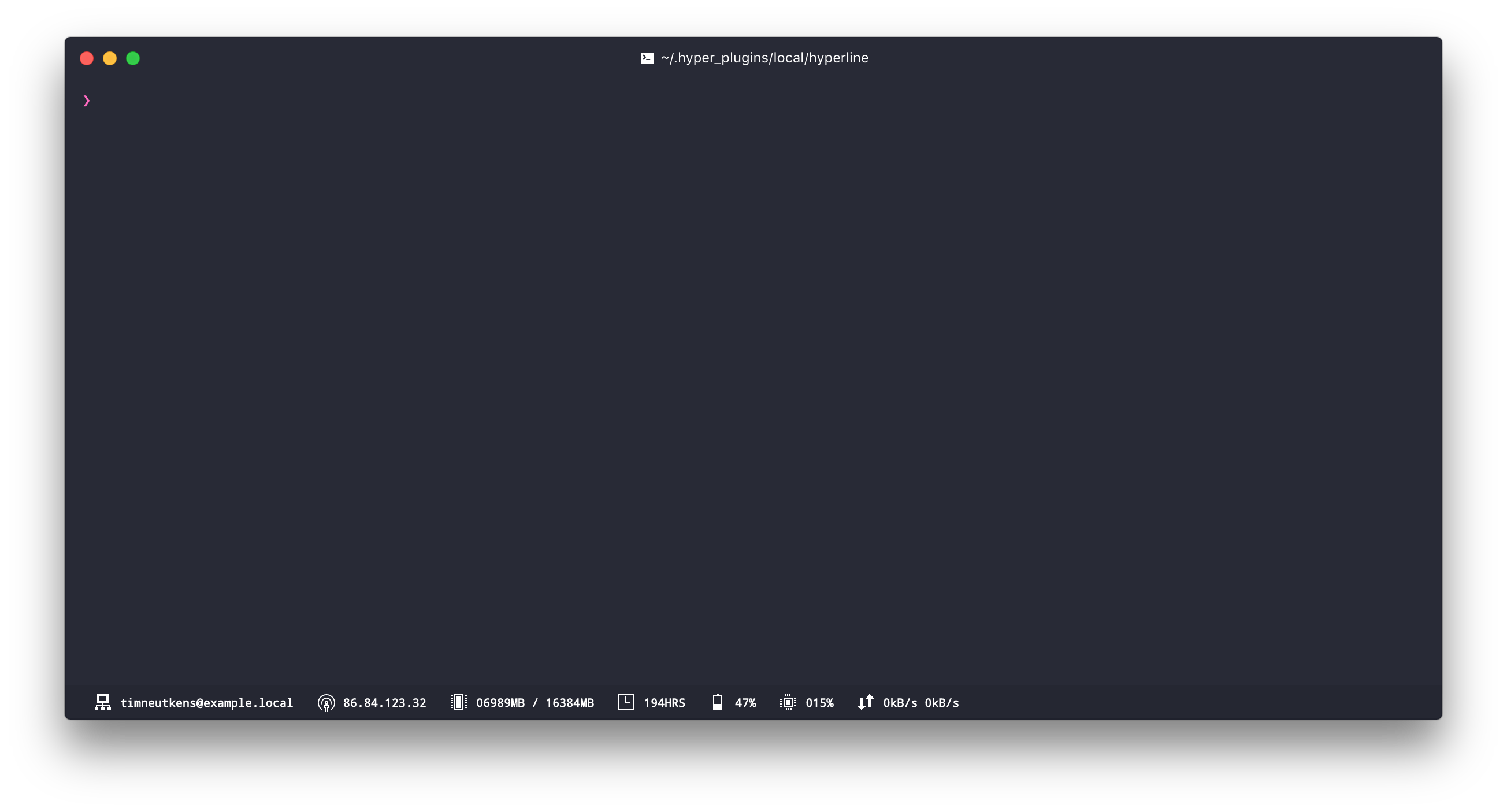
HyperLine is a status line plugin for Hyper.app. It shows you useful system information such as free memory, uptime and CPU usage.
Install
- NOTE: HyperLine is not currently supported when using Microsoft Windows. See this issue for additional information.
To install, edit ~/.hyper.js and add "hyperline" to plugins:
plugins: [
  "hyperline",
],
Styling the line
We implemented the same mechanism for styling/creating css classes that Hyper uses. This will allow you to create custom HyperLine themes the same way you would create a Hyper css theme.
Configuring plugins
Add the names of plugins in the order in which you would like them to be displayed to your ~/.hyper.js:
config: {
  hyperline: {
    plugins: [
      "ip",
      "cpu",
      "spotify"
    ]
  },
}
You can see a list of all available plugins in src/lib/plugins/index.js
Contributing
Feel free to contribute to HyperLine by requesting a feature, submitting a bug or contributing code.
To set up the project for development:
- Clone this repository into
~/.hyper_plugins/local/ - Run
npm installwithin the project directory - Run
npm run buildto build the plugin ORnpm run devto build the plugin and watch for file changes. - Add the name of the directory to
localPluginsin~/.hyper.js. - Reload terminal window
Authors
- Nick Tikhonov @nicktikhonov
- Tim Neutkens @timneutkens
- Stefan Ivic @stefanivic
- Henrik Dahlheim @henrikdahl
Contributors
This project exists thanks to all the people who contribute.
8 years ago
8 years ago
8 years ago
9 years ago
9 years ago
10 years ago
10 years ago
10 years ago
10 years ago
10 years ago
10 years ago
10 years ago
10 years ago
10 years ago
10 years ago
10 years ago
10 years ago