k6-html-reporter
A light weight html reporter for k6


Install
NPM:
npm install k6-html-reporter --save-devYARN:
yarn add k6-html-reporter --devUsage
- Install the package
- Create a js/ts file and specify the options:
const reporter = require('k6-html-reporter');

const options = {
        jsonFile: <path-to-json-report>,
        output: <path-to-output-directory>,
    };

reporter.generateSummaryReport(options);
for typescript
import {generateSummaryReport} from 'k6-html-reporter';

const options = {
        jsonFile: <path-to-json-report>,
        output: <path-to-output-directory>,
    };

generateSummaryReport(options);- Output a JSON summary output with the
handleSummaryfunction provided by k6, more info.
export default function () { /** some tests here */}
export function handleSummary(data) {
  console.log('Preparing the end-of-test summary...');
  return {
      <path-to-json-report>: JSON.stringify(data),
  }
}Note: The
--summary-export=path/to/file.jsonrun option is no longer recomanded after k6 v0.30.0.
- Run the code in step two as a node.js script after the test execution:
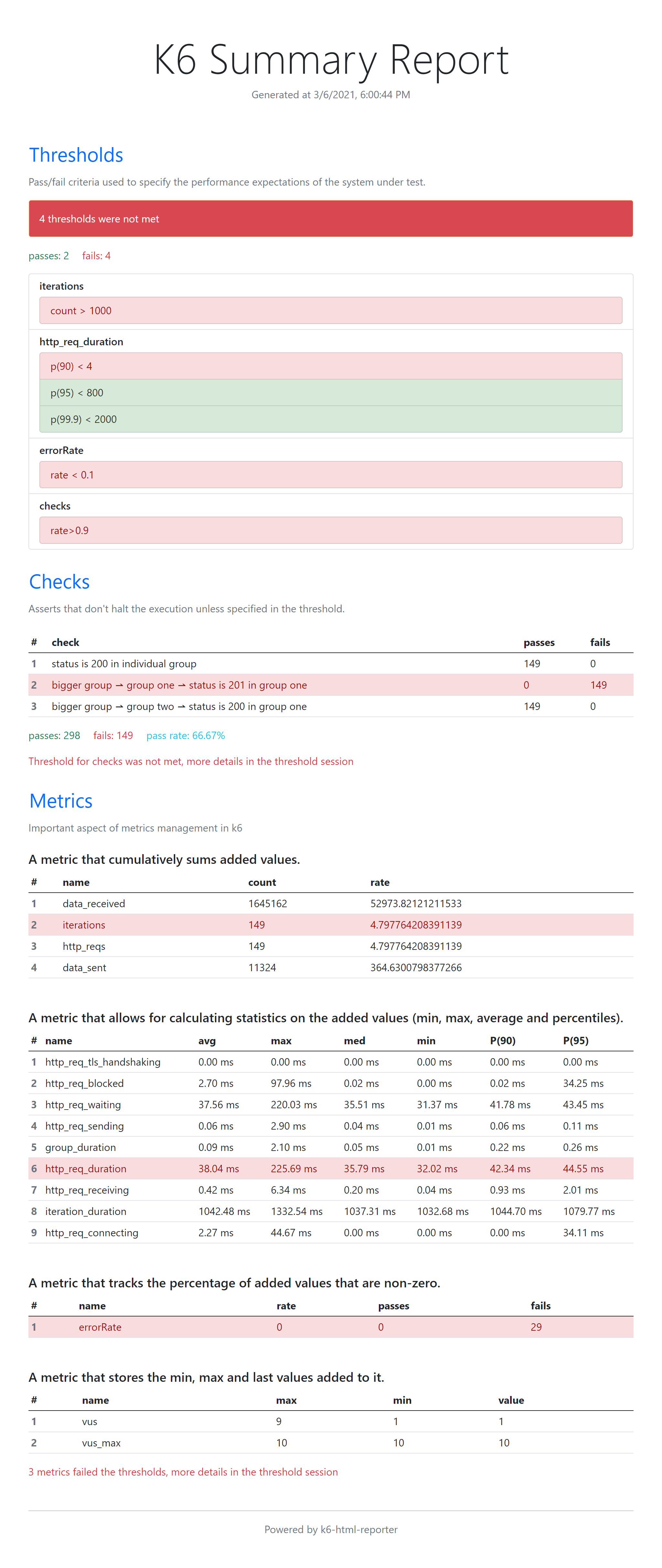
node xxxx.jsSample report: