0.0.17 • Published 6 years ago
lerna-editor v0.0.17
lerna-editor


Introduction
lerna-editor is a rich text editor component used for React project
Demo
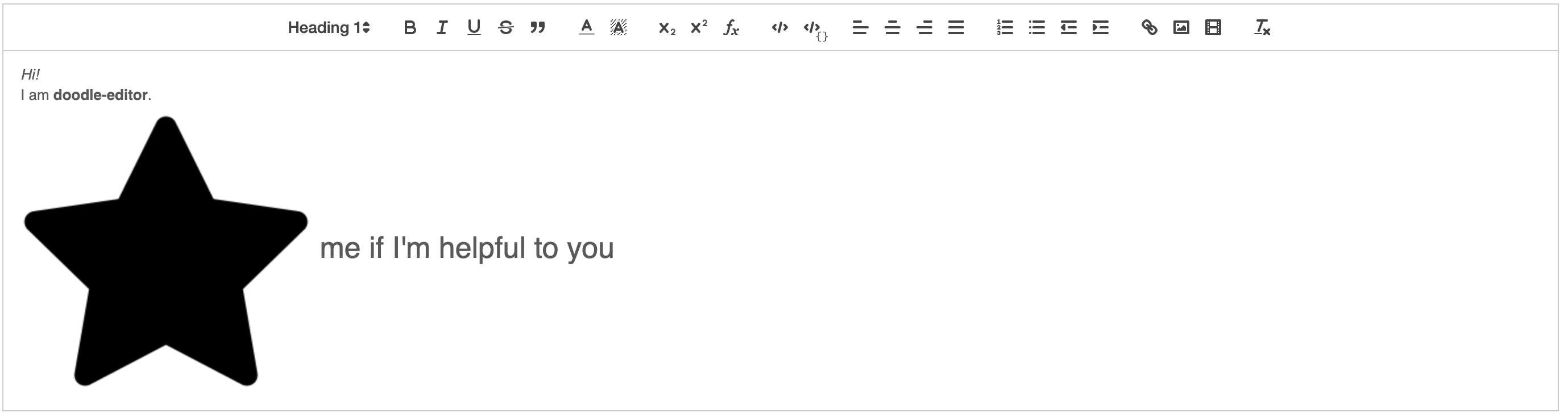
Install
npm install --save lerna-editorUsage
Before using the editor, you must add the following tags to your index.html file
<link rel="stylesheet" href="https://cdn.quilljs.com/1.2.6/quill.snow.css" />
<link rel="stylesheet" href="https://cdnjs.cloudflare.com/ajax/libs/KaTeX/0.7.1/katex.min.css" />
<script src="https://cdnjs.cloudflare.com/ajax/libs/KaTeX/0.7.1/katex.min.js"></script>
Editor
The following code shows how to use the rich text editor:
import React, { Component } from "react";
import { Editor } from "lerna-editor";

class Example extends Component {
  render() {
    return <Editor />;
  }
}
Properties
| Name | Description | Type | Default value |
|---|---|---|---|
| initialContent | Initial content of the editor | string | HTML | null |
| placeholder | Placeholder of the editor | string | null |
Methods
| Name | Description | Default value |
|---|---|---|
| onChange(html, deltas, text) | Event firing when editor's content changes | null |
Note that:
htmlis HTML generated by the editordeltasis array of delta, which is editor content's representation in objecttextis text inferred from HTML
EditorContent
When you want to render the HTML generated from editor, you use the following code:
import React, { Component } from "react";
import { EditorContent } from "lerna-editor";

class Example extends Component {
  render() {
    return <EditorContent content={"Editor"}/>;
  }
}
Properties
| Name | Description | Type | Default value |
|---|---|---|---|
| content | Content of the editor | string | HTML | null |
| inline | Whether editor is inline or block | bool | false |
| className | className of the editor content | string | null |
License
MIT © ntncsebku