moodjs v0.1.1
MoodJS
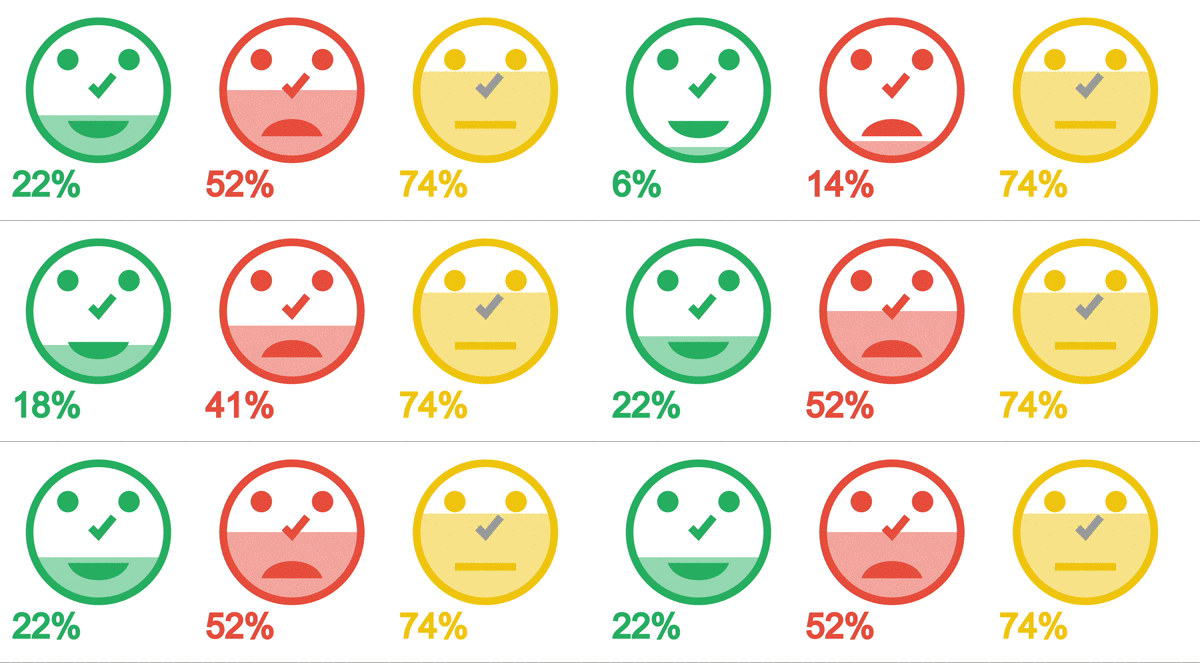
MoodJS is a library that allows to create faces to share data based on the three different moods: Happy, Sad, Neutral.
With MoodJS is possible to create chart to show feedback, opinion and creates filters.
Installing
Node Environment
You can install MoodJS by npm
npm i --save moodjsOther Case
You can clone the repository and use the file inside the folder dist
Using
Node Environment
You can install MoodJS by npm
import Moodjs from 'moodjs';Browser Environment
Copy the minified file mood-browser.min.js from dist in any folder
you prefer and load it the page by script tag
<script src="/locale/path/mood-browser.min.js"></script>Basic usage
Create a Face
Add an happy face to a DOM element with id happyFace and assign the
ref to the var happyFace
var happyFace = MoodJS.add('happy', '#happyFace');Add a sad face to the first DOM element with class sadFace and
assign the ref to the var sadFace
var sadFace = MoodJS.add('sad', '.sadFace');Add a neutral face to the first DOM element divand assign the ref to
the var neutralFace
var neutralFace = MoodJS.add('neutral', 'div');Get Faces
Get all faces
var faces = MoodJS.get(); // array of facesGet specific type of faces
var happyFaces = MoodJS.get('happy'); // array of happy facesSet Percentage
With animation
var happyFace = MoodJS.add('happy', '#happyFace');

happyFace.setPercentageWithAnimation(70);
Without animation
var happyFace = MoodJS.add('happy', '#happyFace');

happyFace.setPercentage(50);
Others
Hide nose
var happyFace = MoodJS.add('happy', '#happyFace');

happyFace.hideNose();
Show Nose
var happyFace = MoodJS.add('happy', '#happyFace');

happyFace.showNose();
Change nose color
var happyFace = MoodJS.add('happy', '#happyFace');

happyFace.changeNoseColor('#aaddff'); // require hex color
Development
If you want change, improve or anything else clone it
git clone https://github.com/mrbabbs/moodjsInstall
npm iThe repository is based on
gitflow as workflow
so use develop branch for new feature/bug/chore and when you finished merge it
in develop again, when it is time to release you will find the change in
master.
To improve collaboration you need to install commitizen to format your commit
npm i -g commitizenand after use
git-cz // replace git commit