motion-signals v0.0.3
motion-signals
A wrapper over Motion One, An animation library, built on the Web Animations API for the smallest filesize and the fastest performance. Works with solid-js



Installation
npm install motion-signals motionFunctions
As of now, motion-signals has 2 Functions that wrap around animate and timeline of motion one respectively
Example usage
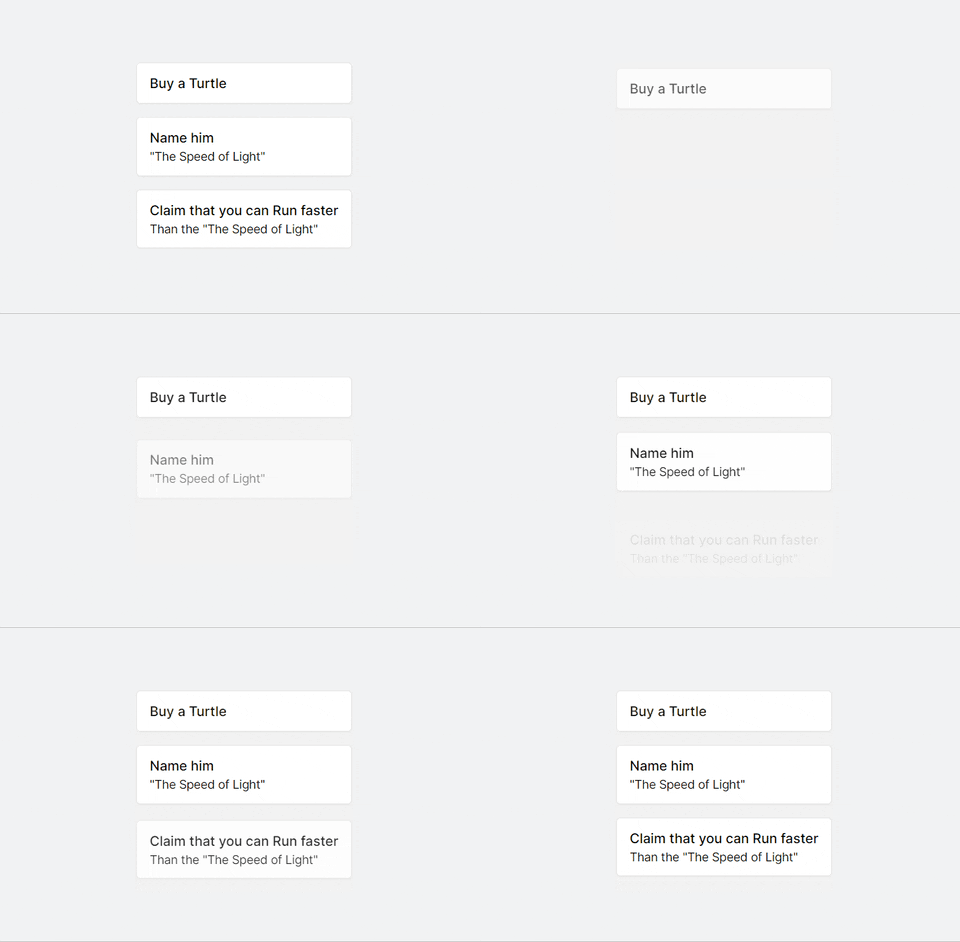
Things You could do with createAnimation
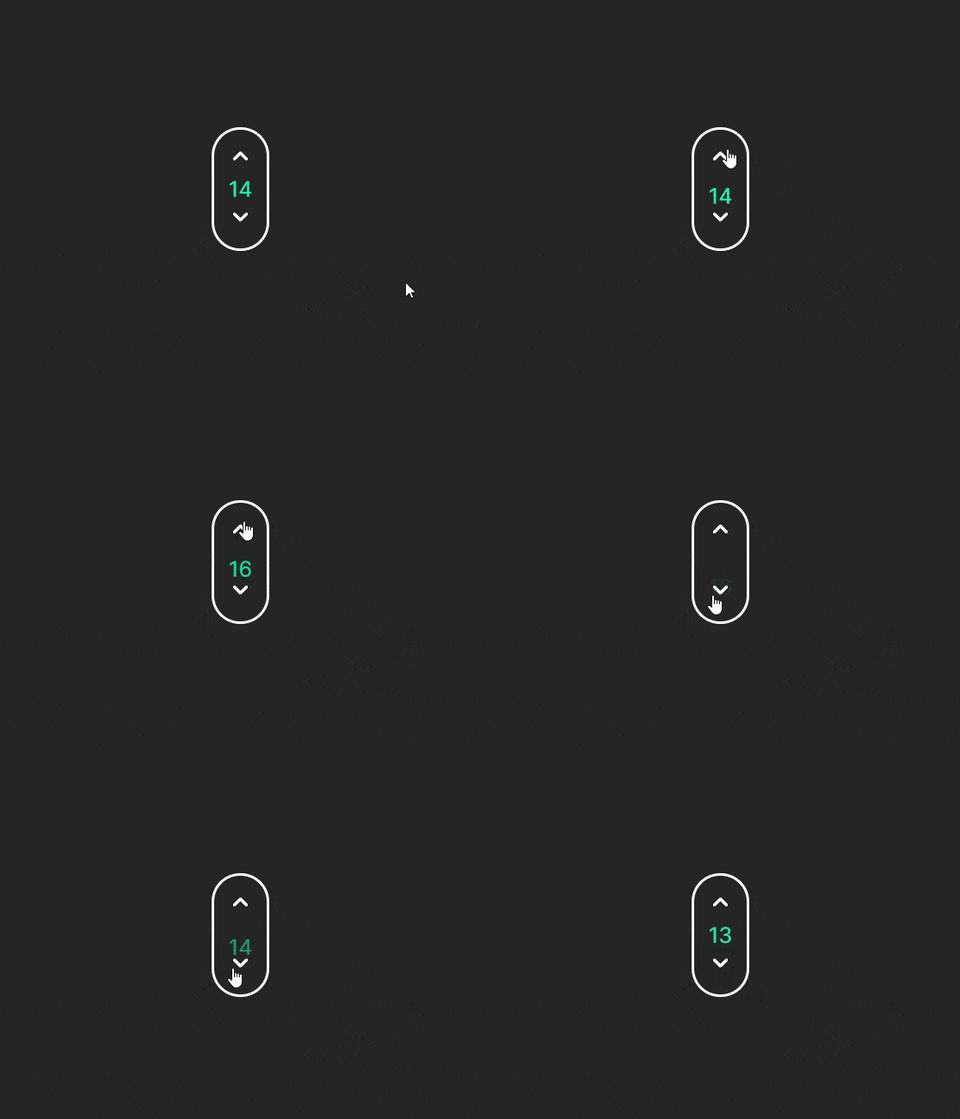
Things You could do with createTimeline
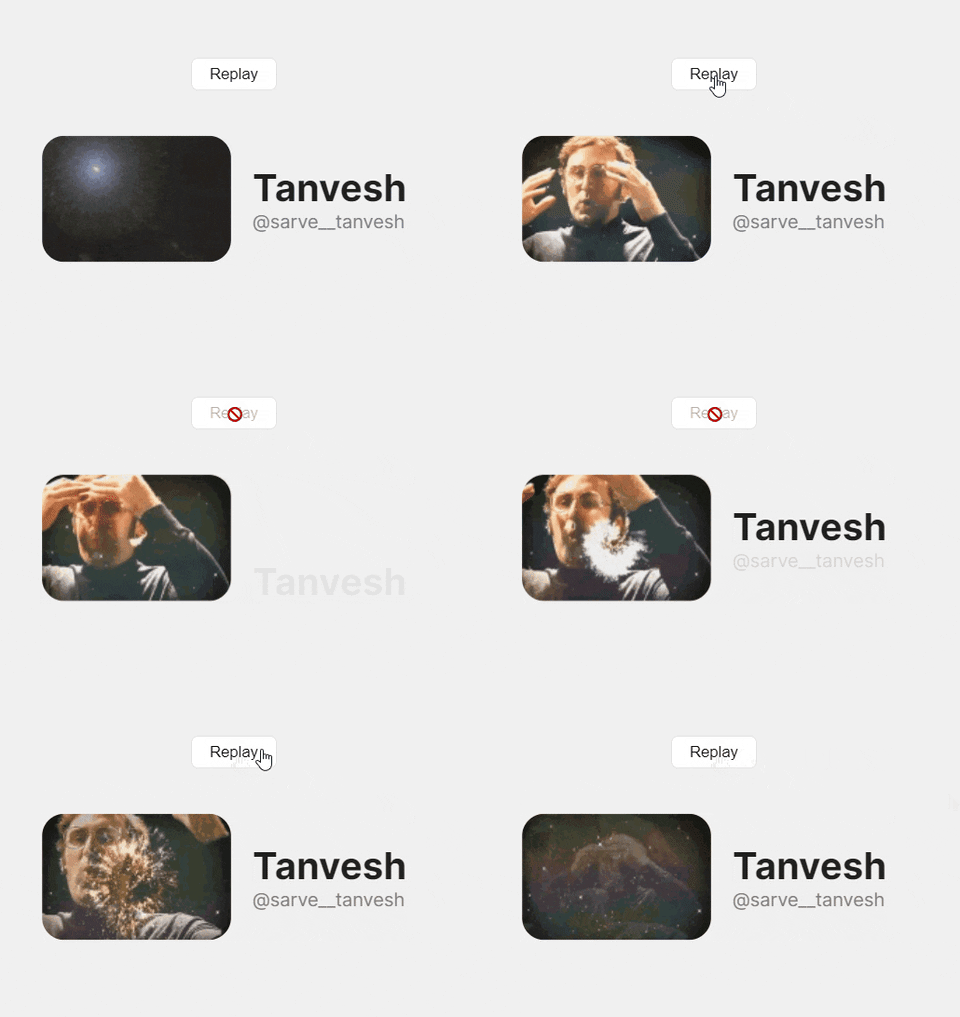
createAnimation
Returns all the properties returned by animate and some helper functions and state
Props returned my
animatearenullinitially
function App() {
    const { play, getIsFinished, replay } = createAnimation(
        '.listItem',
        { y: -20, opacity: 1 },
        {
            delay: stagger(0.3),
            duration: 0.5,
            easing: [0.22, 0.03, 0.26, 1],
        },
    );

    // Play the animation on mount of the component
    onMount(() => {
        play();
    });

    return (
        // Replay the animation anytime by calling a function, anywhere
        <div class="App">
            <button disabled={!getIsFinished()} onClick={() => replay()}>
                Replay
            </button>

            <ul class="list">
                <li class="listItem">Item 1</li>
                <li class="listItem">Item 2</li>
                <li class="listItem">Item 3</li>
            </ul>
        </div>
    );
}
Instead of passing strings to select elements, you can also pass a ref :point_down:
let boxRef;
const { play, getIsFinished, replay } = createAnimation(
    () => boxRef, // Pass a Function that returns the ref
    { y: -20, scale: 1.2 },
    { duration: 1 },
);

return <div ref={boxRef}>BOX</div>;
API
const { play, replay, reset, getIsFinished, getAnimateInstance } = createAnimation(
    selector,
    keyframes,
    options,
    events,
);
createAnimation returns:
play: plays the animationreplay: Resets and plays the animationreset: resets the element to its original stylinggetIsFinished: istruewhen animation has finished playinggetAnimateInstance: Animation Controls. Refer to motion one docs for more.
createAnimation accepts:
selector- The target element, can be string or a refkeyframes- Element will animate from its current style to those defined in the keyframe. Refer to motion's docs for more.options- Optional parameter. Refer to motion doc's for the values you could pass to this.events- Pass functions of whatever you want to happen when a event likeonFinishhappens.eventsusage exampleconst { play, getIsFinished, replay } = createAnimation( '.listItem', { y: -20, opacity: 1 }, { delay: stagger(0.3), duration: 0.5, }, { onFinish: () => { // Whatever you want to do when animation finishes }, }, );
createTimeline
Create complex sequences of animations across multiple elements.
returns getTimelineInstance (Animation Controls) that are returned by timeline and some helper functions and state
Props returned by
timelinearenullinitially
function App() {
    let gifRef;
    const { play, getIsFinished, replay } = createTimeline(
        [
            // You can use Refs too!
            [() => gifRef, { scale: [0, 1.2], opacity: 1 }],
            ['.heading', { y: [50, 0], opacity: [0, 1] }],
            ['.container p', { opacity: 1 }],
        ],
        { duration: 2 },
    );

    onMount(() => {
        play();
    });

    return (
        <div class="App">
            <button disabled={!getIsFinished()} onClick={() => replay()}>
                Replay
            </button>

            <div class="container">
                <img ref={gifRef} class="gif" src={Image} alt="mind explosion gif" />
                <div>
                    <h1 class="heading">Tanvesh</h1>
                    <p>@sarve__tanvesh</p>
                </div>
            </div>
        </div>
    );
}
API
const { play, replay, reset, getIsFinished, getTimelineInstance } = createTimeline(
    sequence,
    options,
    events,
);
createTimeline returns:
play: plays the animationreplay: Resets and plays the animationreset: resets the element to its original stylinggetIsFinished: istruewhen animation has finished playinggetTimelineInstance: Animation Controls. Refer to motion one docs for more.
createTimeline accepts:
sequence-sequenceis an array, defines animations with the same settings as the animate function. In the arrays, Element can be either a string or a ref. You can refer to sequence docs for more on this.options- Optional parameter. Refer to motion doc's for the values you could pass to this.events- Pass functions of whatever you want to happen when a event likeonFinishhappens. Exactly same as createAnimation'sonFinish.
Local Installation & Contributing
- Fork motion-signals
git clone https://github.com/:github-username/motion-signals.git
cd motion-signals
npm install # Installs dependencies for motion-signals
cd examples # React app to test out changes
npm install # Installs dependencies for example app
npm run dev # To run example on localhost:3000
The contributing guidelines along with local setup guide is mentioned in CONTRIBUTING.md
Any Type of feedback is more than welcome! This project is in very early stage and would love to have contributors of any skill/exp level.
You can contact me on my Twitter handle @Sarve___tanvesh