
NativeScript Advanced Webview
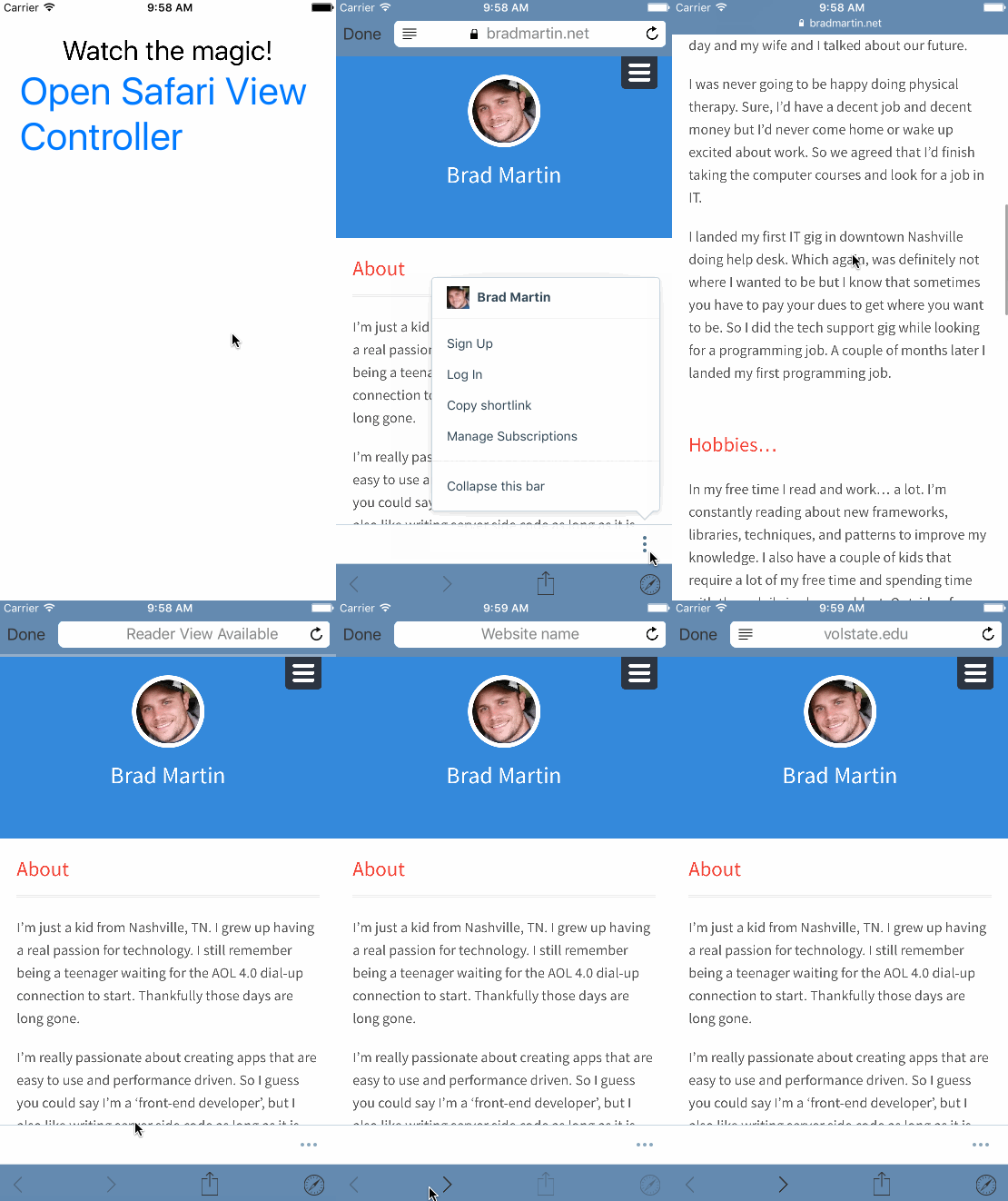
An advanced webview using Chrome Custom Tabs on Android and SFSafariViewController on iOS.



Installation
To install execute:
NativeScript 7+:
ns plugin add nativescript-advanced-webviewNativeScript < 7:
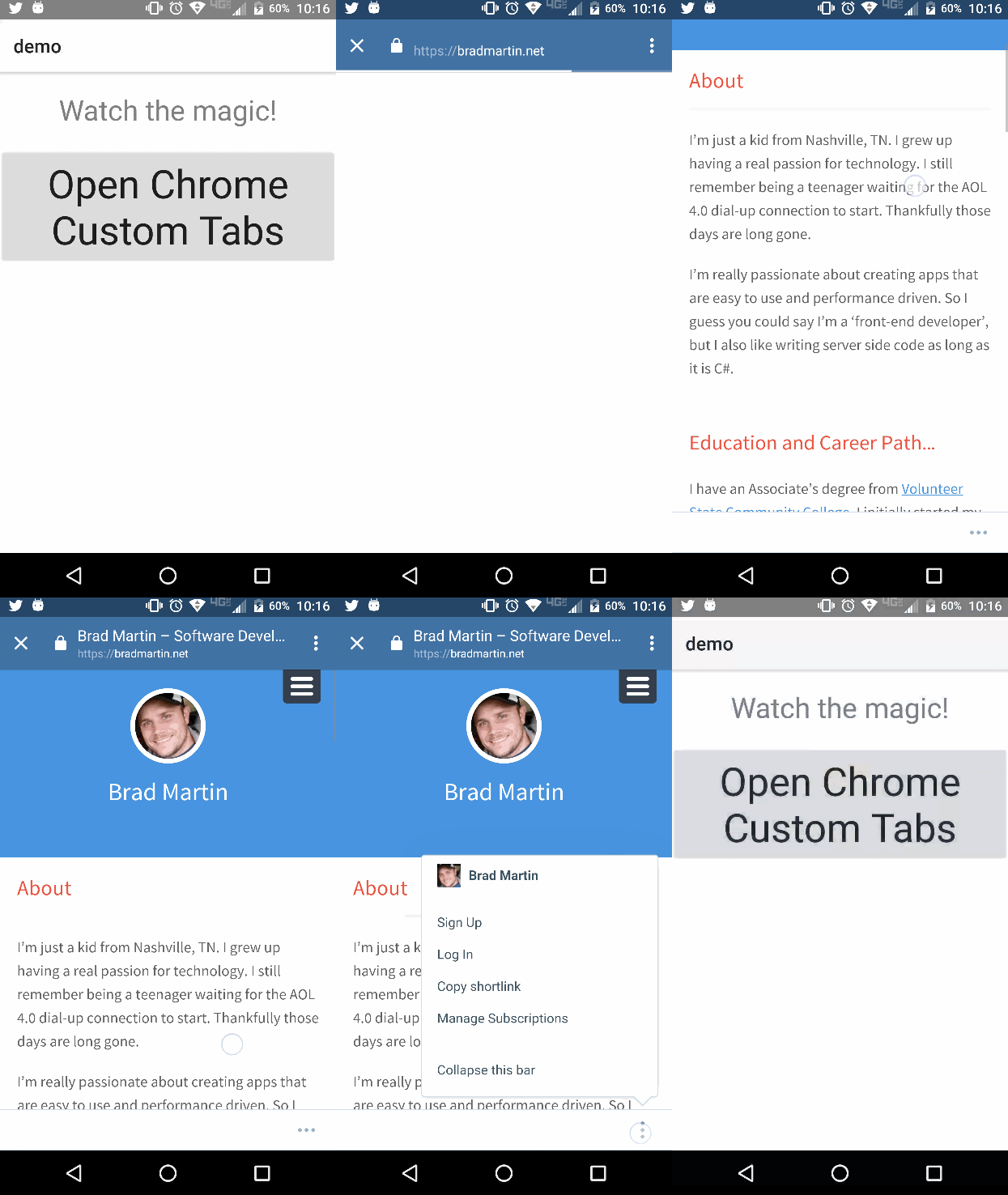
tns plugin add nativescript-advanced-webview@5.0.0Here is a video showing off Chrome CustomTabs in NativeScript.
Android
iOS
Why use this? Because Perf Matters
Demo
| Android | iOS |
|---|---|
 |
 |
Example
TypeScript
Initiate the service before the app starts e.g app.ts, main.ts
import { init } from 'nativescript-advanced-webview';
init();
import {
AdvancedWebviewEvents,
AdvancedWebViewOptions,
init,
NSAdvancedWebViewEventEmitter,
openAdvancedUrl
} from 'nativescript-advanced-webview';
function whateverYouLike() {
NSAdvancedWebViewEventEmitter.once(AdvancedWebviewEvents.LoadStarted, () => {
console.log('LOAD STARTED');
});
NSAdvancedWebViewEventEmitter.once(AdvancedWebviewEvents.LoadFinished, () => {
console.log('LOAD FINISHED');
});
NSAdvancedWebViewEventEmitter.once(AdvancedWebviewEvents.LoadError, () => {
console.log('LOAD ERROR');
});
NSAdvancedWebViewEventEmitter.once(AdvancedWebviewEvents.Closed, () => {
console.log('CLOSED');
});
const opts: AdvancedWebViewOptions = {
url: 'https://nativescript.org',
showTitle: true,
toolbarColor: '#336699',
toolbarControlsColor: '#fff'
};
openAdvancedUrl(opts);
}API
- openAdvancedUrl(options: AdvancedWebViewOptions)
- close() _ iOS Only _ :: Closed the safari view controller.
AdvancedWebViewOptions Properties
- url: string
- toolbarColor: string
- toolbarControlsColor: string - ** iOS only **
- showTitle: boolean - ** Android only **
Events
- LoadStart
- LoadFinished
- LoadError
- Closed
Demo App
- fork the repo
- cd into the
srcdirectory - execute
npm run demo.androidornpm run demo.ios