
Nelson Cloud





Overview
Nelson Cloud brings the power of Nelson numerical computation software to your web browser, making scientific computing and numerical analysis more accessible and convenient than ever before.
Demo
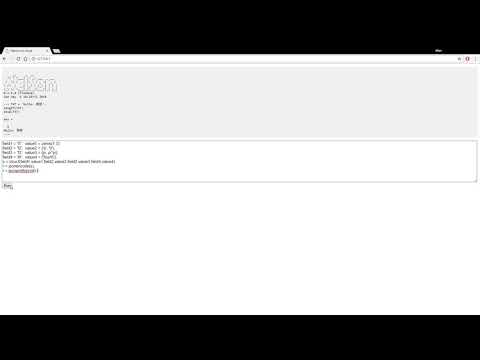
Features
- Browser-based Nelson command execution
- Real-time computation results
- Interactive command-line interface
- Custom server deployment options
- Socket.IO v4.0 integration
Prerequisites
Before installation, ensure you have:
- Node.js 22.14.0 or higher
- Docker installed and running
- A modern web browser
Installation
Global Installation
- Pull the Nelson Docker image:
docker pull nelsonsoftware/nelson-sio-cli:latest- Install Nelson Cloud globally:
npm install -g nelson-cloud- Start the application:
nelson-cloud- Open your web browser and navigate to:
http://localhost:9090Local Development Setup
- Clone the repository:
git clone https://github.com/nelson-lang/nelson-cloud.git
cd nelson-cloud- Install Docker dependencies:
npm run dockerInstall- Install project dependencies:
npm install- Start the application:
npm start- Run tests:
npm testContributing
Contributions are welcome! Please follow these steps:
- Fork the repository
- Create your feature branch (
git checkout -b feature/AmazingFeature) - Commit your changes (
git commit -m 'Add some AmazingFeature') - Push to the branch (
git push origin feature/AmazingFeature) - Open a Pull Request
Contact
Project Maintainer: Allan CORNET Email: nelson.numerical.computation@gmail.com
License
Distributed under the GPL-2.0 License. See COPYING.md for more information.