ngx-tslint-report v1.2.0
ngx-tslint-report
A tool to generate a report of TSLint errors
Installation
Install it as a dev dependency of your Angular application:
npm i -D ngx-tslint-reportUsage
Add a generatereport script to your project's package.json:
"scripts": {
  "generatereport": "ngxtslintreport"
}
You can now run npm run generatereport to generate report of TSLint errors.
Configuration
Executing the above script or ngxtslintreport for the first time will generate the default configuration file tslint-report-config.json under folder ngx-tslint-report with following configurations:
{
    "tslint": "tslint.json",
    "tsconfig": "tsconfig.json",
    "reportHostPort": 8090
}
tslint - File path of tslint config preferred (Default: Current project config)
tsconfig - Typescript config file path (Default: Current project config)
reportHostPort - Port where TSLint report has to be hosted (Default: 8090)
Note: If default/configured reportHostPort is in use random port will be picked and report will be served there.
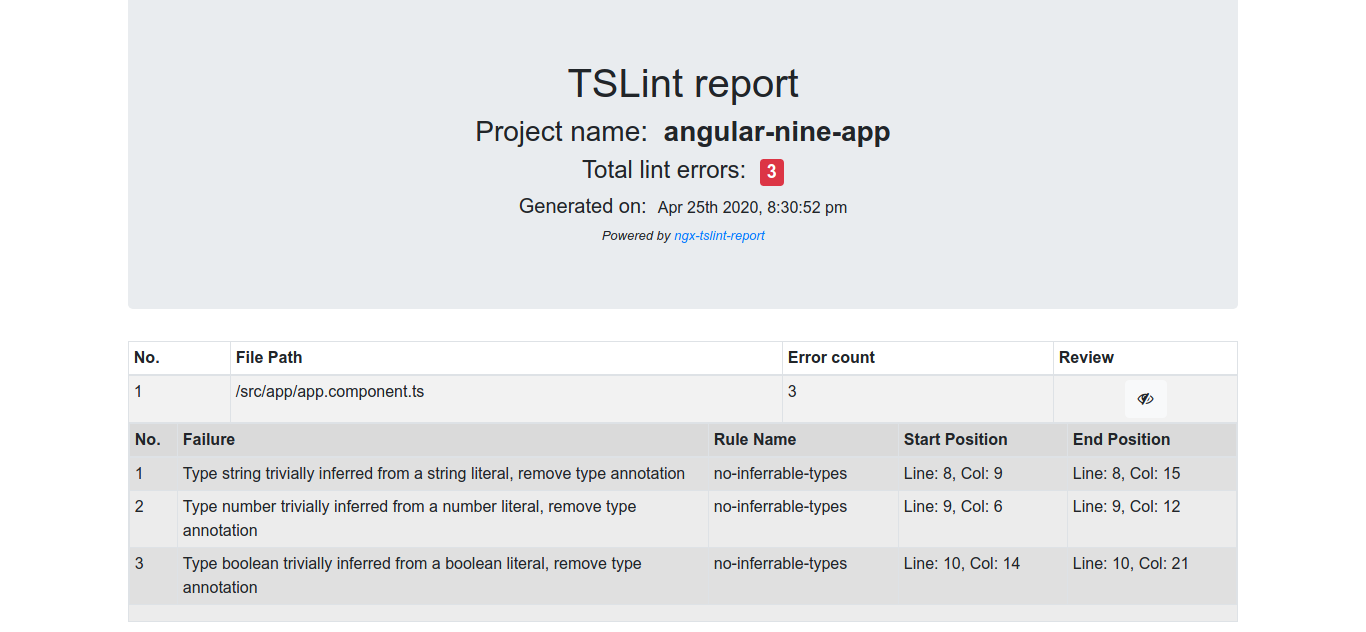
Screenshots