nurture v3.0.0
nurture 

Define watches with with your source files
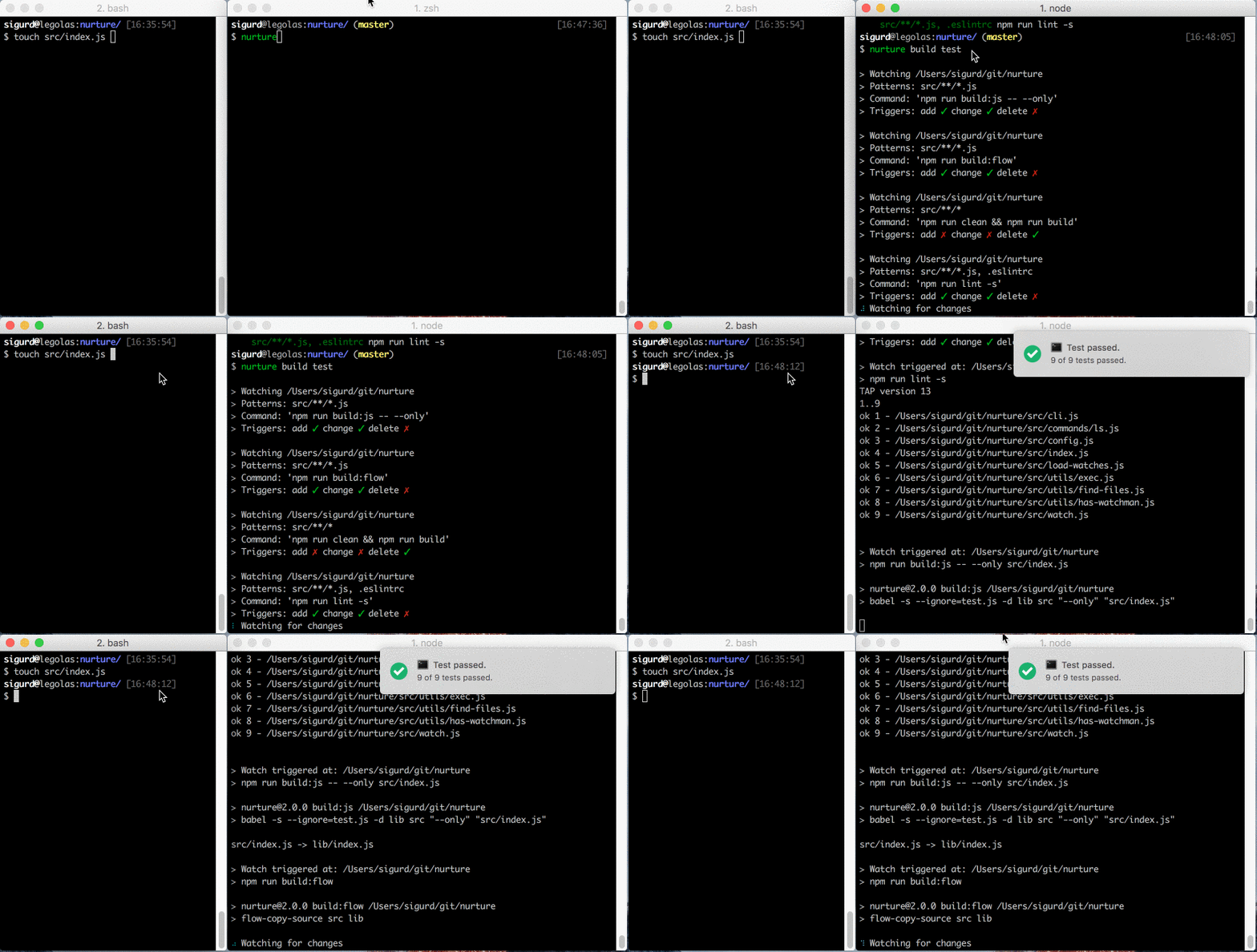
Create .watch definition files with your source files, and watch for changes.
A perfect fit for monorepo solutions.
Motivation
With a folder structure like this:
my-tool
├── lerna.json
├── package.json
└── packages
    ├── my-tool
    └── my-tool-cli
One can setup watch-definitions for both packages my-tool and my-tool-cli
by adding .watch definitions inside each package. Then in the root run
nurture <target> to watch the target in both projects.
Install
$ npm install --save nurtureNurture uses sane behind the scenes so for the most reliable usage on linux and OS X install watchman
CLI Usage
Usage:
  nurture <target>
target is defined in .watch files
Example
{
  "build": [{
    "patterns": ["src/*.js"],
    "command": "npm run build:js -- --only",
    "appendFiles": true,
    "appendSeparator": ","
  }, {
    "patterns": ["src/*.js"],
    "command": "npm run build:flow"
  }]
  "test": [{
    "patterns": ["src/*.js"],
    "settle": 500,
    "command": "npm test",
  }]
}
To watch test run nurture test
To watch build run nurture build
License
MIT © Sigurd Fosseng
4 years ago
9 years ago
9 years ago
9 years ago
9 years ago
9 years ago
9 years ago
9 years ago
9 years ago
9 years ago
9 years ago
9 years ago
10 years ago
10 years ago
10 years ago
10 years ago
10 years ago
10 years ago
10 years ago
10 years ago
10 years ago
10 years ago
10 years ago