1.0.0 • Published 6 years ago
pilo v1.0.0
pilo
RPi-powered lights-out management for servers. Remotely control the keyboard, power, and see the screen of a server.
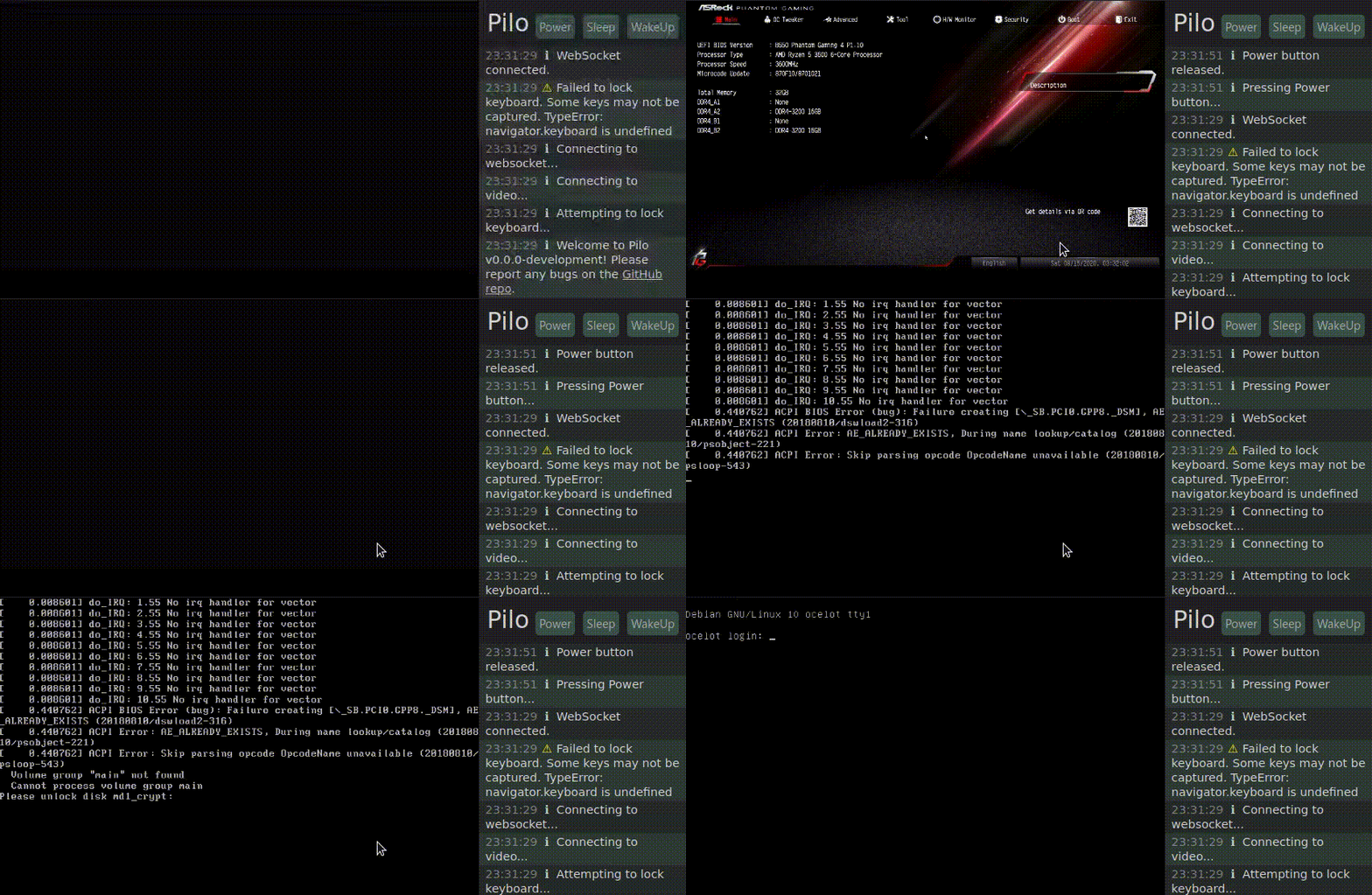 |
|---|
| GIF demo of Pilo's web interface, showing a user booting a system and accessing the BIOS and disk encryption passphrase screen via the web. |
Production Setup
See the Pilo blog post for detailed instructions on production hardware/software setup.
Environment Variables
AUTH_SHA(required) - SHA256 hash of the desiredusername:passwordstring to log in to Pilo.PORT(default:3000) - port to listen for HTTP connections onSERIAL_PATH(default:/dev/ttyUSB0) - the path to the serial ioctl to use to communicate with the PS/2 controllerSERIAL_BAUD_RATE(default:9600) - baud rate for PS/2 controller connectionMJPEG_URL(default:http://127.0.0.1:9000/stream/video.mjpeg) - URL to reverse-proxy video requests to
Development
Install Dependencies
pilo uses yarn to manage workspaces. To install dependencies:
yarnStart server + frontend in development mode
The following command will run yarn start in the frontend and server packages, which will automatically begin watching code for changes and reloading the frontend/server as needed:
yarn startIt will probably complain about a missing AUTH_SHA, so pass one.
Alternatively, you can use the test server configuration, which has the default username and password baruser:foopass:
cd e2e
yarn start:test:server
Run e2e tests
Assuming port 3000 is free, this command will start the test server and begin testing:
cd e2e
yarn test1.0.0
6 years ago
0.0.0-development
6 years ago