0.2.2 • Published 4 years ago
react-animation-library v0.2.2
react-animations
custom react toast animations with different variants/animations Minimalistic elements meant to be stylized and placed within your project
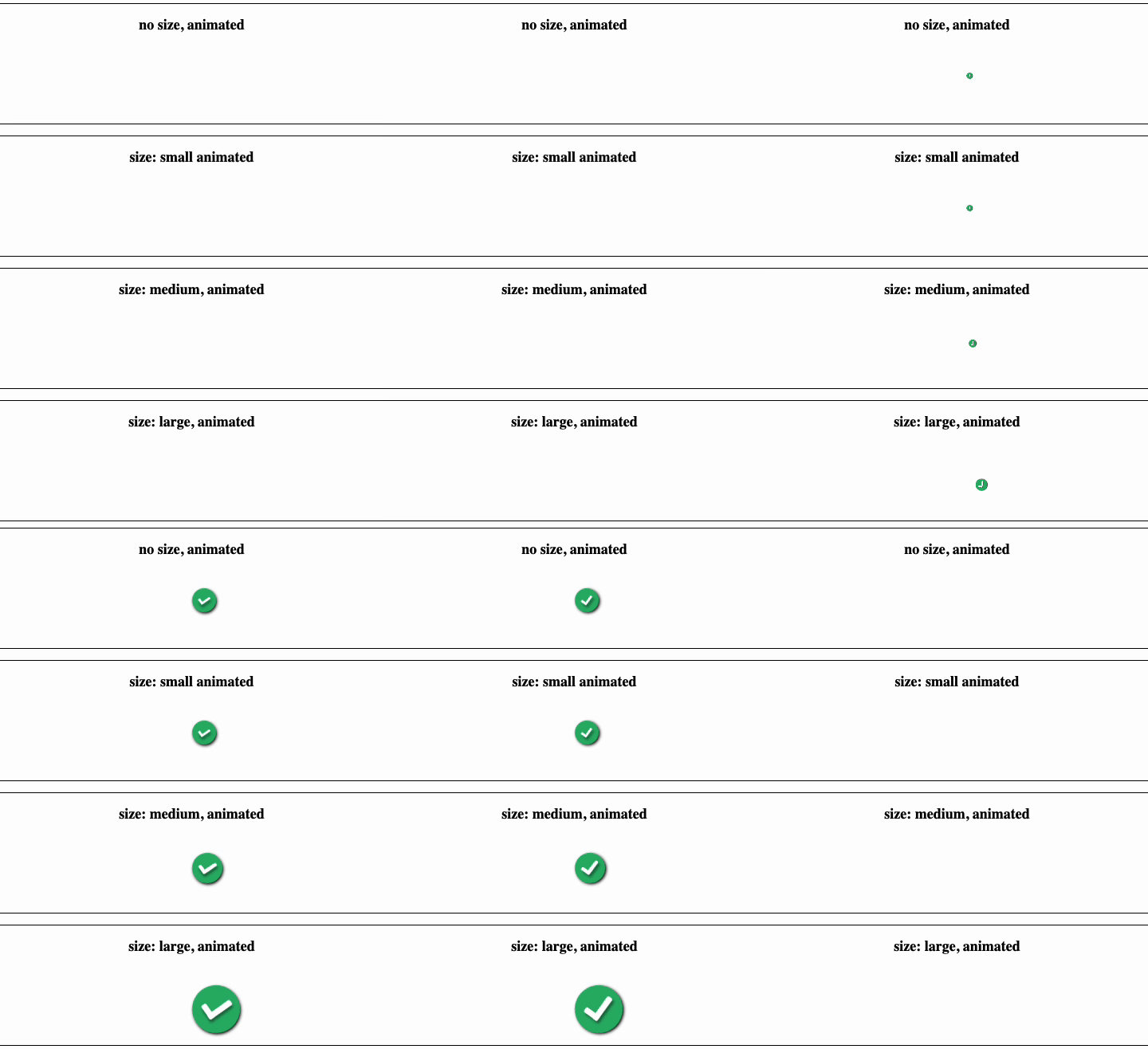
Popup
position is meant to pop up not be inline with other components or containers
Usage
<Popup show={show} animated={true} onClose={closed}/>Props
| prop | type | comment |
|---|---|---|
| show | bool | true = popup opens |
| animated | bool | If popup is animated |
| onClose | callback | called when popup is closed |
| variant | string | success(default), warning, danger, trash |
InLinePopup
position is meant to fit within buttons, cards, and other containers

Usage
<InLinePopup show={show} animated={true} onClose={closed}/>Props
| prop | type | comment |
|---|---|---|
| show | bool | true = popup opens |
| animated | bool | If popup is animated |
| onClose | callback | called when popup is closed |
| variant | string | success(default), warning, danger, trash |
Modal
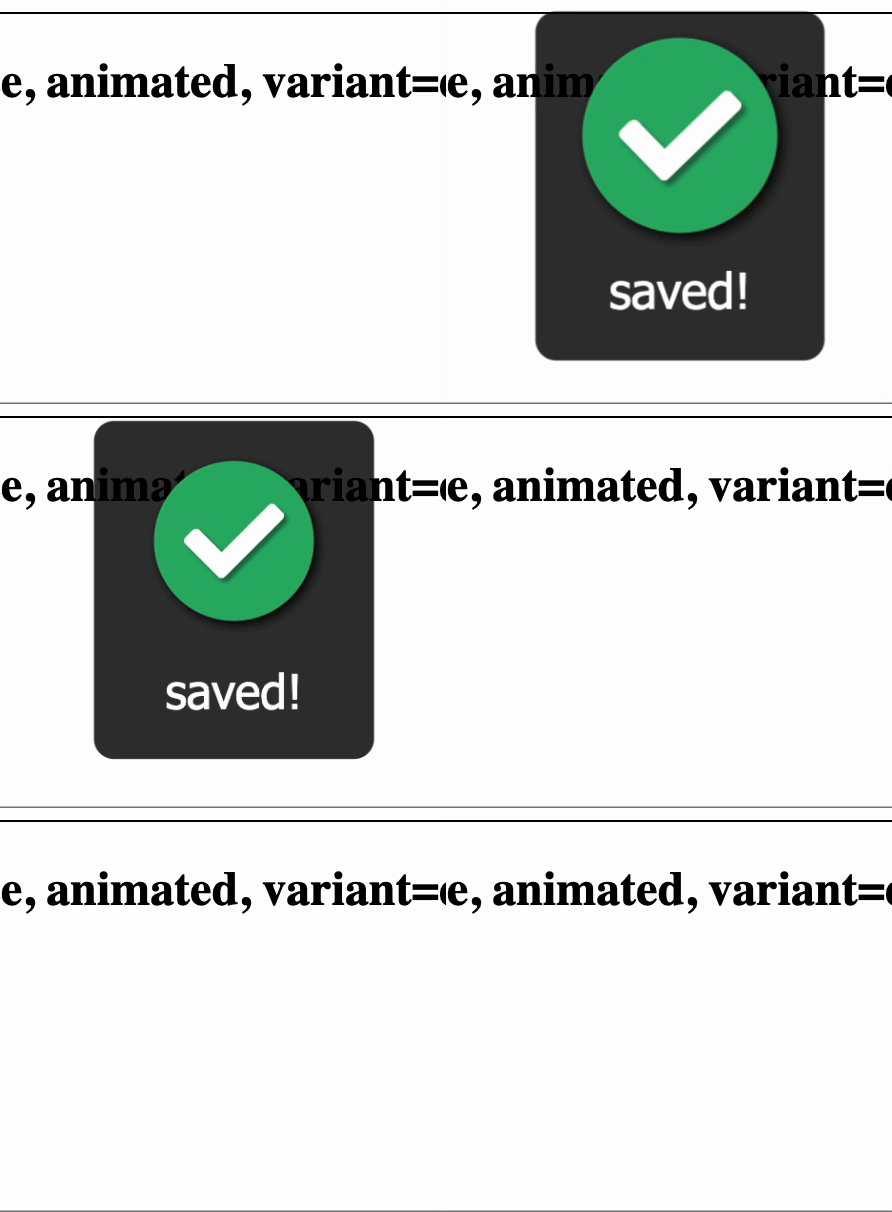
Position is absolute and meant to be displayed over everything
Usage
<Modal show={showModal} onClose={closeModal} variant="success" backdrop={false} message="saved!"/>Props
| prop | type | comment |
|---|---|---|
| show | bool | true = popup opens |
| onClose | callback | called when popup is closed |
| message | string | message displayed below the icon |
| backdrop | bool | Makes background dark temporarily |
| variant | string | success(default), warning, danger, trash |
importing
import { Modal } from 'react-animation-library/dist/'Environment Setup
Demo
git clone https://github.com/jaysongiroux/react-animations.git
cd react-animations/react-animations
npm install
npm start
Building
git clone https://github.com/jaysongiroux/react-animations.git
cd react-animations/react-animations
npm run build or yarn build
deploy
yarn build or npm run build
npm publish