
Licence
—
Version
0.1.1
Deps
10
Size
10 kB
Vulns
0
Weekly
0
Project presentation
This project is a React Calendar date picker.
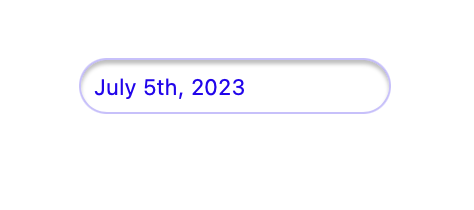
Here is the view of the input before the calendar is open:
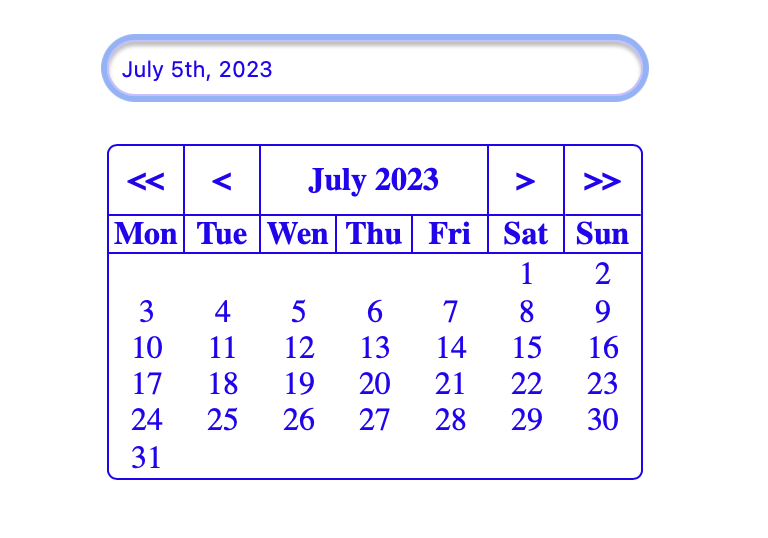
Here is the view of the calendar after clicking on the input.
Getting started
Install dependencies
You can install this calendar with npm:
npm install react-calendar-component-nekochanAdd the component
Import the calendar
import {Calendar} from "react-calendar-component-nekochan"Insert the calendar
<Calendar ID={'birthDate'} handleMyClick={handleClickBirthdate} text={"Date of Birth"} className={"color"}/>ID : id for the input
text : label of the input
handleMyClick : for functions to retrieve the date
example:
const handleClickBirthdate = (cnt) => {
        setBirthDate(cnt)
    }
className : to add some style to the calendar