1.0.2 • Published 6 years ago
react-child-lock v1.0.2
React-Child-Lock
Add a simple lock to prevent your site from being accessed by users while under development


Description
React-Child-Lock is a simple & customizable way of preventing un-wanted users from visiting your site. This library is in no way secure as the password is simply passed as a prop, hence the name child lock. Please do not use this library to restrict access to confidential/secure information. The intent of this is to prevent users from acessing a project under development and thinking it's a finished product.
Install
npm install --save react-child-lockUsage
ChildLock
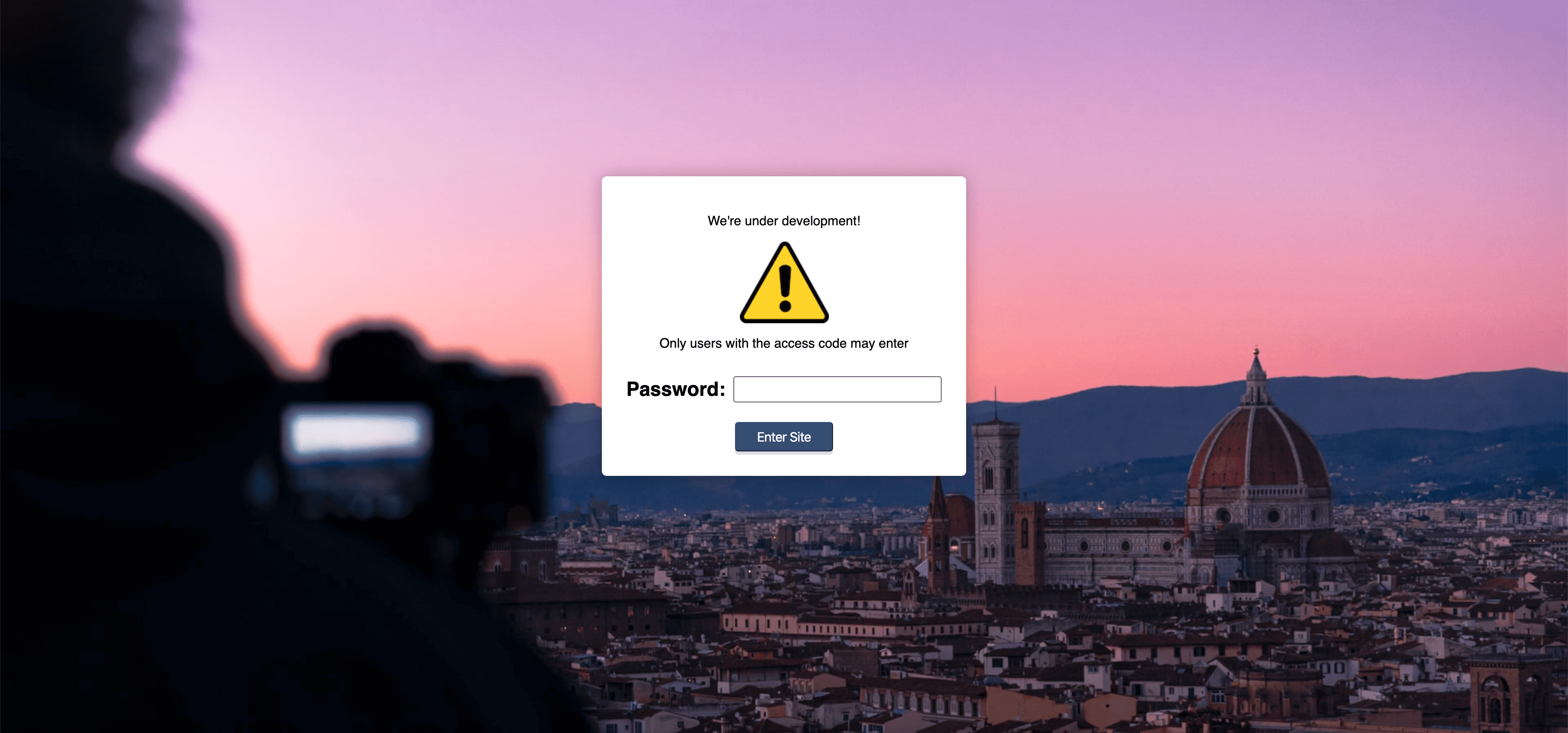
This the easiest way to get started, which uses the default password;
Password.
import React from 'react';
import ChildLock from 'react-child-lock';

export default function App() {
    return (
        <div className="app">
            <ChildLock/>
            // Rest of your code goes here
        </div>
    )
}
Customization
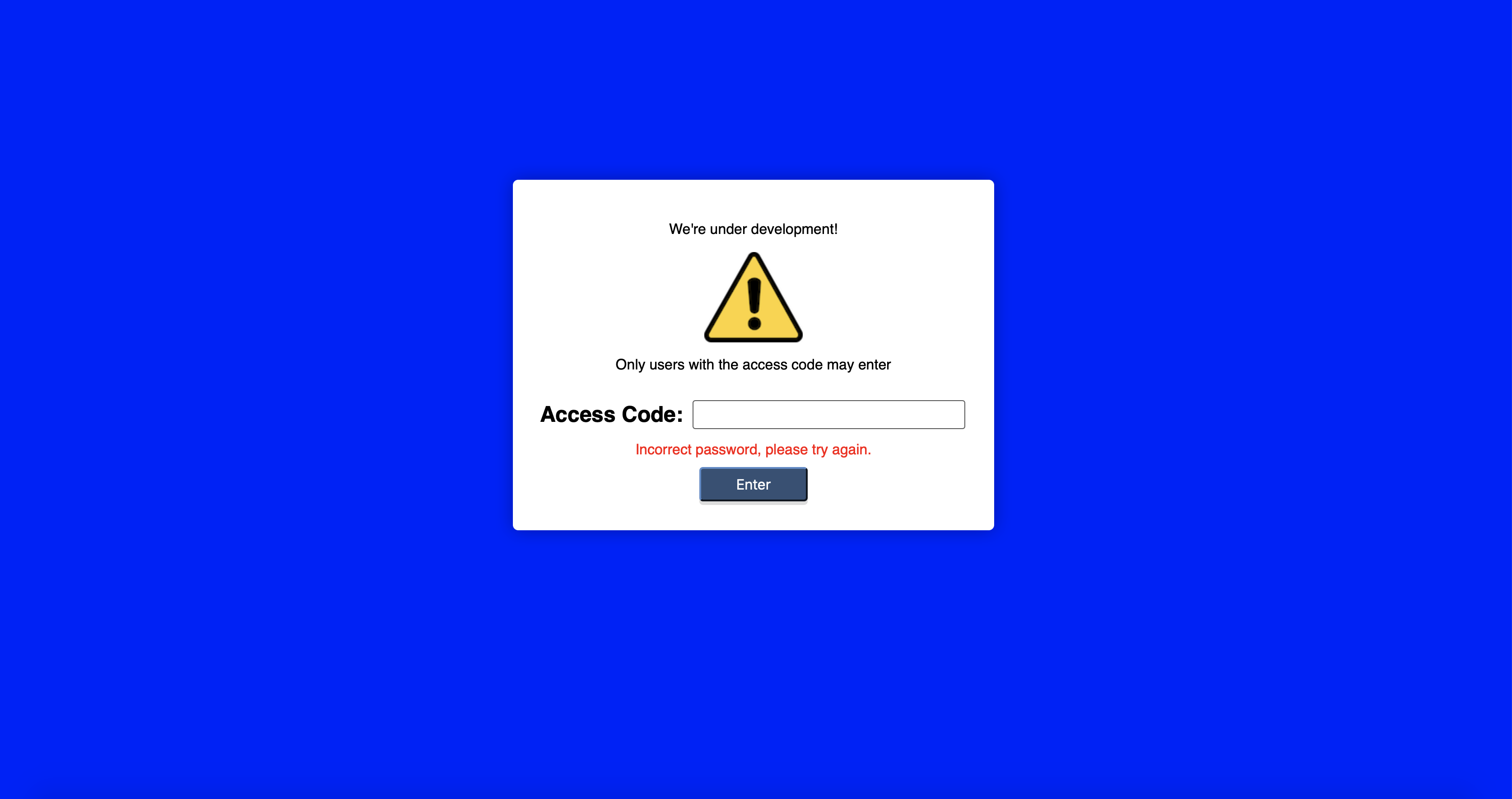
React-Child-Lock can be customized by passing the following optional props
- password: A
stringcontaining the password you wish to use. - localStorage: A
booleanfor whether or not to use localStorage to save the password locally on the device. Iftruethe user will only have to enter the password once (defaults tofalse). - customContent: An
element/componentcontaining content to be placed above the password input, as seen in the screenshot above. - background: An
objectto customize the background of the login screen containing one of the following:- image: A
stringcontaining a path to an image (defaults to a random image from Unsplash). - color: A
stringwith a colour to be used for the background.
- image: A
- inputLabelText: A
stringcontaining the text for the input label (defaults to"Password:"). - buttonText: A
stringcontaining the text for the button (defaults to"Enter Site"). - errorText: A
stringcontaining the text for the error message (defaults to"Sorry, that password is incorrect").
Full Example:
import React from 'react';
import ChildLock from 'react-child-lock';
import warning from './warning.png';

export default function App() {
    return (
        <div className="app">
            <ChildLock
                password="earlyAccess!"
                localStorage={true}
                customContent={<BetaNotice/>}
                background={{color: "blue"}}
                inputLabelText="Access Code:"
                buttonText="Enter"
                errorText="Incorrect password, please try again."
            />
            <h1>WELCOME TO MY SITE</h1>
        </div>
    )
}

export function BetaNotice() {
    return (
        <div style={{display: "flex", flexDirection: "column", justifyContent: "center", alignItems: "center"}}>
            <p>We're under development!</p>
            <img src={warning} alt="Warning symbol"/>
            <p>Only users with the access code may enter</p>
        </div>
    );
}
License
MIT © Jordan-Morrison