3.0.1 • Published 3 years ago
react-code-container v3.0.1
react-code-container


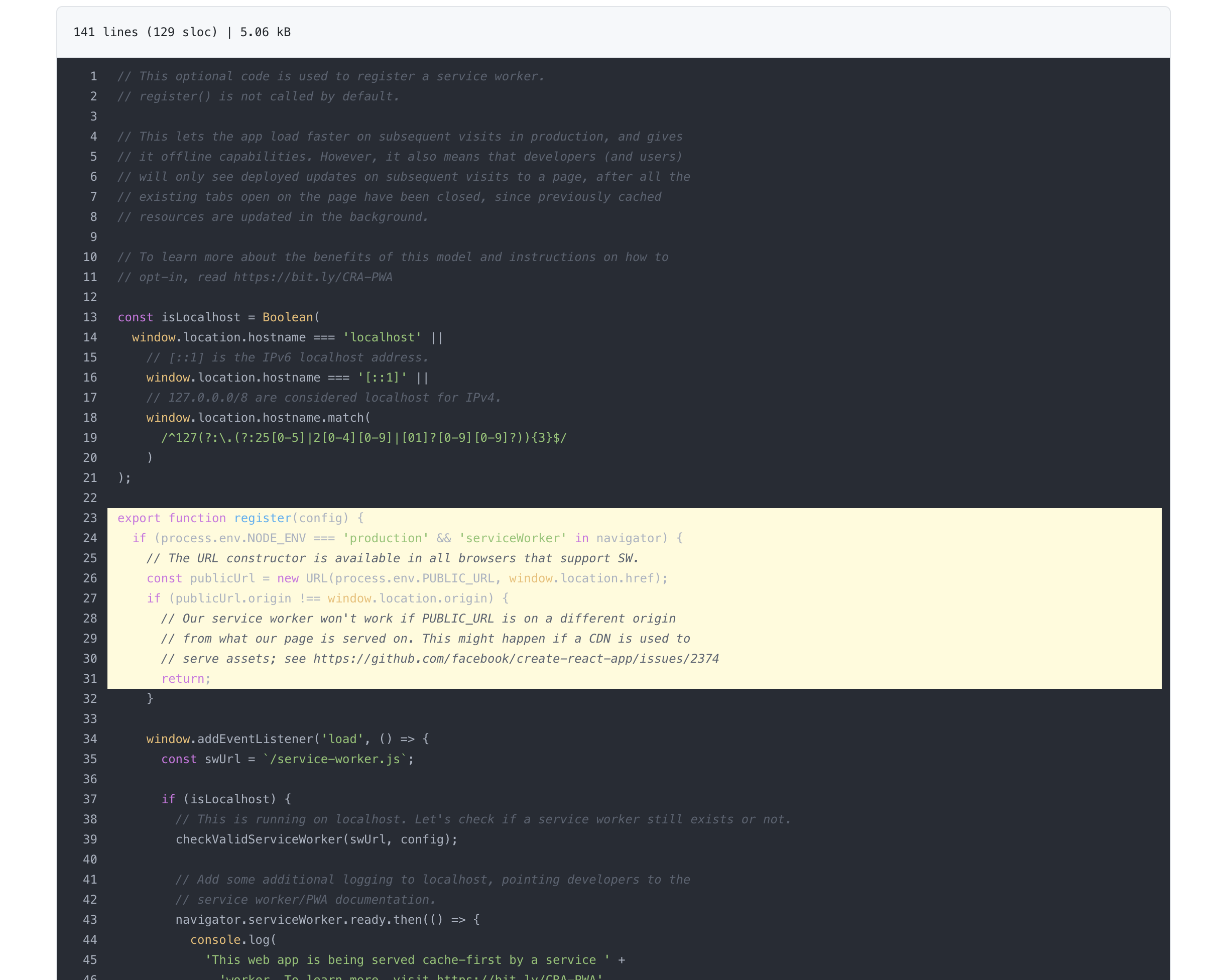
Install
npm install --save react-code-containerUsage
import React, { useState } from 'react';
import 'react-code-container/dist/styles/base.css';
import 'highlight.js/styles/atom-one-dark.css'; // Find any highlight style you need
import ReactCodeContainer from 'react-code-container';

export default () => {
  const [language, setLanguage] = useState('jsx');
  const [showLineNumber, setShowLineNumber] = useState(true);

  const code = `export function hello() => {
    console.log("Hello world")
  }`;
  return (
    <ReactCodeContainer
      code={code}
      showLineNumber={showLineNumber} // optional
      language={language} // optional
      onLineNumberClick={handleLineNumberClicked} // optional
    />
  );
};
Configuration
| Option | Required | Default | Description |
|---|---|---|---|
code | required | Your code which want to display | |
showLineNumber | optional | true | You can turn on / off line number |
language | optional | Leave empty will use auto detect | |
onLineNumberClick | optional | The callback function if you clicked lineNumber |
License
MIT © Kun Yan
3.0.1
3 years ago
3.0.0
3 years ago
2.0.0-rc.2
3 years ago
2.0.0-rc.3
3 years ago
2.0.0-rc.4
3 years ago
2.0.0-rc.5
3 years ago
2.0.0-rc.1
3 years ago
2.0.0-rc.6
3 years ago
2.0.0-rc.7
3 years ago
2.0.0-rc.8
3 years ago
2.0.0
3 years ago
2.0.0-rc.9
3 years ago
1.1.3
5 years ago
1.1.2
5 years ago
1.1.1
5 years ago
1.1.0
5 years ago
1.0.6
5 years ago
1.0.5
5 years ago
1.0.4
5 years ago
1.0.3
5 years ago
1.0.2
6 years ago
1.0.1
6 years ago
1.0.0
6 years ago