0.0.1 • Published 6 years ago
react-fall v0.0.1
React-Roll
infinite scroller, record scroll position, like twitter's timeline
🇦🇺English |🇨🇳 简体中文
Features
- Optimization big list
- infinite scroll loading
- Record list scroll state
- Support different height list items
DEMO
different height items
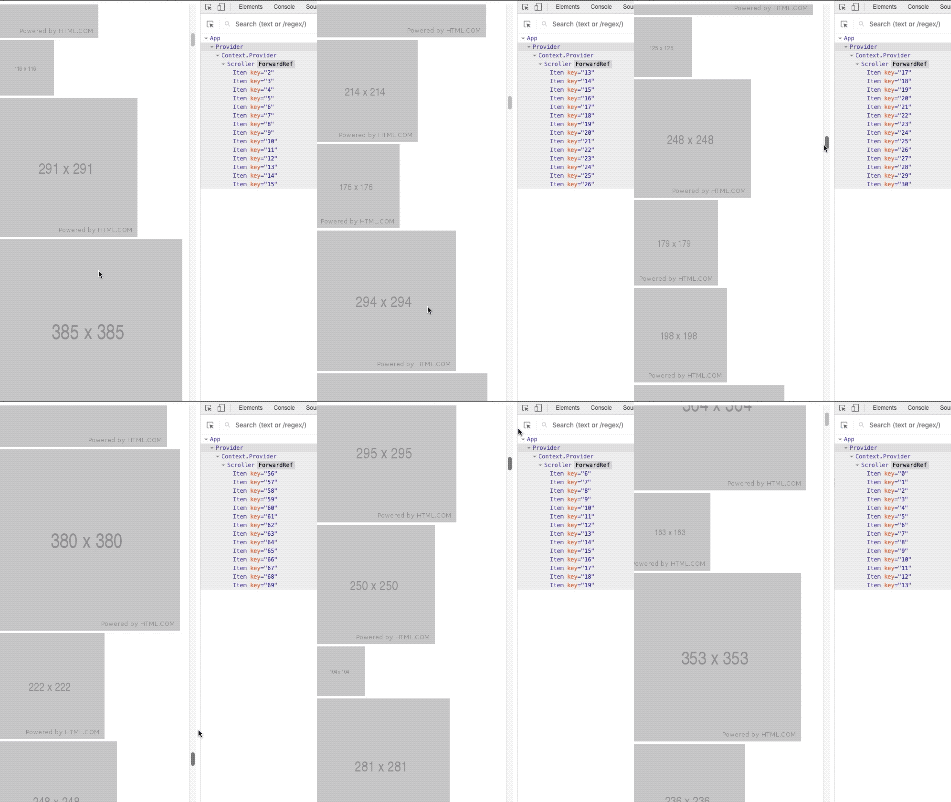
select city of china

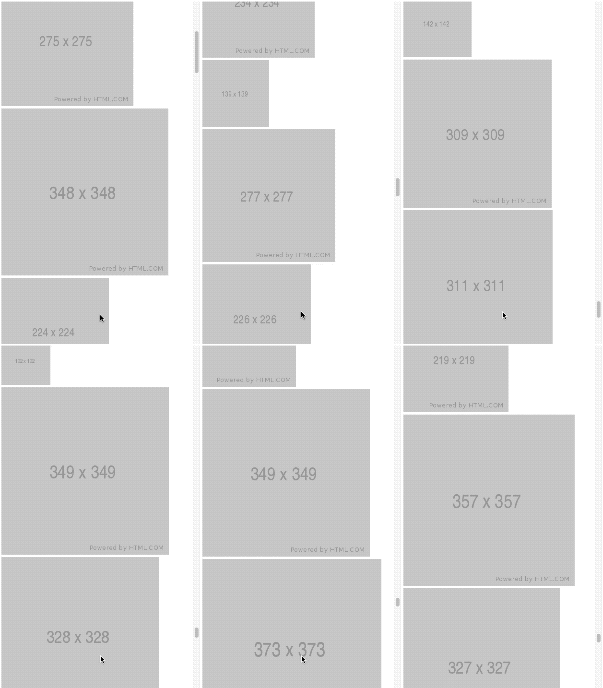
infinite scroll to load data
record scroll status
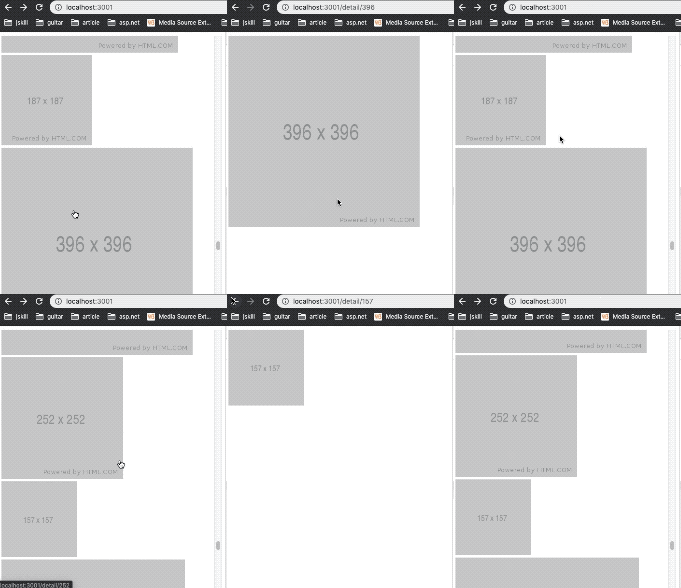
Install
npm install react-rollUsage
* Quick use!
import {Provider, Scroller} from 'react-scoll'

const App () => (
  <Provider>
    <Scroller element={ListItem}/>
  </Provider>
)
* How to pass data to each list item?
async function fetch(page, push) {
  const list = await getData({page}) // list: [{title}]
  push(list)
}

const ListItem = ({title}) => <div>{title}</div>

// As long as there is onFetch prop, that you can infinite load list data
<Provider>
  <Scroller element={ListItem} onFetch={fetch} />
</Provider>
* Make scrolling more precise
// If the list items have different heights, set an average height!
// And If the list items have same heights, set an average height too!
<Provider>
  <Scroller averageHeight={200} element={ListItem} onFetch={fetch} />
</Provider>
* No need to scroll infinitely, just optimize the list
<Provider source={bigList}>
  <Scroller averageHeight={50} element={ListItem}>
</Provider>
* Insert elements other than lists
<Provider source={bigList}>
  <Scroller
    {/* other elements */}
    upperRender={() => <Header />}
    averageHeight={50}
    element={ListItem}>
</Provider>
API
Scroller
| prop(extends DIV) | description | type | default |
|---|---|---|---|
| element | list item component | React.Element | |
| averageHeight | average height of list item | Number | 350 |
| length | The actual number to render, If not set, it will be calculated by the algorithm | Number | |
| onFetch | the method of fetch data | Function | |
| upperRender | insert elements other than lists | Function |
Provider
| prop | description | type | default |
|---|---|---|---|
| source | data of list, make scrolling components controlled | Array |
0.0.1
6 years ago