2.2.1 • Published 9 years ago
react-input-box-done-typing v2.2.1
react-input-box-done-typing
A React component that triggers a callback when the user has finished typing in the input text box
Usage
Install via npm using the following npm command:
npm i -S react-input-box-done-typingInclude the component within your React application:
import InputBoxDoneTyping from 'react-input-box-done-typing';And use it inside your container:
<InputBoxDoneTyping
  id="input-box-done-typing"
  className="form-control"
  placeholder="Start typing ..."
  maxLength={20}
  defaultValue="lon"
  autoComplete="on"
  onChange={(value) => { console.log('onChange:', value); } }
  doneTyping={(value) => { console.log('doneTyping:', value); } }
  doneTypingInterval={2000}
  />
Attributes
| Name | Type | Required | Default | Options |
|---|---|---|---|---|
id | string | no | - | - |
className | string | no | - | - |
placeholder | string | no | - | - |
maxLength | number | no | - | - |
defaultValue | string | no | - | - |
autoComplete | string | no | on | 'on', 'off' |
onChange | function | no | - | - |
doneTyping | function | yes | - | - |
doneTypingInterval | number | no | 500 (milliseconds) | - |
Demo
Clone or download this GitHub repository then run a live demo using the following npm commands:
npm i
npm run demo
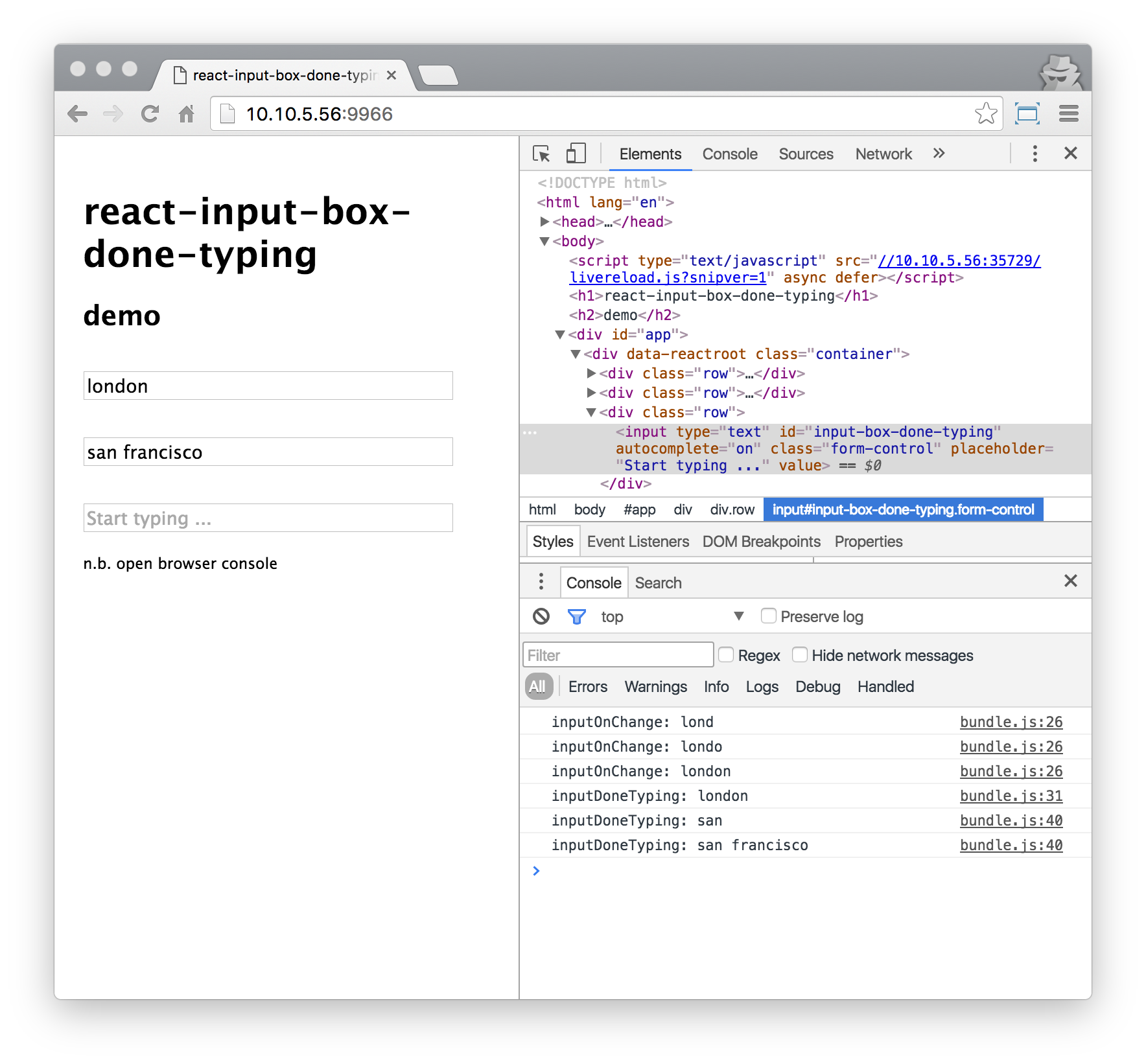
The script will automatically open a tab of your default browser; you will be able to see the InputBoxDoneTyping component in action
2.2.1
9 years ago
2.2.0
9 years ago
2.1.0
9 years ago
2.0.0
10 years ago
1.1.3
10 years ago
1.1.2
10 years ago
1.1.1
10 years ago
1.1.0
10 years ago
1.0.1
10 years ago
1.0.0
10 years ago
0.1.7
10 years ago
0.1.6
10 years ago
0.1.5
10 years ago
0.1.4
10 years ago
0.1.3
10 years ago
0.1.2
10 years ago
0.1.1
10 years ago
0.1.0
10 years ago