1.0.0 • Published 7 years ago
react-native-clean-number-input v1.0.0
React Native Clean Number Input
React Native Component that removes all non-numeric characters from user input.
Installation
npm install react-native-clean-number-inputUsage
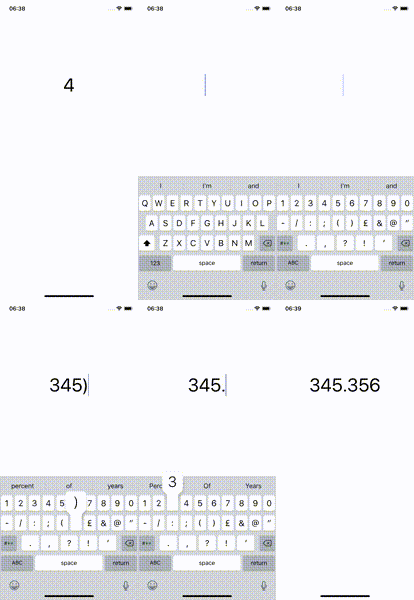
Just import the NumberInput Component and render it. When the value of the input changes all non-numeric characters will removed.
import NumberInput from 'react-native-clean-number-input';

class App extends React.Component {
  render() {
    return (
      <View>
        <NumberInput value={20} />
      </View>
    );
  }
}
Props
The NumberInput Component can accept any prop that TextInput accept, but the prop value is required. To customize the TextInput that is rendered inside the NumberInput Component, simply pass props the TextInput accepts to the NumberInput Component. You can find the props the TextInput Component accepts here.
Here is an example of how to change the keyboard type to numeric.
import NumberInput from 'react-native-valid-number-input';

class App extends React.Component {
  render() {
    return (
      <View>
        <NumberInput
          value={20}
          keyboardType={'numeric'}
        />
      </View>
    );
  }
}1.0.0
7 years ago