1.0.3 • Published 4 years ago
react-native-prompt-cross v1.0.3
react-native-prompt-cross
A cross-platform prompt component for React Native.
Installation
$ npm i react-native-prompt-crossExamples
| iOS | Android |
|---|---|
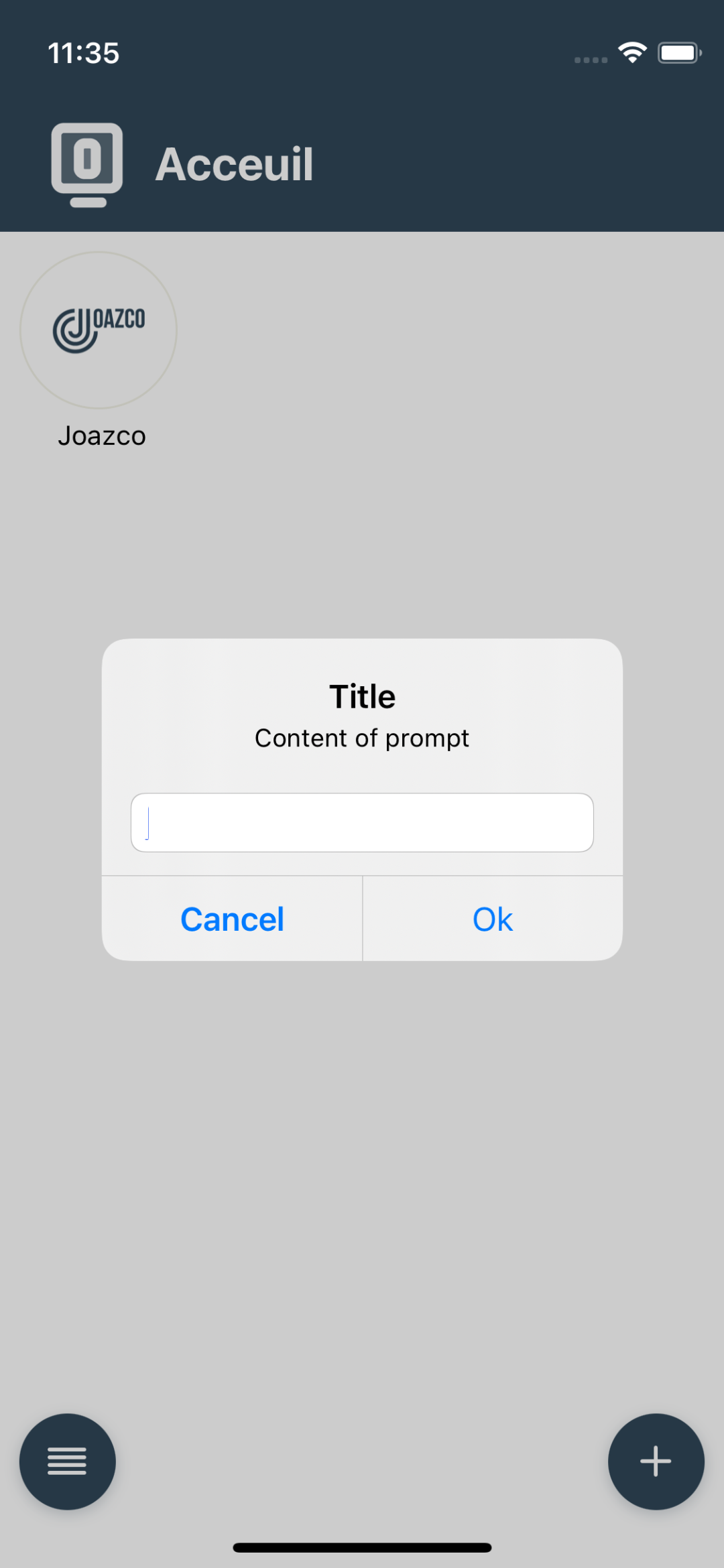 | 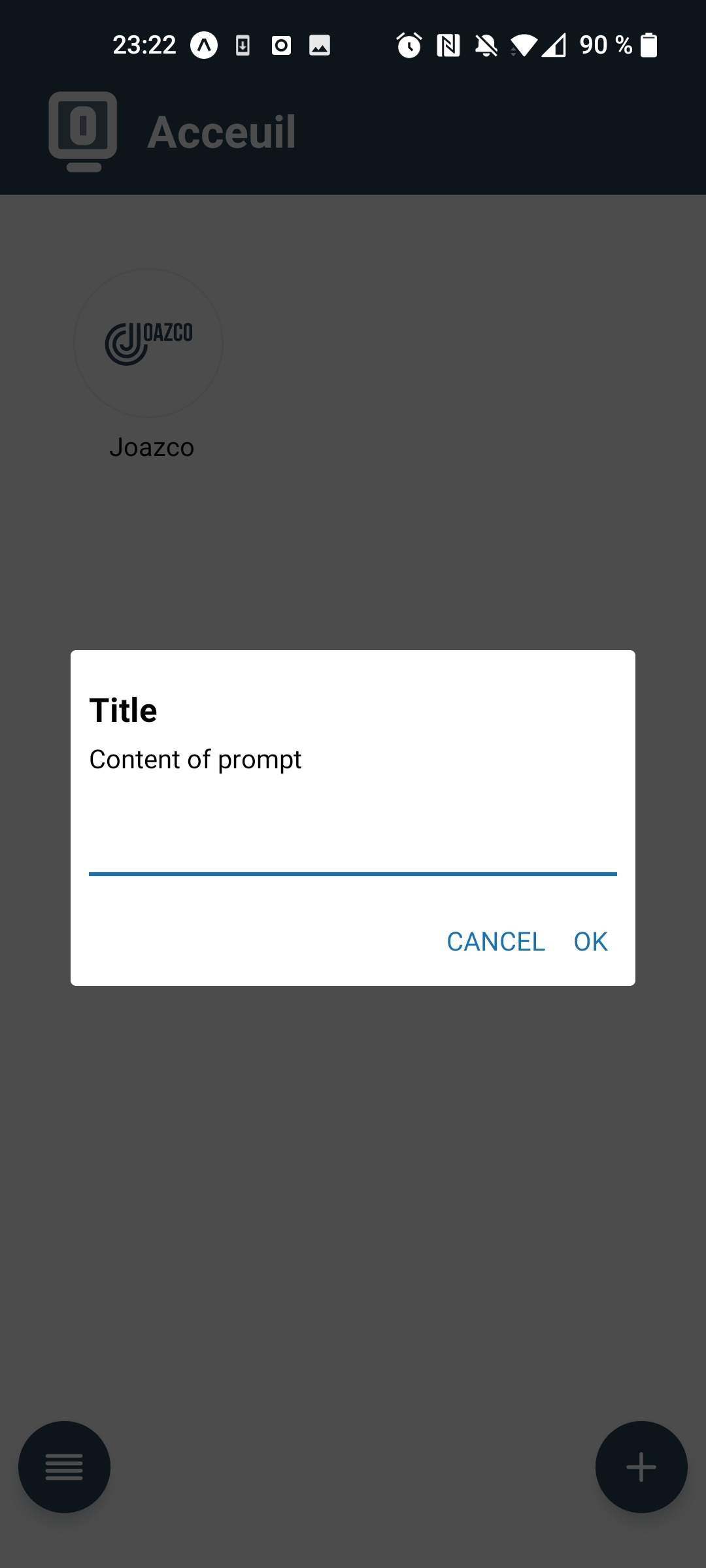 |
Basic Usage
import Prompt from "react-native-prompt-cross";

<Prompt
  title="Title"
  message="Content of prompt"
  defaultValue="value"
  visible={visibleState}
  useNatifIosPrompt
  callbackOrButtons={[
    {
        text: "Cancel",
        style: "cancel",
        onPress: () => setVisibleState(false),
    },
    {
        text: "Ok",
        onPress: (text?: string) => {
            setVisibleState(false);
        },
    },

/>;
API
Props:
visible(boolean, required) -- Whentrue, the prompt is displayed, closes otherwisetitle(string, required) -- The dialog's title.message(string) -- An optional message that appears above the text input.callbackOrButtons(((text?: string) => void) | AlertButton[]) -- If passed a function, it will be called with the prompt's value. If you use array of AlertButton, react-native-prompt-cross can show maximum two buttons (text: string) => void, when the user taps 'OK'. If passed an array, buttons will be configured based on the array content.type(AlertType) -- This configures the text input.defaultValue(string) -- The default text in text input.keyboardType(string) -- The keyboard type of first text field (if exists). One of TextInput keyboardTypes.useNatifIosPrompt(boolean, defaulttrue) -- Set at false if you want use react component not native