
react-pan-zoom-map
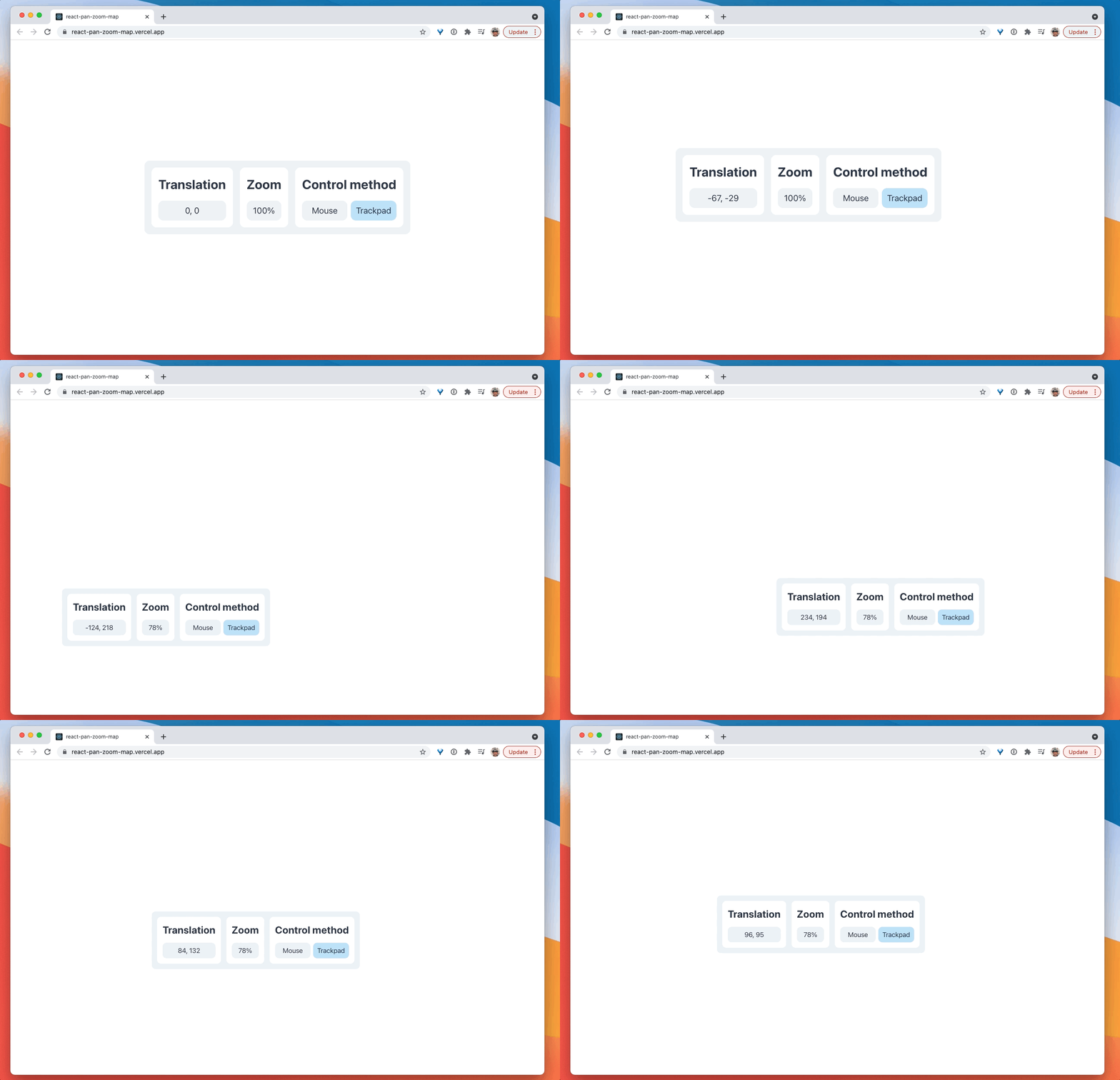
Bring Figma-like pan and zoom interactions to your React app. Unlike other packages, react-pan-zoom-map works seamlessly with trackpads (scroll to pan and pinch to zoom) in addition to mice (grab to pan and wheel to zoom). Try it out for yourself...
Usage
import React from "react";
import PanZoomMap from "react-pan-zoom-map";
import cheetah from "./cheetah.png";

const App: React.FC = () => {
  return (
    <PanZoomMap>
      <img src={cheetah} alt="Cheetah" />
    </PanZoomMap>
  );
};

export default App;
Installation
npm i react-pan-zoom-mapProps
| Name | Description | Default |
|---|---|---|
controlMethod |
'mouse' for grab to pan and wheel to zoom or 'trackpad' for scroll to pan and pinch to zoom. |
'mouse' |
defaultTranslation |
The initial translation. This will change when you grab or scroll. | {x: 0, y: 0} |
defaultZoom |
The initial zoom. This will change when you wheel or pinch. | 1 |
isPanEnabled |
Makes it so that you can or can't pan. | true |
isZoomEnabled |
Makes it so that you can or can't zoom. | true |
panSensitivity |
If you're using controlMethod='trackpad', this changes the sensitivity of your scroll to pan. |
1 |
zoomSensitivity |
Changes the sensitivity of wheel to zoom or pinch to zoom. | 1 |
minZoom |
How far out you can zoom. If minZoom=0.1, your elements can be up to 10x smaller. |
0.1 |
maxZoom |
How far in you can zoom. if maxZoom=10, your elements can be up to 10x bigger. |
10 |
onPanZoom |
A callback for when the map's translation or zoom changes. You'll have access to translation and zoom in the parameters of the callback. |
undefined |