


React Sketch Book
Disclaimer
- react-primitives is only compatible with react 15.0 and is required (or at least strongly recommended).
- React Skecth.app current version works with Sketch version 47, 48 is is broken.
Intro
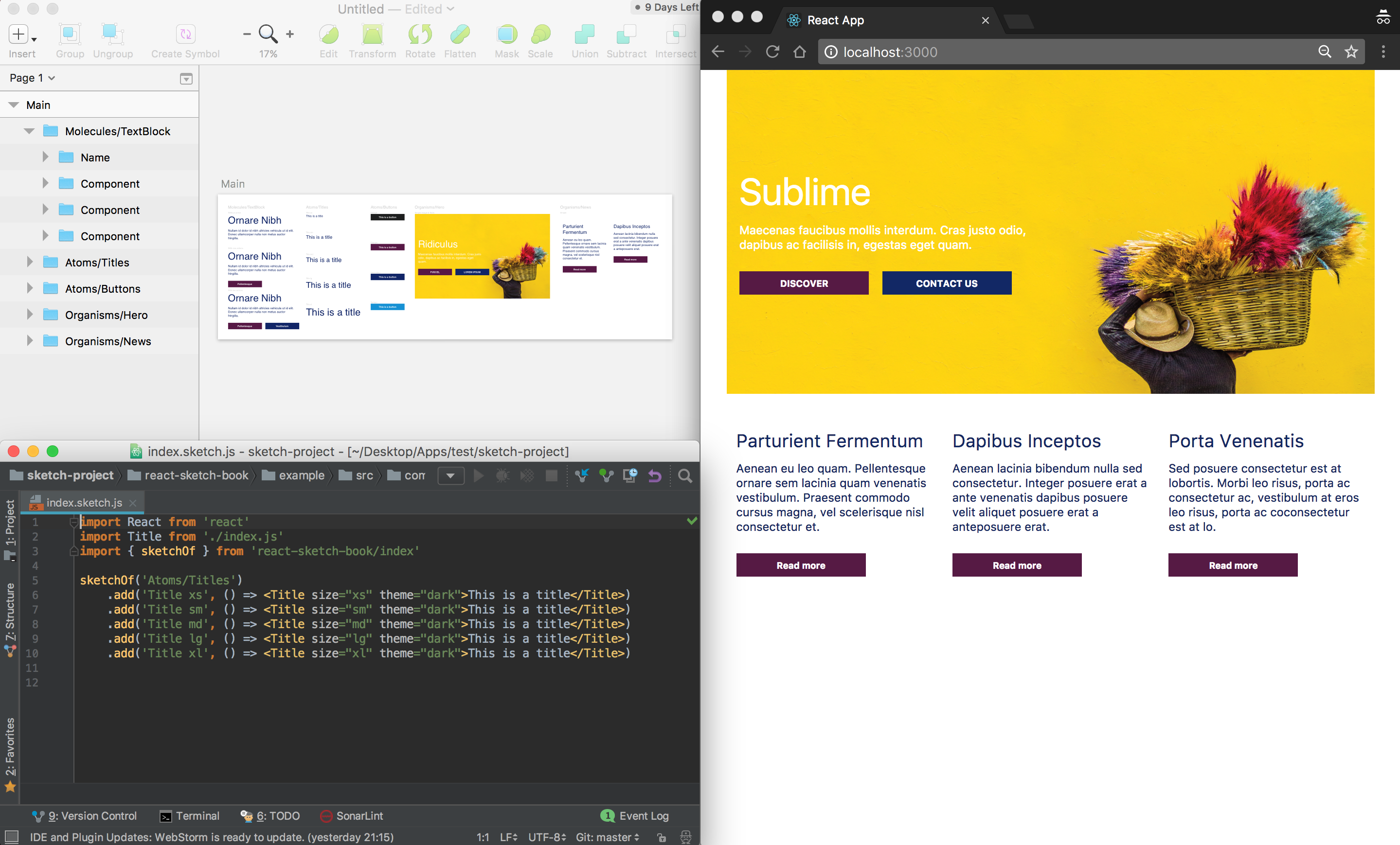
This package is an helper to make all your components available into a Sketch document easily.
It uses React Skecth.app under the hood and take care of all the configuration for you.
You just have to write .sketch.js files for your components and run the build command.
The API is deeply inspired by the famous Storybook.
Requirement
- First, make sure you have installed Sketch version 47, & a recent npm version.
- Your components must be written using either react-primitives or react-sketchapp.
- Open a new Sketch document
Getting Started
Install react-sketch-book package
npm i react-sketch-book --save -DAdd the command to your package.json
{
  "scripts": {
    "sketchbook": "react-sketch-book -p src"
  }
}
The -p or --path argument is the path of your project folder relative to your root directory where react-sketch-book is setup.
Write your sketch files
import React from 'react';
import { sketchOf } from 'react-sketch-book';
import Button from './Button'; // Component built with react-primitves or react-sketchapp

sketchOf('Button')
  .add('Button1', () => (<Button>Hello Button</Button>))
  .add('ButtonWithEmoji', () => (<Button>😀 😎 👍 💯</Button>));
Name your files with .sketch.js extension. eg: Button.sketch.js.
If you don't want to use .sketch.js extension for your files, you can provide a valid regexp using a flag into your script command -r or --regexp to change it.
{
  "scripts": {
    "sketchbook": "react-sketch-book -p src -r /\w+.sketch.js/gi"
  }
}
Build your Sketch Book
Open a new Sketch document if you haven't already and run the following command.
npm run sketchbookSample code
- Download sketch (v47) and clone this repository
- run
npm install && npm run sketchbook
Thanks
Made with for React