
DeprecatedThis package is deprecated
React Timeline
Reusable react components to create a good looking and responsive timeline out the box!
Table of contents
Installation
npm
npm install react-timelinev2Yarn
yarn add react-timelinev2Usage
import React from "react";
import { Timeline, TimelineItem } from "react-timelinev2";

function App() {
  return (
    <div className="App">
      <Timeline>
        <TimelineItem side="left" title="hello world" date="2020">
          Some text
        </TimelineItem>
        <TimelineItem shadows hoverShadow side="left" title="hello world" date="2020">
          I will have shadows!
        </TimelineItem>
        <TimelineItem side="right" title="hello world" date="2020">
          Some text
        </TimelineItem>
        <TimelineItem side="right" title="hello world" date="2020">
          Some text
        </TimelineItem>
      </Timeline>
    </div>
  );
}
Screenshot
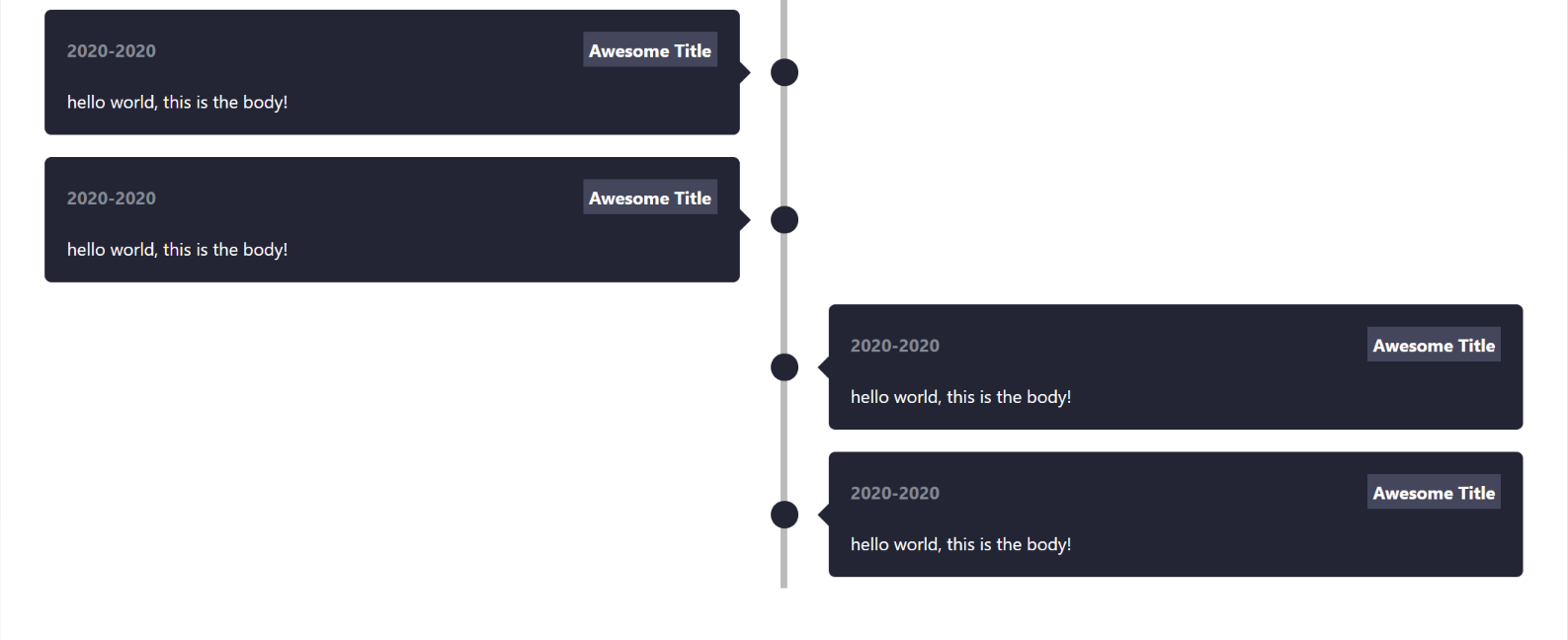
Playground
https://codesandbox.io/s/k2ix2
Available Props
Timeline
| Option | type | description | required |
|---|---|---|---|
| timelineBg | string | Set a background color for the timeline | false |
TimelineItem
| Option | type | description | required |
|---|---|---|---|
| title | string | set the title | true |
| side | string | left or right |
true |
| date | string | set a date | true |
| bgColor | string | set a background color for the timeline item | false |
| bodyTextColor | string | Set a color for the body text | false |
| dateColor | string | Set a color for date | false |
| titleBg | string | Set a background color for the title | false |
| titleColor | string | Set a color for title | false |
| borderRadius | string | Set a border radius for the timeline item | false |
| shadows | boolean | Sets a box-shadow | false |
| hoverShadow | boolean | Sets a box-shadow on hover only | false |
Supporting react-timelinev2
All stars/forks are appreciated!
Made with and TypeScript