1.0.4 • Published 2 years ago
react-weglot v1.0.4
React Component to Integrate Weglot Translation Widget
You can use this component to easily integrate Weglot Translation Widget into ReactJS or NextJS projects. TypeScript is also supported.
Usage
Setting Up Weglot
- Login to Weglot
- Setup translation for
bodyor any other appropriate tag. - Make sure to add all the languages you need
- Copy the
api_key. This would be in formatwg_[0-f]{32}(wg_followed by 32 hexademical characters)
Installing react-weglot
- Install
react-weglot
yarn add react-weglotnpm i react-weglot- Import
useWeglot
import { useWeglot } from 'react-weglot';- Create the
langandsetLangvariables usinguseWeglot()inside your component. (Optional) pass in the default language.
const [lang, setLang] = useWeglot('wg_00000000000000000000000000000000', 'en');- Now use these inside your functionality of buttons or loaders.
import { useWeglot } from 'react-weglot';

export const Weglot = () => {
    const [lang, setLang] = useWeglot('wg_00000000000000000000000000000000', 'en');
    return (
        <div>
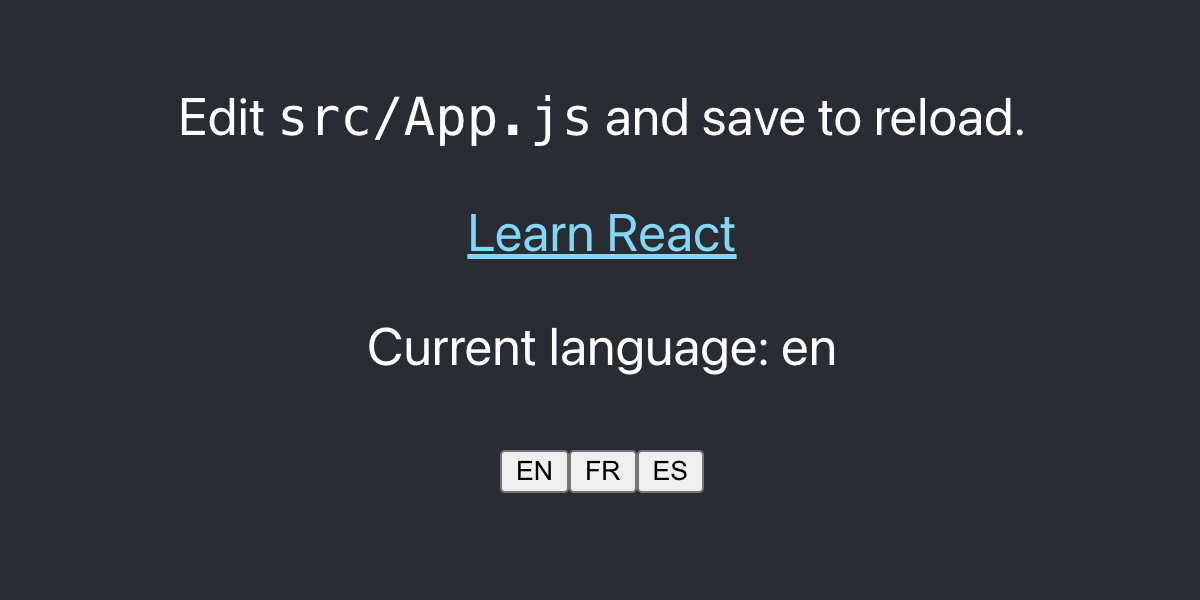
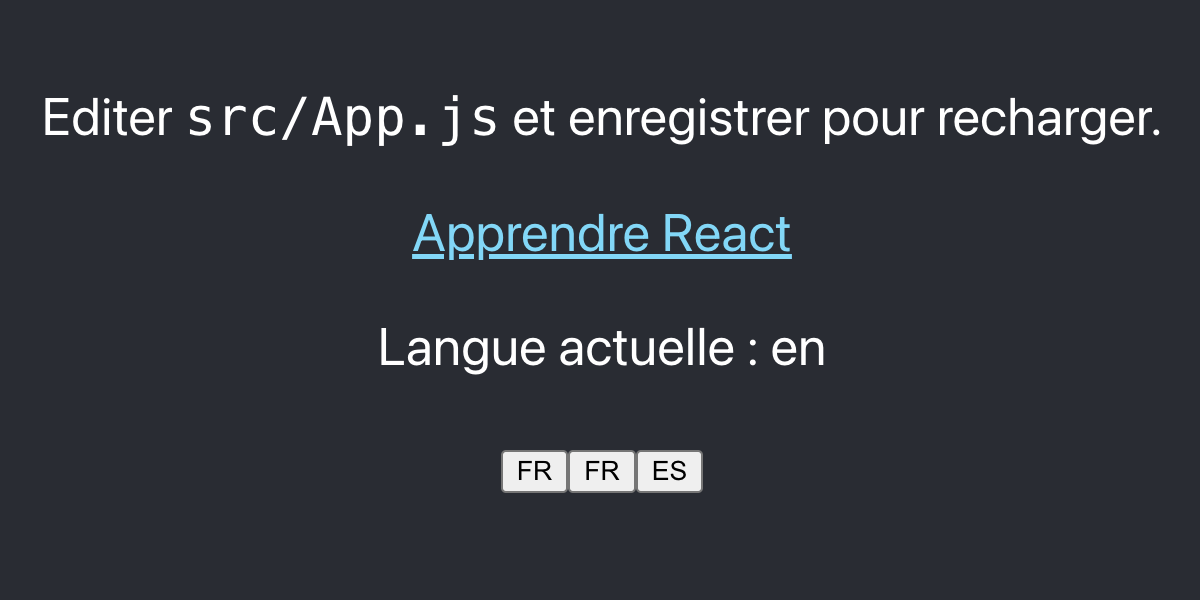
            <p>Current language: {lang}</p>
            <button onClick={() => setLang('en')}>EN</button>
            <button onClick={() => setLang('fr')}>FR</button>
            <button onClick={() => setLang('es')}>ES</button>
        </div>
    );
};- Run your React codebase.