2.4.0 • Published 4 years ago
react-world-map v2.4.0
React world map
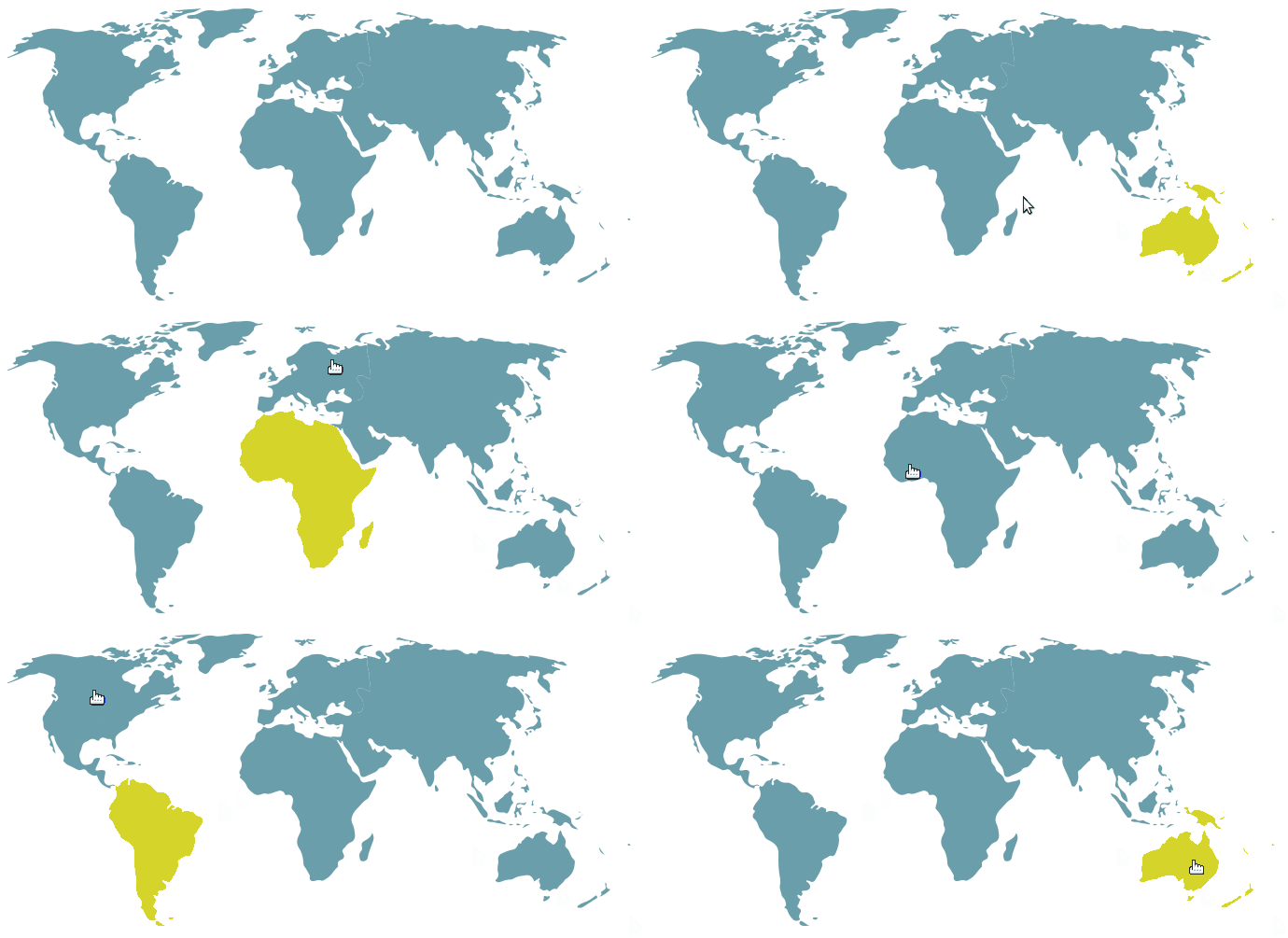
- clickable world map with continent areas
- click on an area to select it (approx. continents)
- selecting it will change the className --> you add css to change the color
- built of SVG paths
Demo
Codepen (interactive demo)
usage:
npm install react-world-map --saveor, include
<script src=""https://cdn.jsdelivr.net/gh/heatherbooker/react-world-map@master/dist/index.js"></script>in your html to use the script directly.
then in your index.jsx or main.jsx (see bottom for css):
Controlled component:
<WorldMap selected={ 'sa' } onSelect={ (continent) => {} } />Uncontrolled component:
<WorldMap />Uncontrolled component also supports multiple selection using the multiple = { true } prop. Example:
<WorldMap
  multiple={ true }
/>
Full usage:
const React, { useState } = require('react');
const ReactDOM = require('react-dom');
const WorldMap = require('react-world-map');

function YourMainComponent() {
  const [selected, onSelect] = useState(null);

  return (
    <>
      <h1> Hello World Map!</h1>
      <WorldMap selected={ selected } onSelect={ onSelect } />
    </>
  );
}

ReactDOM.render(
  <YourMainComponent />,
  document.getElementById('react-app')
)
Props
onSelect: (continentCode) => voidselected: continentCode
whereas the list of possible continents is as follows:
na- North Americasa- South Americaaf- Africaeu- Europeas- Asiaoc- Oceania
make sure to set your css to target the map:
.map-selected {
  fill: #E3DA37;
}

.map-unselected {
  fill: #699EAA;
}

.map-selected:hover, .map-unselected:hover {
  cursor: pointer;
}
Please feel free to fork and PR if you think you have developed something useful!
license: WTFPL
bonus: blog post on the making of this map :)
2.4.0
4 years ago
2.3.0
5 years ago
2.2.0
5 years ago
2.0.0
6 years ago
1.0.13
10 years ago
1.0.12
10 years ago
1.0.11
10 years ago
1.0.10
10 years ago
1.0.9
10 years ago
1.0.8
10 years ago
1.0.7
10 years ago
1.0.6
10 years ago
1.0.5
10 years ago
1.0.4
10 years ago
1.0.3
10 years ago
1.0.2
10 years ago
1.0.1
10 years ago
1.0.0
10 years ago