sushi-tool v0.4.0
chopsticks (sushi-tool)
This tool has been designed to help you to create and maintain your sushi cards.
With chopstick you can do the following tasks:
- Init a sushi card project
- Add sushi cards sheets to your project
- Start a live mode to see the result of compiling your sushi cards. This live mode use the livereload feature, which refresh your browser automatically every time you save your markdown file.
- Compile your sushi card markdown files into a set of pdfs or a single one.
Install chopsticks
npm install -g sushi-toolUse chopsticks
$ mkdir my-sushi-set
$ cd !^
$ chopsticks init
Init command
Initialize a folder to star creating a sushi card
$ chopsticks init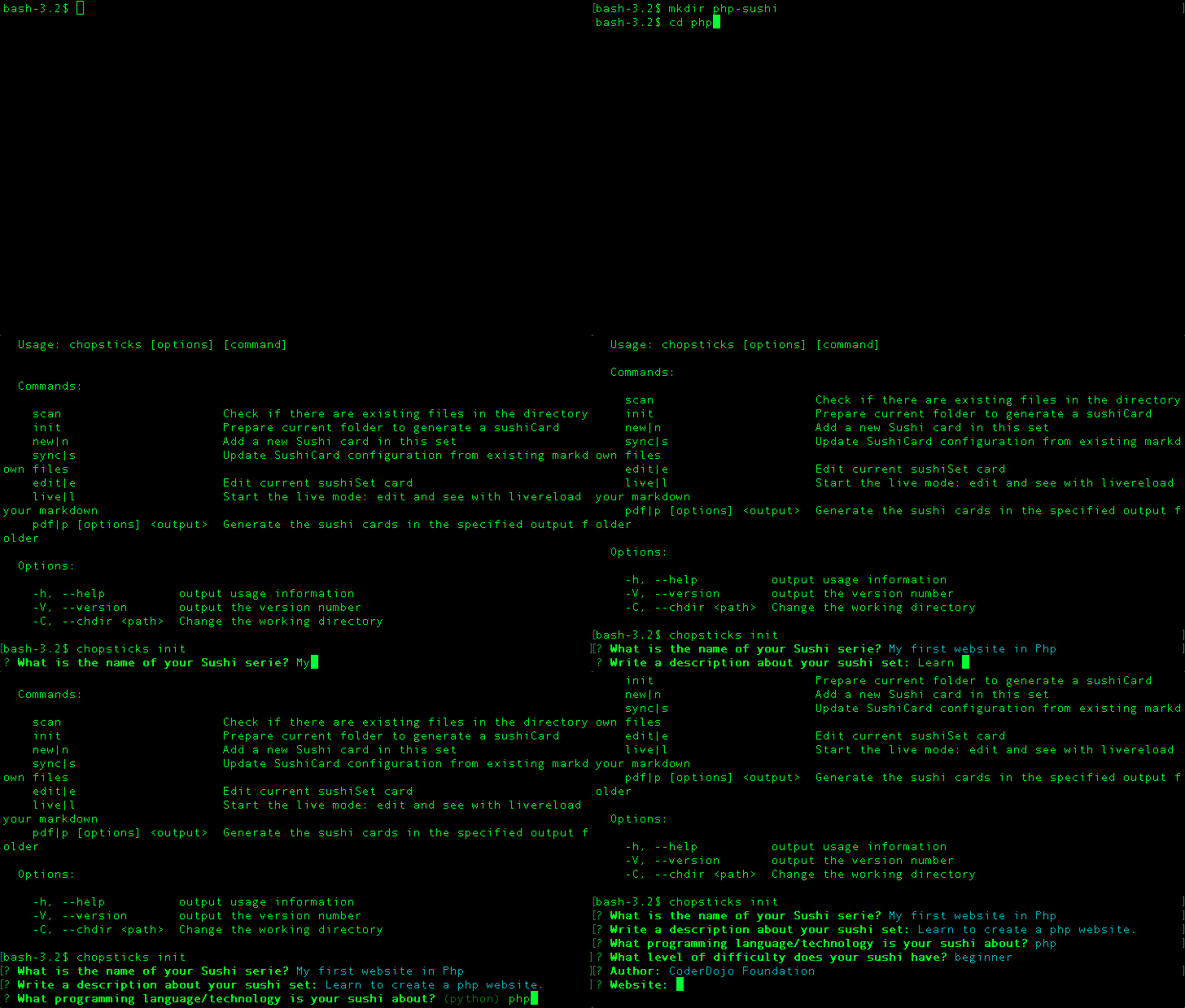
Live command
This mode allow you to edit your sushi cards and see the result in your every time you save your file without the need of refreshing it.
$ chopsticks live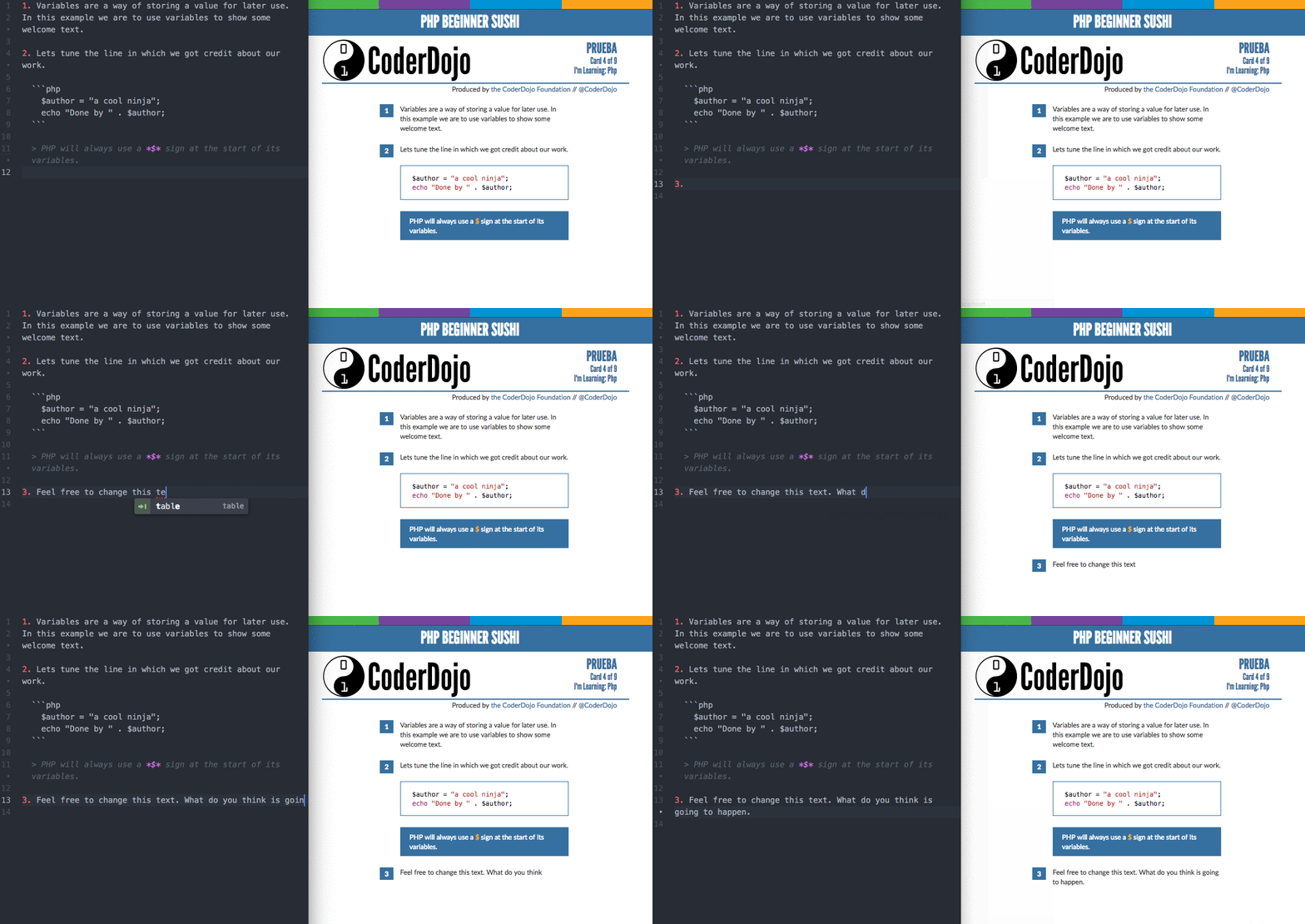
PDF command
This command allow you to render your sushi cards in a set of pdfs or a single one.
To generate a set of pdfs execute the following command in your project folder:
$ chopsticks pdf output_folderTo generate a single pdf add the merge (-m) option.
$ chopsticks pdf -m output.pdf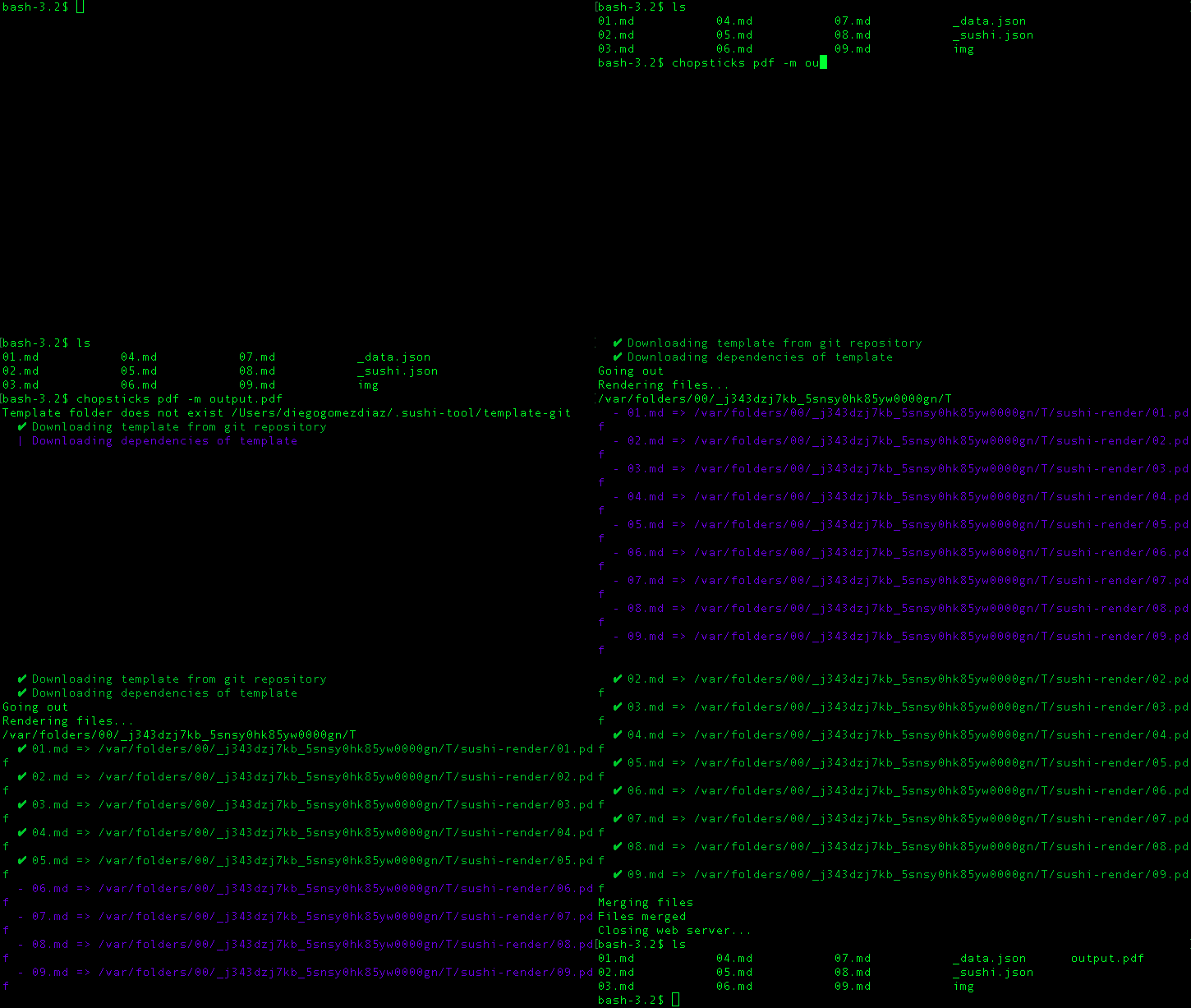
Sync command
If you create new markdown files, you can update your configuration file using the following command.
$ chopsticks syncDependencies
To use the pdf generation you need to have installed phantomjs, install it using npm:
$ sudo npm install -g phantomjsTo merge your pdf filesthe pdfunite command line tool, which uses the poppler library.
Linux
Install the poppler-utils package using your package manager.
OS X
Install poppler using Homebrew.