
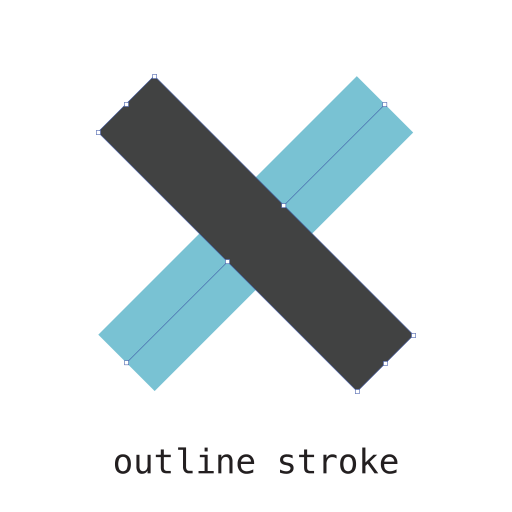
Sometimes you need an svg image that have stroked attributes in its
paths but outlined like after applying Outline Stroke in Adobe Illustrator or Convert to Outlines in SketchApp

Install
yarn add svg-outline-strokeUsage
String input:
const outlineStroke = require('svg-outline-stroke')

const strokedSVG = `
<svg xmlns="http://www.w3.org/2000/svg" viewBox="0 0 64 64">
  <line x1="32" y1="16" x2="32" y2="48" fill="none" stroke="#202020" stroke-miterlimit="10" stroke-width="2"/>
  <line x1="48" y1="32" x2="16" y2="32" fill="none" stroke="#202020" stroke-miterlimit="10" stroke-width="2"/>
</svg>`

outlineStroke(strokedSVG).then(outlined => {
  console.log(outlined)
})
Buffer input:
const fs = require('fs')
const outlineStroke = require('svg-outline-stroke')

fs.readFile('./source.svg', (err, data) => {
  if (err) throw err
  outlineStroke(data).then(outlined => {
    fs.writeFile('./dest.svg', outlined, err => {
      if (err) throw err
      console.log('yup, outlined!')
    })
  })
})
Params
The second argument accepts params to apply directly when re-tracing the image, like fill color of the path, background and so on. Take a look into potrace params
outlineStroke(strokedSVG, { color: '#bada55' }).then(outlined => {
  console.log(outlined, 'Outlined SVG with #bada55 `fill` color')
})
Related
micro-outline-stroke Microservice with a public endpoint
outline-stroke-cli CLI version