
2.0.6 • Published 4 years ago
time-date-countdown
Licence
ISC
Version
2.0.6
Deps
2
Size
5 kB
Vulns
0
Weekly
0
Getting Started with time-date-countdown
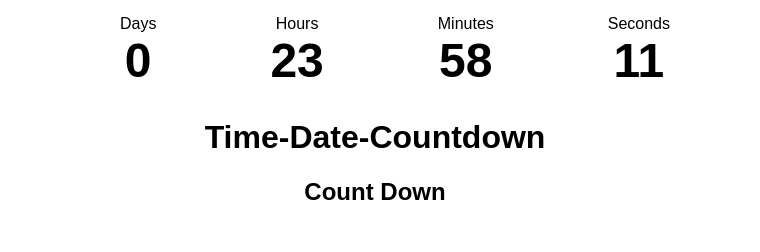
countdowntimer with days,hours, minute, and seconds.
Days Hours Minutes seconds
Prerequisites
This is an example of how to use the component and how to install them.
using npm
```npm i time-date-countdown```Usage
```import CountDownTimer from "time-date-countdown";

export default function App() {
return (
    <div>
        <CountDownTimer />
    </div>
);
}
Open Demo Codesandbox to view it in the browser.
| ----Props---- | --required--- | -description- |
|---|---|---|
| targetDate | true | -date to target for the countdown- |
| containerStyles | false | main container style |
| containerClassv2 | false | main container style class |
| eachContainerStyle | false | each module container class Name |
| eachCountLetterStylev2 | false | each count letter style |
| textLabelClassv2 | false | title text style |