tnl v1.0.4
tnl: simple secure tunnel to a local directory
tnl is a quick and easy way to create a public url with a secure tunnel to a local directory. Utilizing ngrok and http-server, within three characters you can have your directory forwarded to the outside. Excellent for testing on mobile as well as fast feedback from clients.
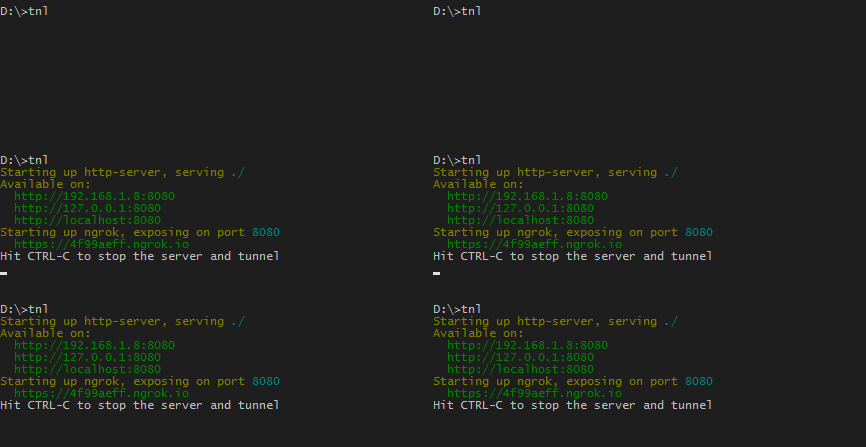
Installation
Using yarn:
yarn global add tnl-- or --
Using npm:
npm install tnl -gIt is now installed globally and tnl can be used in any directory from the command line.
Usage
tnl [path] [options]By default [path] and [options] are optional.
For example, to change the default port and open immediately in a new browser window:
tnl -p 7001 -oPath
Location of the local directory to be served. Defaults to ./public if the folder exists otherwise uses the root ./ directory.
Options
For a complete list of potential options refer to http-server's avalable options.
-o Open browser window after starting the server and tunnel
-n or --ncopy Copy the ngrok URL to the clipboard for pasting
-p Port to use (defaults to 8080)
-a Address to use (defaults to '0.0.0.0')
-d Show directory listings (defaults to true)
-i Display autoIndex (defaults to true)
-e or --ext Default file extension if none supplied (defaults to 'html')
-s or --silent Suppress log messages from output
--cors Enable CORS via the Access-Control-Allow-Origin header
-c Set cache time (in seconds) for cache-control max-age header, e.g. -c10 for 10 seconds (defaults to 3600). To disable caching, use -c-1.
-P or --proxy Proxies all requests which can't be resolved locally to the given url. e.g.: -P
API
var tnl = require('tnl');See API documentation.