1.0.1 • Published 10 years ago
visitas v1.0.1
visitas.js
Simple Node.js dashboard for clf logs analysis, with logging capabilities.
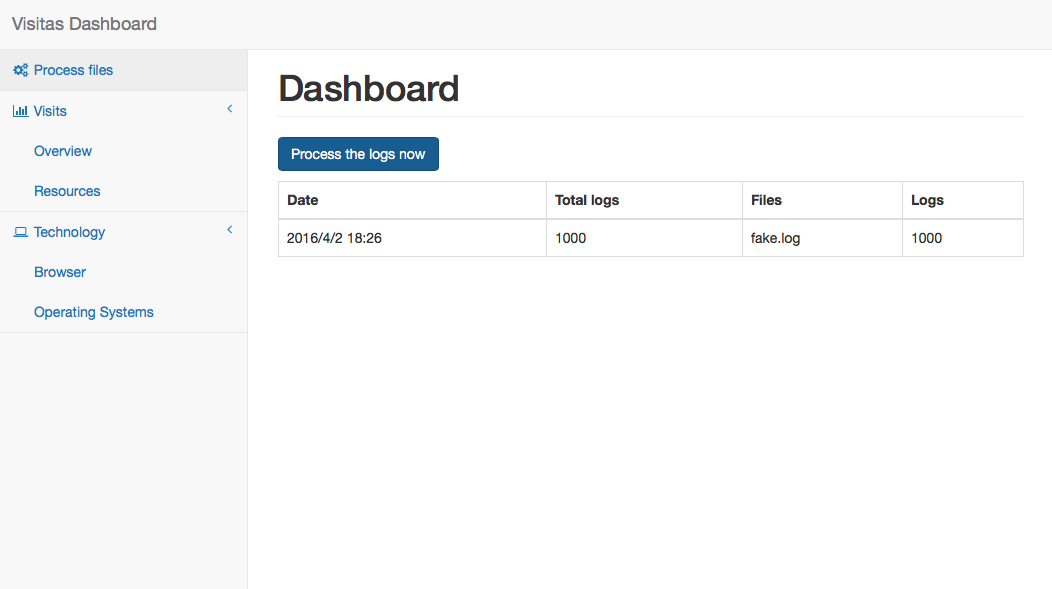
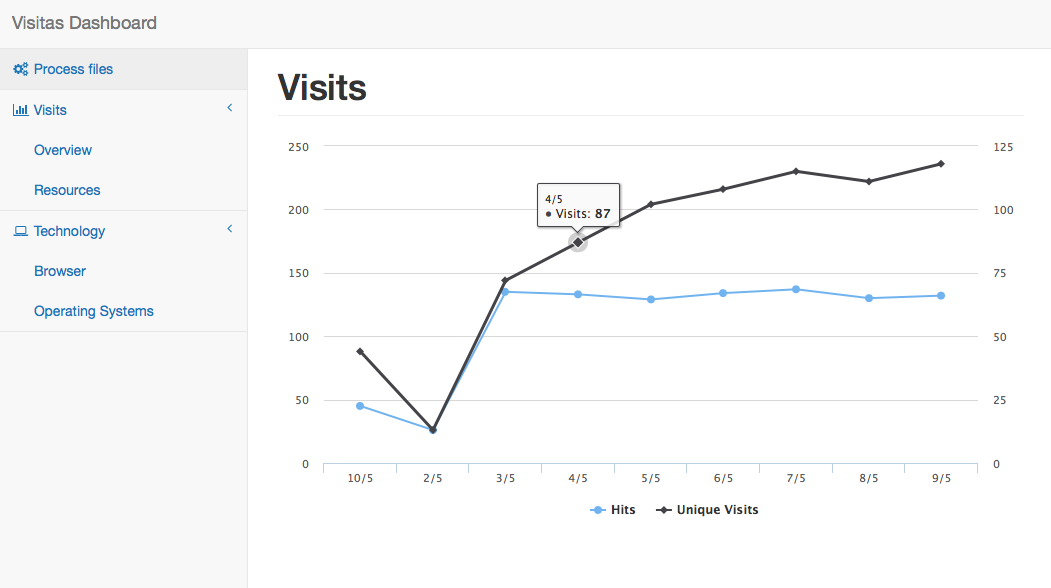
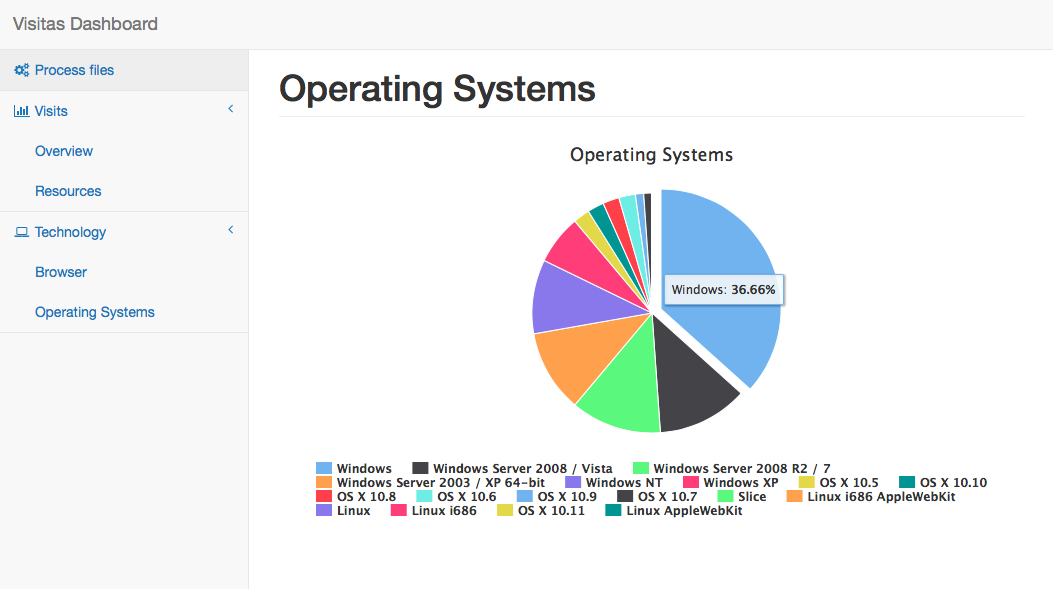
Demo images
Requirements
Nodenpm- A
Mongoconnection
Installation
Simply install visitas via npm:
npm install --save visitasAnd then edit the file app.js, registering visitas before any route:
var visitas = require('visitas');
app.use(visitas( {MONGO CONNECTION}, {OPTIONS} ));
Configuration
Mongo connection properties:
host(required)port(required)db(required)userpassword
Options:
log(boolean/object):visitascan also store the logs for the application. This property acceptsfalseif no logging behaviour is required, or an object of options:filename(string): Filename prefix for the logs defaultaccessrotation(boolean): Use daily rotation defaultfalsedirectory(string): Directory for the logs defaultnode_moduls\visitas\log
dashboard(boolean/string): Dashboard endpoint default/visitas/
Simple test
First, init the template project and install visitas
express visitas-test
cd visitas-test && npm install
npm install --save visitas
... and edit the file app.js registering visitas, before any route is registered:
var visitas = require('visitas');
app.use(visitas({
  host: 'localhost',
  port: 27017,
  db: 'visitas'
}));
Generate some logs:
node node_modules/visitas/generate-logs.js The script also admits parameters:
node path/to/generate-logs.js [number of logs, default 1000] [directory, default visitas/log]Finally, start the application...
npm startAnd browse to http://127.0.0.1:3000/visitas