
1.0.0 • Published 7 years ago
vue-anime-typing
Licence
—
Version
1.0.0
Deps
2
Size
204 kB
Vulns
1
Weekly
0
vue-anime-typing
Many typing effects for vue
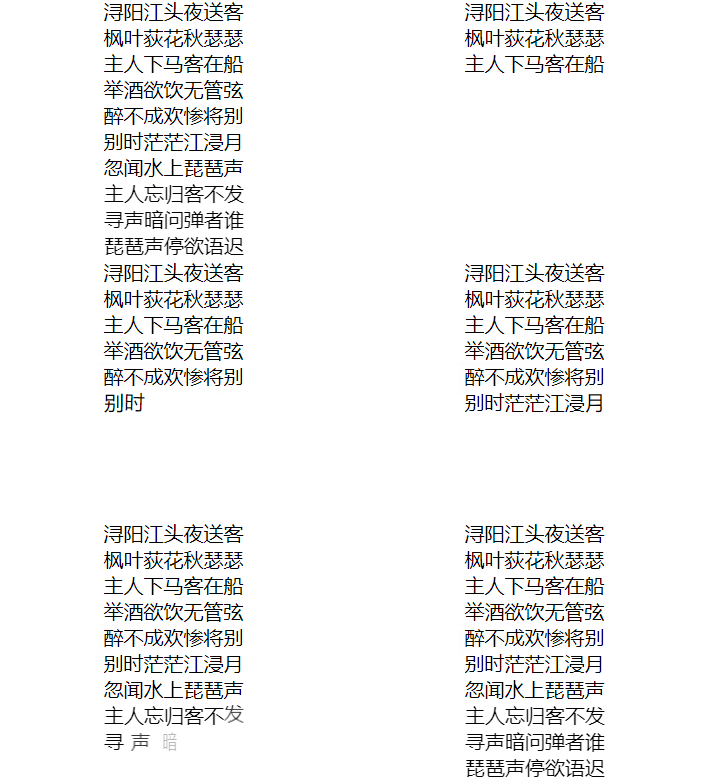
install
npm i vue-anime-typingsimple usage
<anime-typing>浔阳江头夜送客</anime-typing>props
text
Type: String
content which is used when default slot text is not set
offset
Type: Number
Playing effect delay by ms. default : 0
duration
Type: Number
The duration of single char animation from hide to show, by ms. default is 1000
delay
Type: Number
the delay of each char with previous by ms
animation-in
Type: Number
the single char 'in' effects. default is bounceDown. see Default animation below
defined-animations
Type: Object
to define your own animations beside defaults see Default animation below
playing
Type: Boolean
default true. if set to false, the typing effect would accour when playing change to false
easing
entrance easing
| Types | Examples | Infos |
|---|---|---|
| String | 'easeOutExpo' |
Built in function names |
Array |
[.91,-0.54,.29,1.56] | Custom Bézier curve coordinates ([x1, y1, x2, y2]) |
| easeIn | easeOut | easeInOut |
|---|---|---|
| easeInQuad | easeOutQuad | easeInOutQuad |
| easeInCubic | easeOutCubic | easeInOutCubic |
| easeInQuart | easeOutQuart | easeInOutQuart |
| easeInQuint | easeOutQuint | easeInOutQuint |
| easeInSine | easeOutSine | easeInOutSine |
| easeInExpo | easeOutExpo | easeInOutExpo |
| easeInCirc | easeOutCirc | easeInOutCirc |
| easeInBack | easeOutBack | easeInOutBack |
| easeInElastic | easeOutElastic | easeInOutElastic |
groupStyle
style object for all
charStyle
style for each char
Build-in default animations
- fadeIn
- bounceDown
- bounceUp
- slideInLeft
- zoomIn
- rotateRightIn
- rollTopIn
- rollRightIn
Defined animation
add your animations with animateFrom and animateTo
and set them to defined-animations property
Example
<template>
  <div id="app">
    <anime-typing>浔阳江头夜送客</anime-typing>
    <anime-typing animation-in="fadeIn" :offset="1000">枫叶荻花秋瑟瑟</anime-typing>
    <anime-typing animation-in="bounceUp" :offset="2000">主人下马客在船</anime-typing>
    <anime-typing animation-in="slideInLeft" :offset="3000">举酒欲饮无管弦</anime-typing>
    <anime-typing animation-in="zoomIn" :offset="4000" :duration="200" easing="linear">醉不成欢惨将别</anime-typing>
    <anime-typing animation-in="rotateRightIn" :offset="5000" :duration="1000" :delay="500" @complete="isShowContinue=true">别时茫茫江浸月</anime-typing>
    <anime-typing animation-in="rotateRightIn" :offset="9000" :duration="200" :delay="200">忽闻水上琵琶声</anime-typing>
    <anime-typing animation-in="rollTopIn" :offset="10000" :duration="400" :delay="200" easing="linear">主人忘归客不发</anime-typing>
    <anime-typing animation-in="rollRightIn" :offset="11000" :duration="400" :delay="200" easing="linear">寻声暗问弹者谁</anime-typing>
    <anime-typing animation-in="defined" :offset="13000" :duration="400" :delay="200" easing="linear" :defined-animations="definedAnimation">琵琶声停欲语迟</anime-typing>
  </div>
</template>

<script>
import AnimeTyping from '../src/AnimeTyping'

export default {
  name: 'app',
  components: {
    AnimeTyping
  },
  data () {
    return {
      isShowContinue: false,
      togglePlay: false,
      definedAnimation: {
        defined: {
          animateFrom: {
            rotateY: '120deg',
            translateX: -20,
            opacity: 0
          },
          animateTo: {
            rotateY: '0',
            translateX: 0,
            opacity: 1
          }
        }
      }
    }
  },

  methods: {
    replay () {
      debugger
    },
    clickContinue () {
      this.togglePlay = true
    }
  }
}
</script>

<style lang="less">
  #app {
    text-align: center;
    font-size: 20px;
  }
</style>