
vue-editor-js

vue-editor-js is editorjs wrapper component.
Please see this first. https://editorjs.io/
For before 2.0.0 version users.
This plugins is turned to be just wrapper component. If you need to use plugin for editor.js, just import and set to config property.
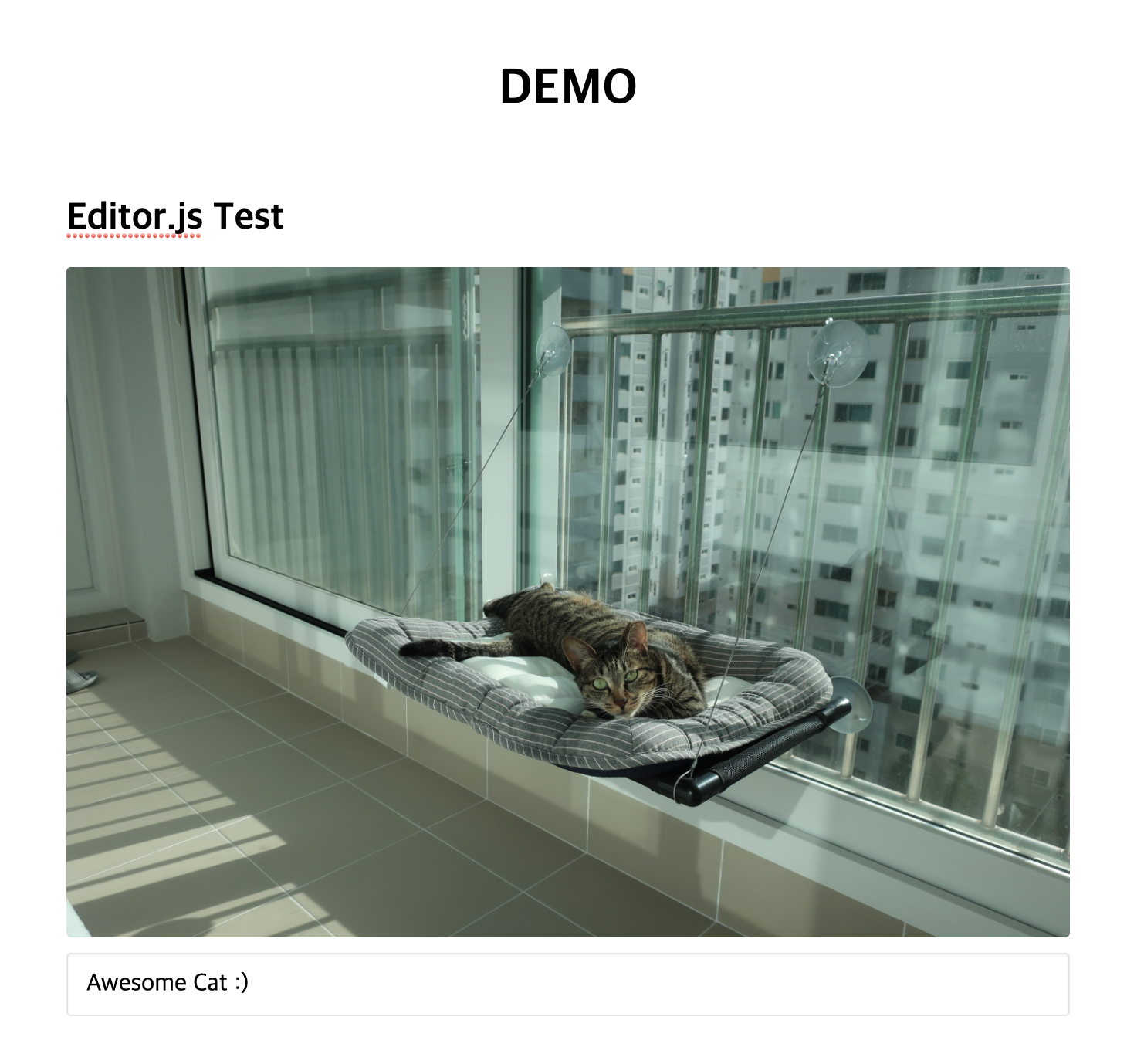
Please See the Demo.vue
For before 1.0.0 version users.
Please Vue.use vue-editor-js in main.js.
Supported Plugins
- Personality
- Header
- List
- Image
- InlineCode
- Embed
- Quote
- Marker
- Code
- Link
- Delimiter
- Raw
- Table
- Warning
- Paragraph
- Checklist
Installation
npm install --save vue-editor-js

# or Yarn
yarn add vue-editor-js
Usage
// In main.js
// ...
import Editor from 'vue-editor-js'

Vue.use(Editor)
// ...
// on Nuxt.js
// in nuxt.config.js
plugins: [
{
src: '~/plugins/vue-editor.js', ssr: false
}
],
// in ~/plugins/vue-editor.js
import Vue from 'vue'
import Editor from 'vue-editor-js'
Vue.use(Editor) <editor ref="editor" :config="config" :initialized="onInitialized"/>define initialize Function for get instance of editor.js when initialized
If you confused using on Nuxt, please see here
Local import
You can import Editor only in components where you need it.
- Make sure to install
@vue/composition-api
npm i --save @vue/composition-api

#or Yarn
yarn add @vue/composition-api- In main.js:
import Vue from 'vue'
import VueCompositionApi from '@vue/composition-api'

Vue.use(VueCompositionApi)- Don't import anything from
'vue-editor-js'in main.js - In your component:
import { Editor } from 'vue-editor-js'

export default {
  // ...
  components: {
    Editor,
  },
  // ...
}
Tools
Supported tools
Same as in Supported Plugins, but with different naming
- header
- list
- code
- inlineCode
- personality
- embed
- linkTool
- marker
- table
- raw
- delimiter
- quote
- image
- warning
- paragraph
- checklist
Usage
<editor header list code ... :config="config"/>Upload Image (>= 1.1.0)
for upload image, You need a backend for processing image. vue-editor-js provide special config props for easy.
If you server for test upload image, please see server example.
<editor :config="config" />

<script>
...
data() {
  return {
      config: {
        image: {
          // Like in https://github.com/editor-js/image#config-params
          endpoints: {
            byFile: 'http://localhost:8090/image',
            byUrl: 'http://localhost:8090/image-by-url',
          },
          field: 'image',
          types: 'image/*',
        },
      }
  }
}
</script>
upload personality avatar ( >= 2.0.1)
  config: {
    personality: {
      endpoints: 'http://localhost:8090/image'
    }
Other props:
- customTools - Object with name (key) and class of a custom tool (value)
Enjoy editorjs with Vue.js Project
How to Contribute?
- fork this project.
- edit code.
- PR
OR
- Just submit a issue!
Contributors
Wallaby.js
This repository contributors are welcome to use Wallaby.js OSS License to get test results immediately as you type, and see the results in your editor right next to your code.