1.3.0 • Published 3 years ago
vue-keyboard-plugin v1.3.0
Vue-Keyboard
Vue.js Windows QWERTY onscreen keyboard for textarea elements
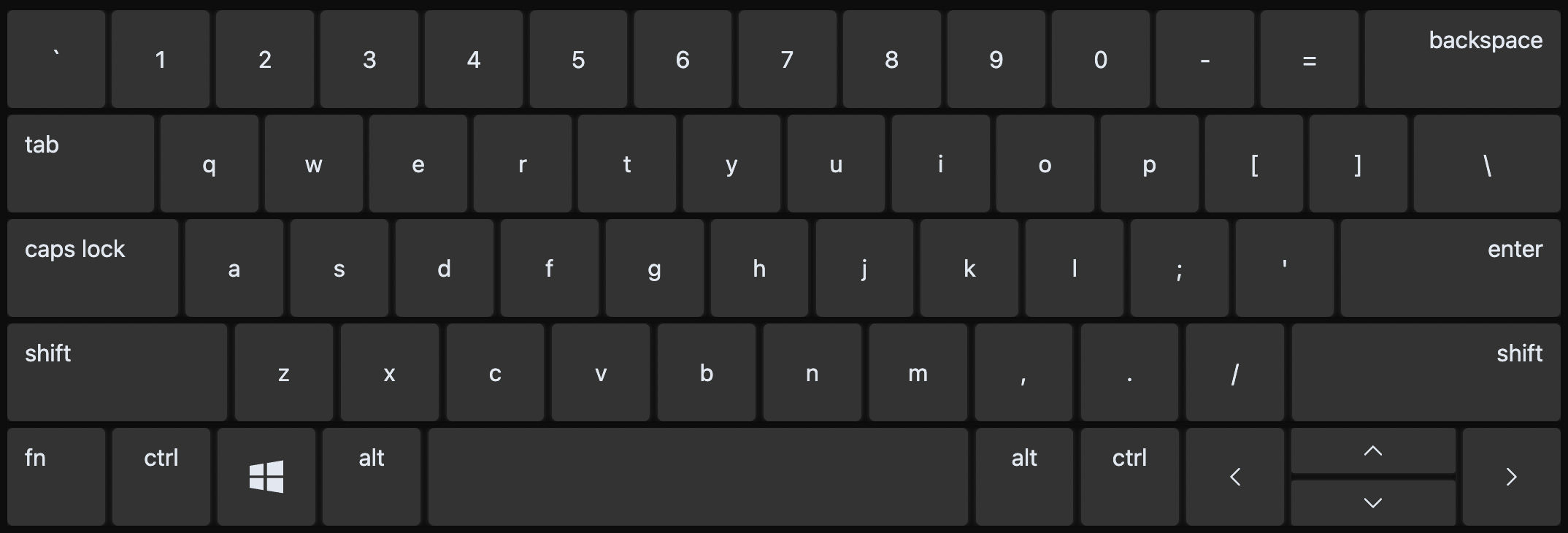
Installation
npm install vue-keyboard-pluginUsage
Add the plugin path to your tailwind config content
module.exports = {
  content: [
    "./index.html",
    "./src/**/*.{vue,js,ts,jsx,tsx}",
    "./node_modules/vue-keyboard-plugin/dist/**/*.{vue,js,ts,jsx,tsx}",
  ],

  plugins: [],
};
Render the keyboard component at the top layer of your app
<!-- App.vue -->

<script setup>
import VueKeyboard from "vue-keyboard-plugin";

</script>

<template>
  <textarea name="" id="" cols="30" rows="10"/>
  ....

  <VueKeyboard />
</template>
Features
On the keyboard you can:
- Navigate with arrow buttons
- Utilize the shift and arrow buttons to select all or part of the textarea's value
- Cut, copy, paste and select all text with the usual key combinations
- Use keyboard in both dark and light modes (this is based on system's scheme preference)
Contributing
- Fork Repo and create your feature branch:
git checkout -b my-update - Commit your changes:
git commit -am 'Updated some parts' - Push to the branch:
git push origin my-update - Submit a pull request