
vue-spinkit
A collection of loading indicators animated with CSS for VueJS




Inspiration
- Spinkit css animated loading
- react-spinkit
- loaders.css
DEMO
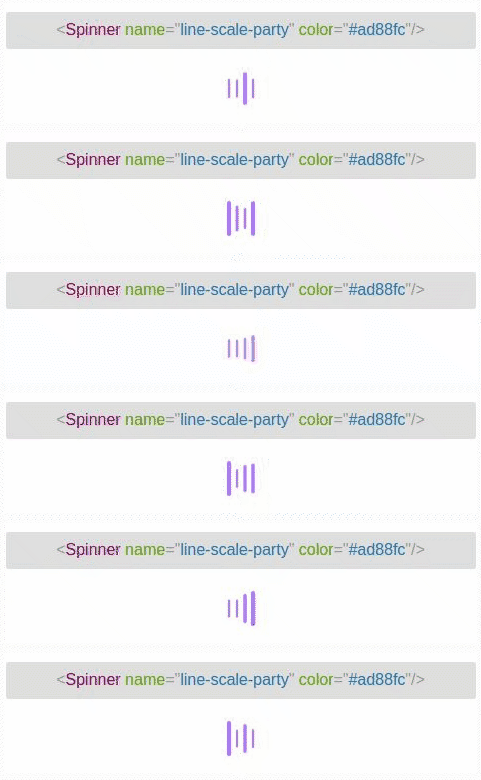
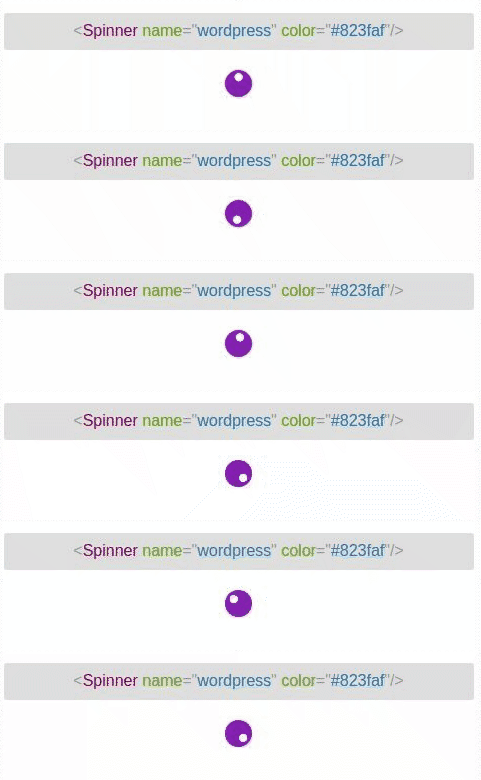
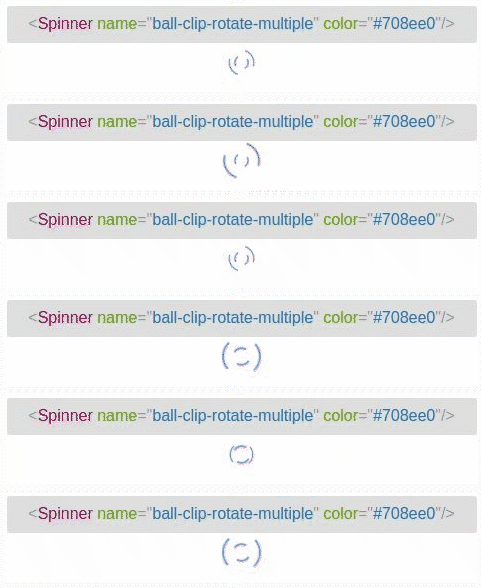
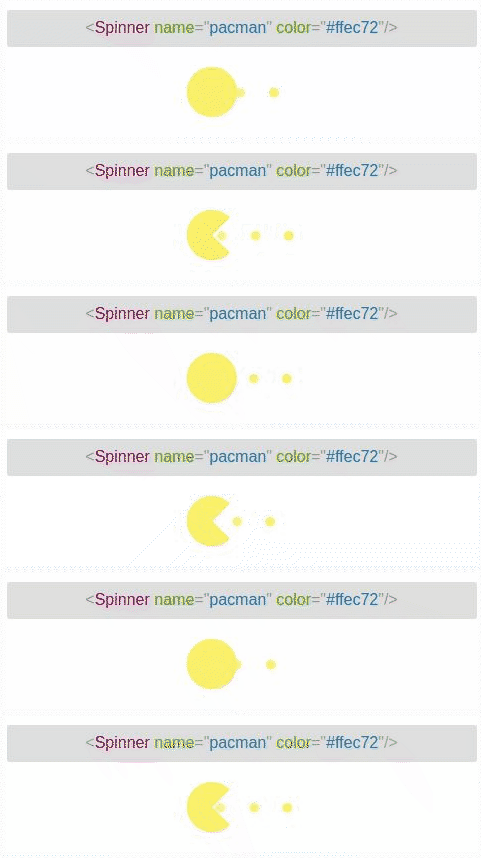
vue-spinkit
A collection of CSS-based loading indicators for Vue.
Badges
Demo
Live demo: http://vue-spinkit.surge.sh/
Why this README is different
This package is shipped so the styles are injected at runtime from the JS bundle. That means you no longer need to (and shouldn't) import a separate style.css file — simply import the package entry and the required CSS is automatically inserted into the page when running in a browser.
This README explains how to use vue-spinkit without a separate CSS import and covers common usage patterns and troubleshooting notes.
Installation
# using npm
npm install --save vue-spinkit
# or yarn
yarn add vue-spinkit
Quick usage (bundlers — recommended)
If you're using a bundler (Vite, Webpack, Rollup, etc.), import the package root. The library entry injects the CSS at runtime, so you do not need to import any CSS file.
import Vue from 'vue'
import Spinner from 'vue-spinkit'

// Register globally
Vue.component('Spinner', Spinner)

// or locally in a component
export default {
  components: { Spinner }
}
Notes:
- Always import from the package root (e.g.
import Spinner from 'vue-spinkit'). Importing component files directly (for examplevue-spinkit/src/components/Spinner.vue) may bypass the CSS-injection entry and you'll see unstyled output.
Browser (UMD) usage
You can also use the prebuilt UMD bundle in a plain HTML page. The UMD bundle includes the runtime style injection.
<!-- Vue must be present -->
<script src="https://unpkg.com/vue@2/dist/vue.js"></script>
<!-- UMD build served from the package (or your CDN)
     change path to where your build is served -->
<script src="https://unpkg.com/vue-spinkit/dist/vue-spinkit.common.js"></script>
<script>
  // The library exposes `VueSpinkit` as the global name (UMD). Use the exported Spinner.
  const Spinner = window.VueSpinkit && (window.VueSpinkit.Spinner || window.VueSpinkit.default)
  Vue.component('Spinner', Spinner)
  new Vue({ el: '#app' })
</script>
Use in templates
<Spinner name="circle" color="#e74c3c" />Server-side rendering (SSR)
The library injects styles on the client side only (it checks for document before injecting). That means:
- On SSR the server HTML won't include the styles. When the page is hydrated in the browser the library will insert the CSS into the page head.
- If you need server-rendered inline-critical styles, you should extract the CSS at build time (not covered here) or control injection manually by adding an explicit export (advanced).
Troubleshooting
- If spinners look unstyled, make sure you imported from the package root:
import Spinner from 'vue-spinkit'. - If you still see a separate
style.cssin your build output, check for any components or demo files that import CSS without?rawor any SFC<style>blocks that pull in CSS. The library is configured to avoid emitting a separate CSS file when built from the entrypoint.
Build notes (for maintainers)
- Building locally produces a single JS bundle (UMD) that contains both code and CSS injection. Run:
npm run build- The CI workflow uses a smoke test to verify the built bundle loads — the test no longer requires a separate CSS file because styles are injected by the JS bundle.
Props
The Spinner component accepts the following props (short):
name(string) — which spinner to render (default:three-bounce).color(string) — color value (hex, rgb, or named color).noFadeIn(boolean) — disable fade-in.fadeIn(string) — fade-in timing:full,half,quarter.className,width,height— extra class and sizing.
License
MIT