
Licence
MIT
Version
0.0.8
Deps
1
Size
45 kB
Vulns
0
Weekly
0
vue3-image-input
File input for Vue 3.
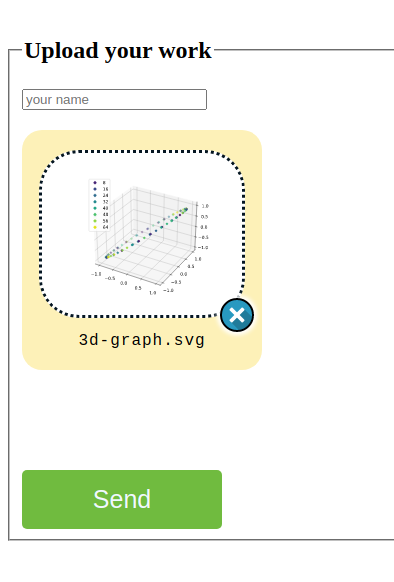
This is an enhanced and customizable file input enable to pick a file with a preview.
Support preview for :
- Image : jpg, png, svg...
- Video : preview for mp4, webm and all other browser compatible format
- Audio
Install
npm i vue3-image-inputUsage
- Import the ImageInput component
import { ImageInput } from 'vue3-image-input'- Import style.css
- in style block of your SFC (don't work with scoped attribute).
@import '/node_modules/vue3-image-input/dist/style.css'; - or in the
<script setup>import '/node_modules/vue3-image-input/dist/style.css'
- in style block of your SFC (don't work with scoped attribute).
If you don't import the built-in CSS, the components will not be ergonomic and you will have to write your custom CSS. 3. Add the attribute name to the ImageInput component.
Exemple in a SFC
<template>
  <!-- an-app.vue -->
  <h2>Upload a beautiful picture</h2>

  <ImageInput
      accept="image/*"
      resizable
      name="picture-uploader"
      class="a-class" />

  <button type="submit">Send</button>
</template>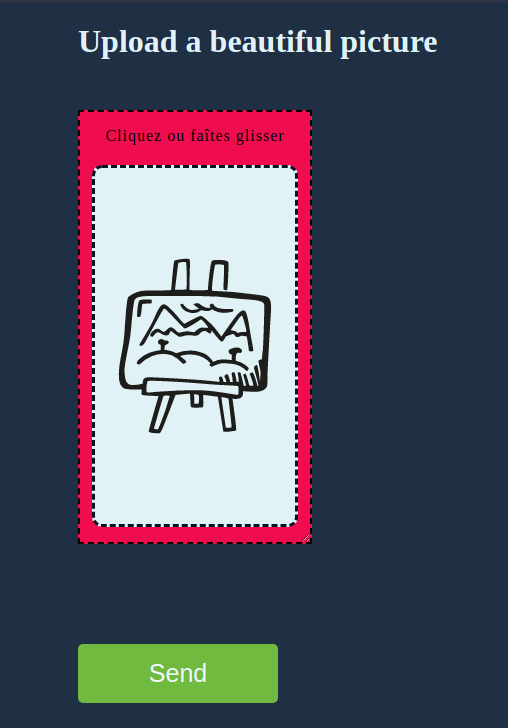
<style >
/* an-app.vue */
@import '/node_modules/vue3-image-input/dist/style.css';

.a-class {
  width: 200px;
  height: 400px;
  background-color: #ef0d50;
}
.a-class .preview {
  background-color: #e1f2f7;
  margin-top: 20px;
  border-radius: 10px;
}
Props
Required
accept
- Default value :
"image/*, audio/*, video/*" - Type:
string
- Default value :
name
- Required prop
- Equivalent to the name attribute in the tradutional form input.
- Type:
string
Optionals
imagePlaceholder
Custom image- Default value : built-in cover image*
alt
closeButton
- Use a close button to withdraw a picked file
- Type:
boolean - Default value: true
closeIcon
- Path to custom icon for close button
- Type:
string
textPlaceholder
resizable
Events
@input=""@change=""@focus=""@focusOff=""@onWithdraw="" // When the user remove the from file input. The event emitted is a File object.
Licence
MIT