0.1.27 • Published 10 years ago
websitewrapper v0.1.27

About
This Project does what it says on the tin. Wrap web apps natively for osx or windows <3
Installation
npm install websitewrapper -gUsage
You need to pass three things into it.
- -u or -url : The url of the website you want to create the shortcut for.
- -t or -title : The title of the website.
- -i or icon: The icon (its full path) you want pass (To convert images to icns visit iconverticons )
It will then create a folder called build on your desktop. Everything is in there now.
Command
websitewrapper -url http://www.google.ie -title Google -icon /Users/robertjgabriel/desktop/icon.icnTest
This will cretae a default package
npm testCode
var websitewrapper = require('websitewrapper'),

  websitewrapper.create("http://www.google.ie","google","logo.icns");
Support
- OSX 64 bit
- Windows 64 bit (Windows 7 + )
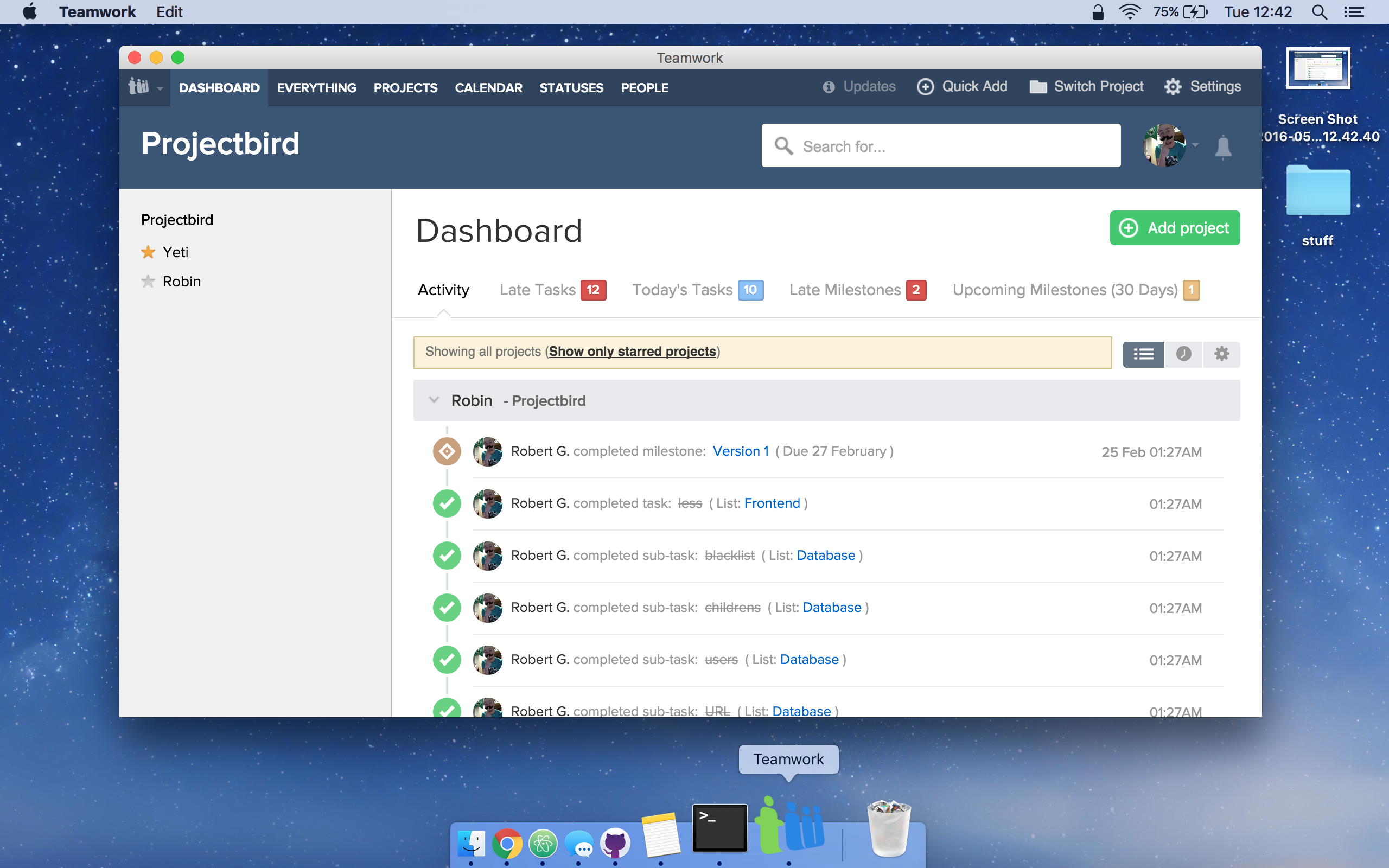
Example
As you can see stupid project really but a nice on all the same.
0.1.27
10 years ago
0.1.24
10 years ago
0.1.22
10 years ago
0.1.19
10 years ago
0.1.18
10 years ago
0.1.17
10 years ago
0.1.16
10 years ago
0.1.15
10 years ago
0.1.13
10 years ago
0.1.11
10 years ago
0.1.10
10 years ago
0.1.9
10 years ago
0.1.8
10 years ago
0.1.7
10 years ago
0.1.6
10 years ago
0.1.1
10 years ago
0.1.0
10 years ago