



ztabs
a simple tab test project
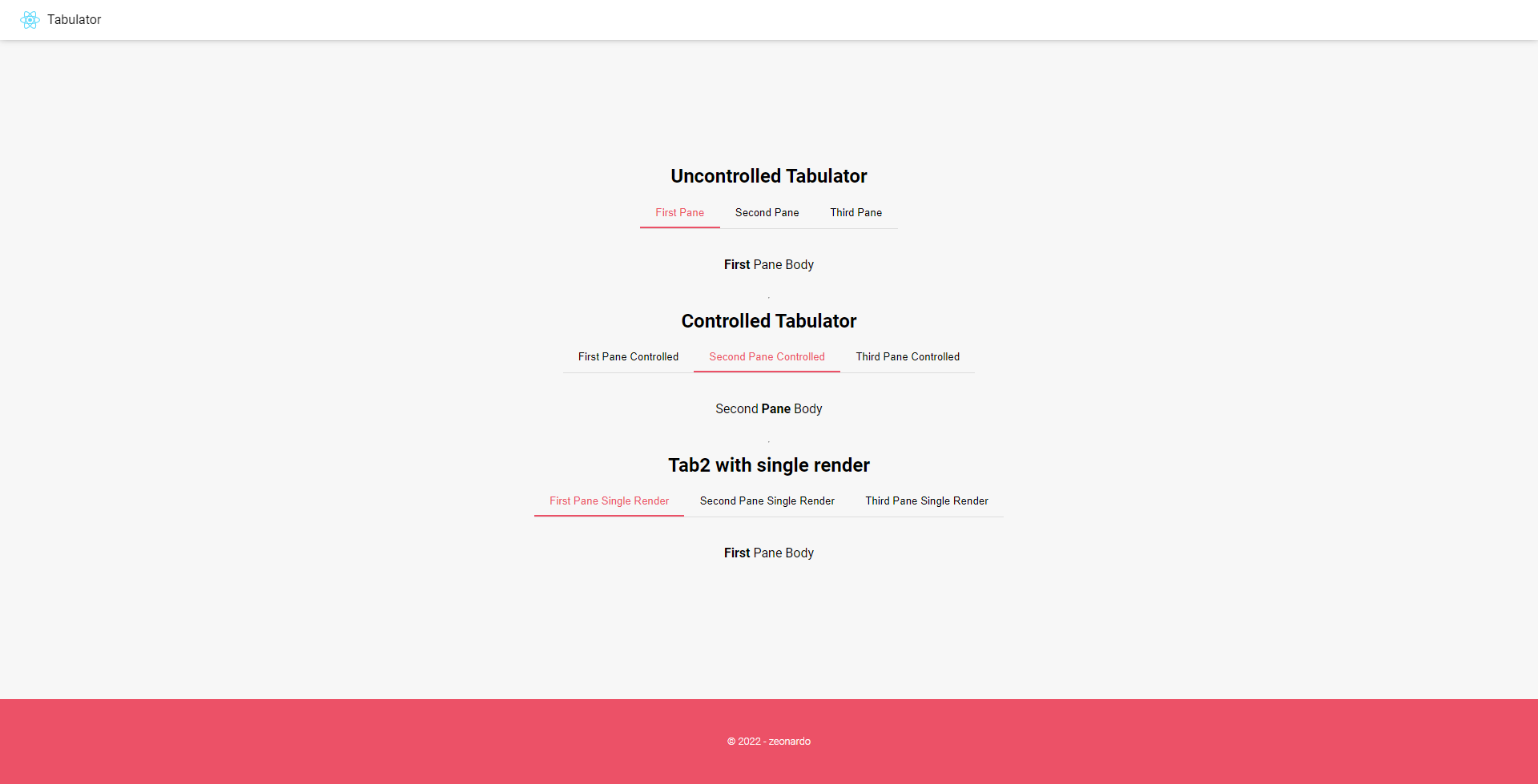
Getting Started
$ npm install --save ztabsor
$ yarn add ztabsUsage
import Tab from "ztabs";...
<Tab initialActive={0}>
  <Tab.Pane title="First Tab">
    Tab 0
  </Tab.Pane>
  <Tab.Pane title="Second Tab">
    <div>
      Tab <strong>1</strong>
    </div>
  </Tab.Pane>
  <Tab.Pane title="Third Tab">
    <>
      <h2>Tab</h2>
      <span>2</span>
    </>
  </Tab.Pane>
</Tab>
Options and examples
Tab
initialActive(uncontrolled mode): zero-based index of the default active tab.
Tab changes will be handled byTab
<Tab initialActive={0}>
active(controlled mode): zero-based index of the currently active tab.
Tab changes will be controlled by this{value}throughonActiveChange
<Tab active={value}>
onActiveChange(controlled mode): event handler function called upon tab click
<Tab active={value} onActiveChange={(event: React.MouseEvent<HTMLButtonElement>) => setValue(+event.currentTarget.value)} >Tab.Pane
title: Tab name
<Tab.Pane title="MyTab" >
<children/>: Tab content
<Tab.Pane title="MyTab" >
    <div>Tab Content</div>
</Tab.Pane>
Credits
TODO: Write credits :)
Built With
- React
- TypeScript
- Love
Versioning
We use SemVer for versioning. For the versions available, see the tags on this repository.
Authors
- Zeonardo Lima - zeonardo on GitHub
License
MIT License zeonardo 2022