
@cesdk/cesdk-js
CreativeEditor SDK
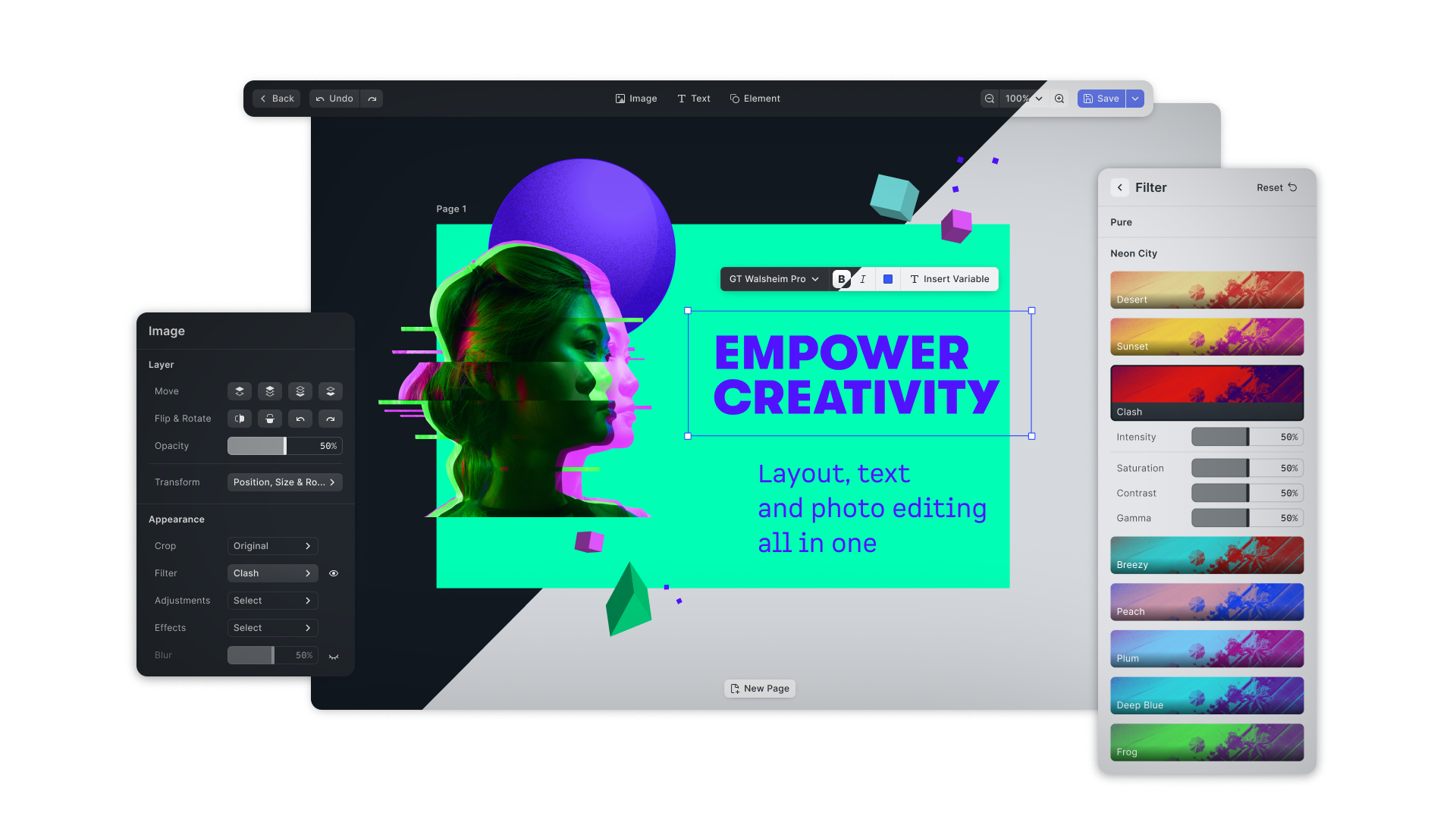
The CreativeEditor SDK (CE.SDK) for Web is a fully customizable, simple-to-use design editor.
Seamlessly integrate it into any Web app with just a few lines of code. The editor combines the best of layout, typography and photo editing. CE.SDK also facilitates both template creation and adaption workflows, also featuring constraints and text placeholders for database automations.
Visit our website for more tutorials on how to integrate and customize the editor for your specific use-case.
Usage
1. Install the CreativeEditor SDK
Install the SDK with npm, yarn, or pnpm
npm install --save @cesdk/cesdk-jsyarn add @cesdk/cesdk-jspnpm add @cesdk/cesdk-js2. Create an empty Container
We need to add an empty <div> with an id or class as container for the SDK.
<div id="cesdk_container" style="width: 100vw; height: 100vh"></div>In this example, we set the inline style to create a <div> element that fills the whole browser window.
3. Instantiate SDK
The last step involves the configuration and instantiation of the SDK.
import CreativeEditorSDK from '@cesdk/cesdk-js';
import {
  BlurAssetSource,
  ColorPaletteAssetSource,
  CropPresetsAssetSource,
  DemoAssetSources,
  EffectsAssetSource,
  FiltersAssetSource,
  PagePresetsAssetSource,
  StickerAssetSource,
  TextAssetSource,
  TextComponentAssetSource,
  TypefaceAssetSource,
  UploadAssetSources,
  VectorShapeAssetSource
} from '@cesdk/cesdk-js/plugins';

CreativeEditorSDK
  .create('#cesdk_container', { license: '<your-api-key>' })
  .then(async (cesdk) => {
    // Add asset source plugins
    await cesdk.addPlugin(new BlurAssetSource());
    await cesdk.addPlugin(new ColorPaletteAssetSource());
    await cesdk.addPlugin(new CropPresetsAssetSource());
    await cesdk.addPlugin(new EffectsAssetSource());
    await cesdk.addPlugin(new FiltersAssetSource());
    await cesdk.addPlugin(new PagePresetsAssetSource());
    await cesdk.addPlugin(new StickerAssetSource());
    await cesdk.addPlugin(new TextAssetSource());
    await cesdk.addPlugin(new TextComponentAssetSource());
    await cesdk.addPlugin(new TypefaceAssetSource());
    await cesdk.addPlugin(new VectorShapeAssetSource());
    await cesdk.addPlugin(
      new UploadAssetSources({ include: ['ly.img.image.upload'] })
    );
    await cesdk.addPlugin(
      new DemoAssetSources({ include: ['ly.img.image.*'] })
    );

    // Create a design scene
    await cesdk.actions.run('scene.create', {
      page: {
        sourceId: 'ly.img.page.presets',
        assetId: 'ly.img.page.presets.print.iso.a6.landscape'
      }
    });

    /** do something with the instance of CreativeEditor SDK **/
  });
Documentation
The full documentation of the CreativeEditor SDK can be found at https://img.ly/docs/cesdk/.
License
The CreativeEditor SDK is a commercial product. To use it you need to unlock the SDK with a license file. You can purchase a license at https://img.ly/pricing.