
@cesdk/engine
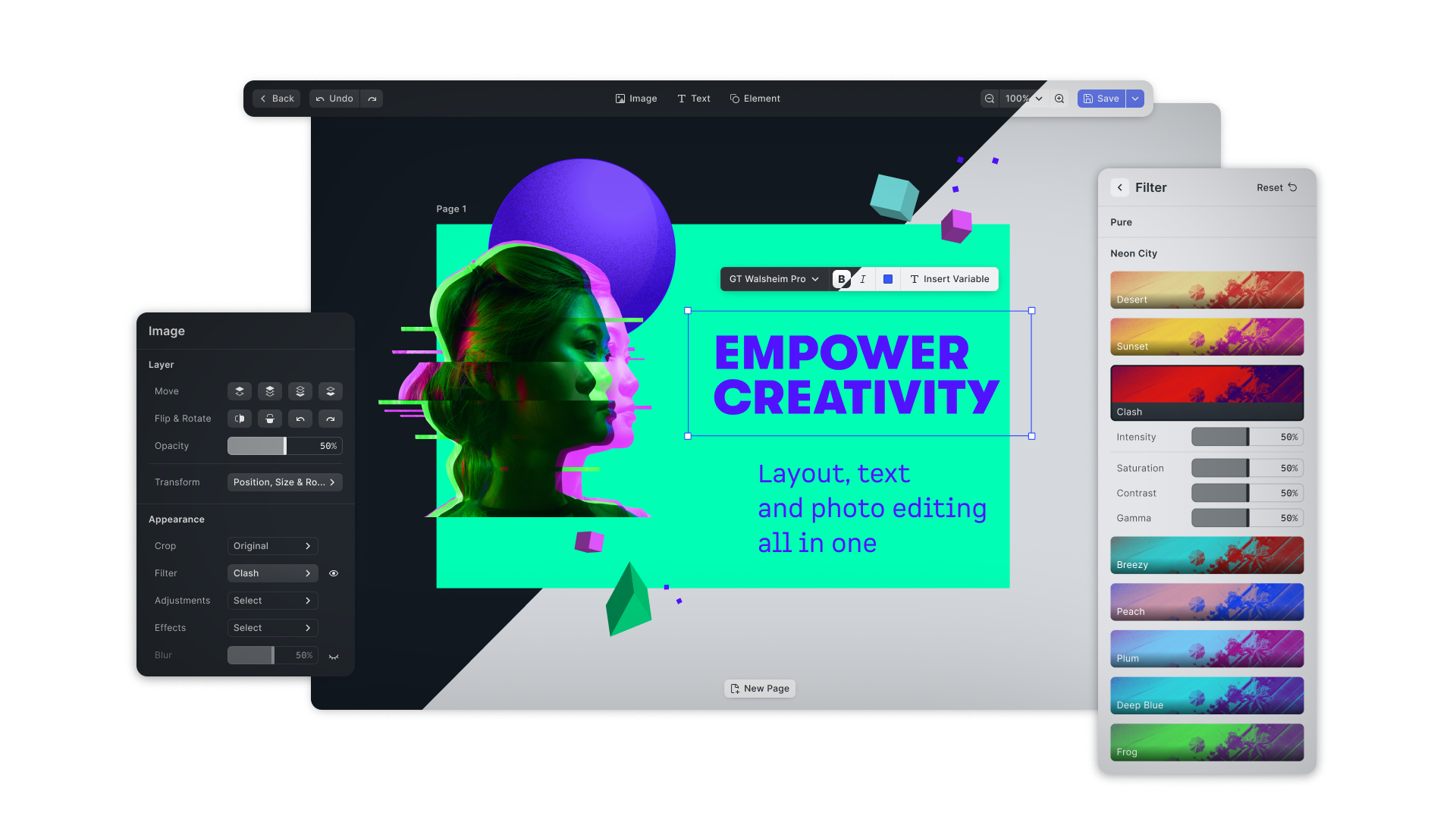
IMGLY Creative Engine
This package contains the IMG.LY Creative Engine, the core of CE.SDK. The Creative Engine enables you to build any design editing UI, automation and creative workflow on the web. It offers performant and robust graphics processing capabilities combining the best of layout, typography and image processing with advanced workflows centered around templating and adaptation.
The Creative Engine seamlessly integrates into any web app whether you are building a photo editor, template-based design tool or scalable automation of content creation for your application.
Visit our documentation for more tutorials on how to integrate and customize the engine for your specific use case.
License
The CreativeEditor SDK is a commercial product and a license is required for production use. You can purchase one at https://img.ly/pricing. Without a license, CE.SDK runs in evaluation mode, which watermarks exports.
Usage
1. Install the Creative Engine dependency to your project
Install the SDK with npm
npm install --save @cesdk/engineor with yarn
yarn add @cesdk/engineor with pnpm
pnpm add @cesdk/engine2. Instantiate Creative Engine
The last step involves the configuration and instantiation of the SDK.
import CreativeEngine from '@cesdk/engine'

CreativeEngine
  .init()
  .then((instance) => {
    /** do something with the instance of CreativeEngine **/
  });
Documentation
The full documentation of Creative Engine can be found at https://img.ly/docs/cesdk/web/guides/headless/. There you will learn what configuration options are available and find a list and description of all API methods.