

spacesniff is a disk space analyzer built for AI agents. Point it at a directory and it answers "where did my disk space go?" in one fast, compact, machine-readable shot — like SpaceSniffer, but the "treemap" is a few KB of JSON that fits in a context window instead of pixels on a screen.
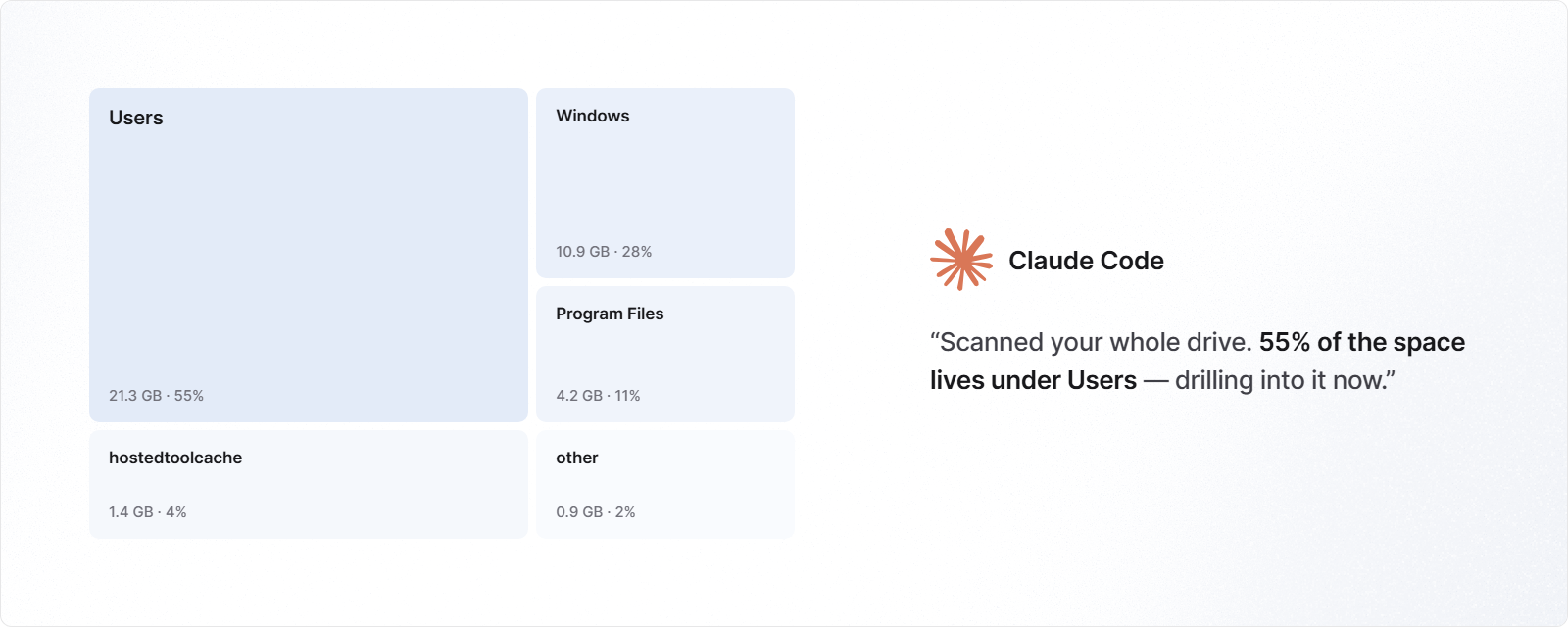
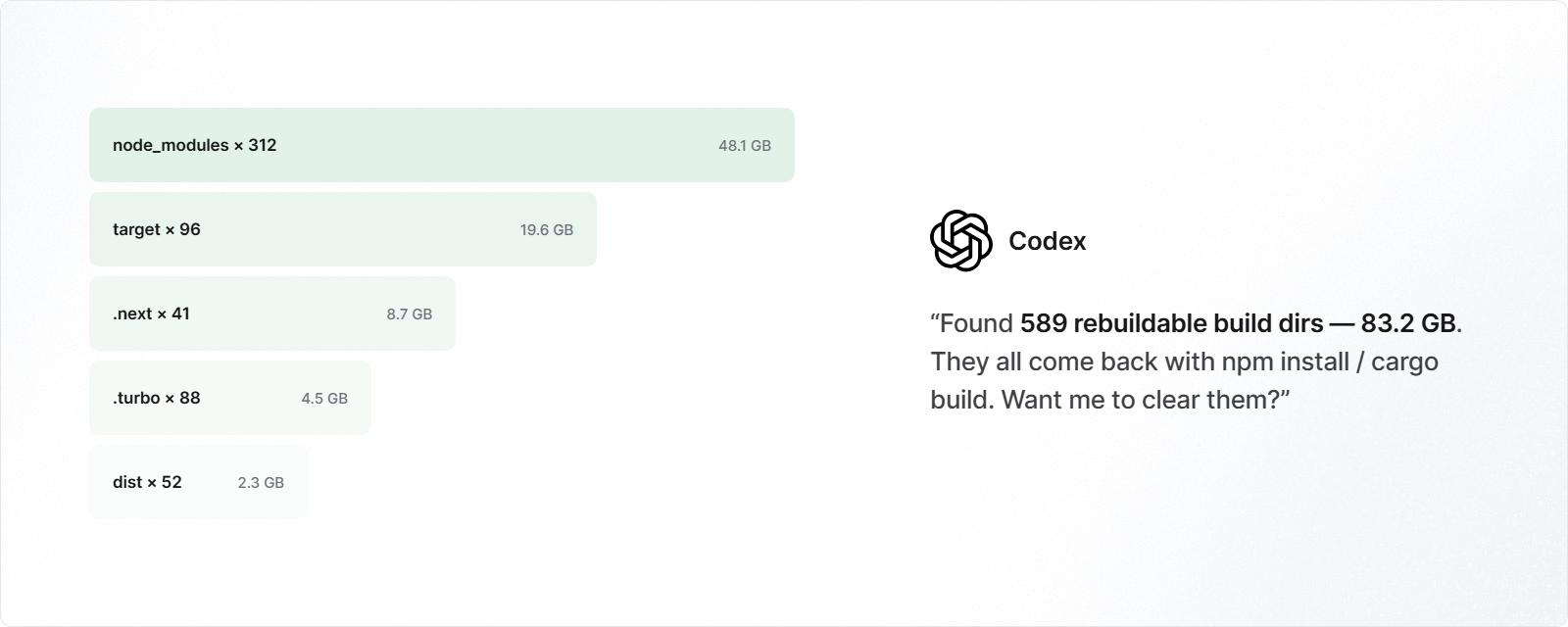
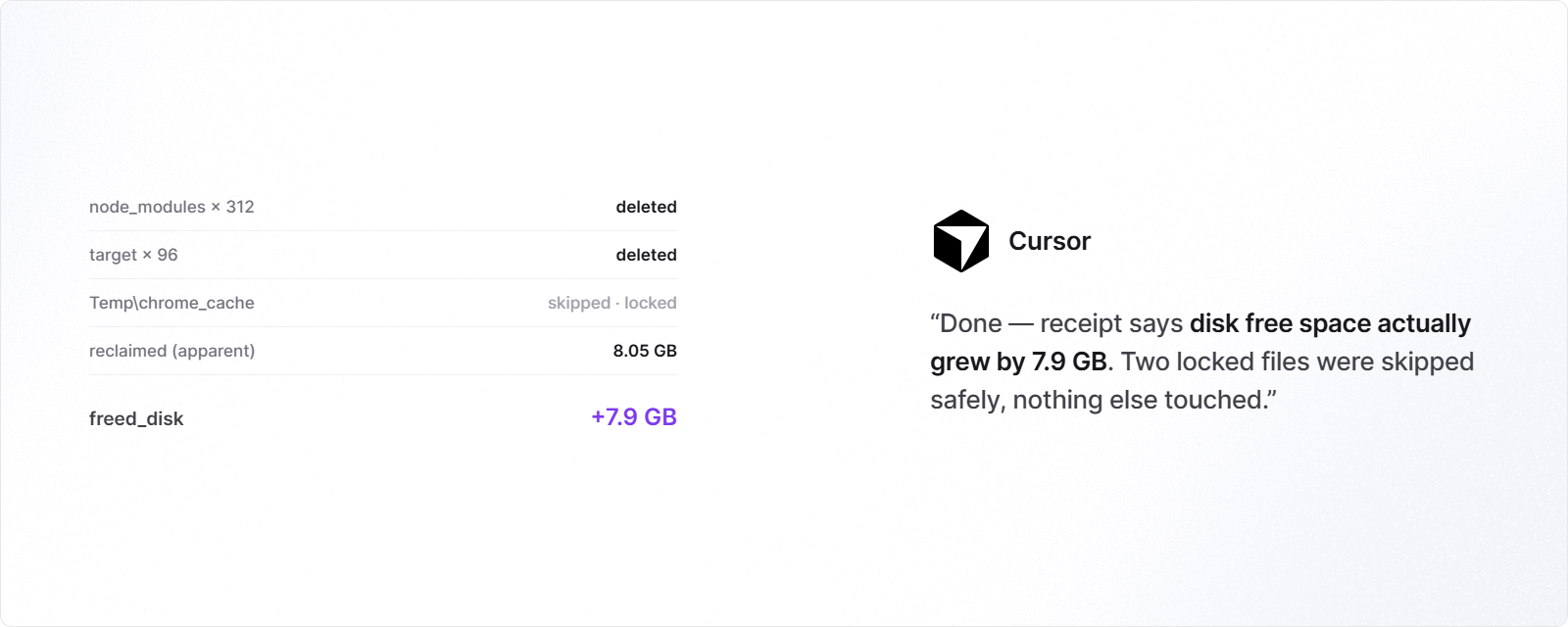
Your agent scans, drills down, decides what is safe to remove, verifies with a dry-run receipt, then deletes — nothing is ever removed without --force.
One paste and your agent knows how to use it
Tell your agent (Claude Code, Cursor, Devin, Copilot, Windsurf, ...):
My disk is full. Run `npx -y --loglevel=error spacesniff agent` to learn the tool, then find out
where the space went and clean it up. Ask me before deleting anything.
spacesniff agent prints the complete usage protocol — the scan → drill-down → dry-run → delete loop, the JSON schema, and the safety rules. Any agent learns the whole tool from that one command; no docs, no MCP server, no configuration.
Install
npx spacesniff            # zero-install (prebuilt binary per platform)
npm i -g spacesniff
cargo install spacesniff  # or build from source
Issuing many commands in parallel (agents love to)? Install globally first, or run one
npxcall to completion before fanning out — npm's shared_npxcache is not safe for concurrent cold starts (EBUSY/EPERM races inside npm itself).spacesniff agentincludes this rule.
Usage
spacesniff C:\            # where did the space go? (tree, depth 3, top 10/level)
spacesniff scan ~/code --json -d 2 -n 5 --min-size 50MB
spacesniff find ~/code node_modules target .venv   # every dir with that name + size, sorted
spacesniff files ~/Downloads -n 25       # largest individual files
spacesniff scan . --exclude .git         # skip directories by name
spacesniff delete node_modules target    # dry-run: shows reclaimable bytes
spacesniff delete node_modules --force   # actually delete, prints receipt
C:\Users\me 4.05 GB (4480 files, 1886 dirs, scanned in 0.03s)
├─ ▕███████ ▏ 2.64 GB 65.2% AppData
│ └─ ▕███████ ▏ 2.64 GB 65.2% … 3 more dirs
├─ ▕██ ▏ 937 MB 23.1% .rustup
├─ ▕█ ▏ 380 MB 9.4% repos
└─ ▕ ▏ 77.1 MB 1.9% … 17 more dirsProportion bars are shown only when stdout is a terminal — piped or captured output (what an agent sees) is plain aligned columns, and --json has none of this at all.
JSON output
Every command takes --json and emits a stable schema. Scan:
{
  "path": "C:\\Users\\me",
  "size": 4660000000,
  "files": 3539,
  "dirs": 1607,
  "errors": 0,
  "duration_ms": 104,
  "tree": {
    "name": "C:\\Users\\me",
    "size": 4660000000,
    "files": 3539,
    "children": [ { "name": "AppData", "size": 3540000000, "files": 2100, "children": [] } ],
    "other": { "dirs": 17, "size": 168000000 }
  }
}
notes
- Sizes are apparent file sizes (sum of file lengths). Symlinks/junctions/reparse points are never followed, so a scan cannot loop and never double-counts through links.
- Unreadable directories are counted in
errorsand skipped — a scan never aborts halfway. - npm distribution uses the esbuild model: one thin launcher package + per-platform packages gated by
os/cpuinoptionalDependencies. No postinstall scripts, no downloads at install time.