@cj.lim/astro-fox v0.1.0
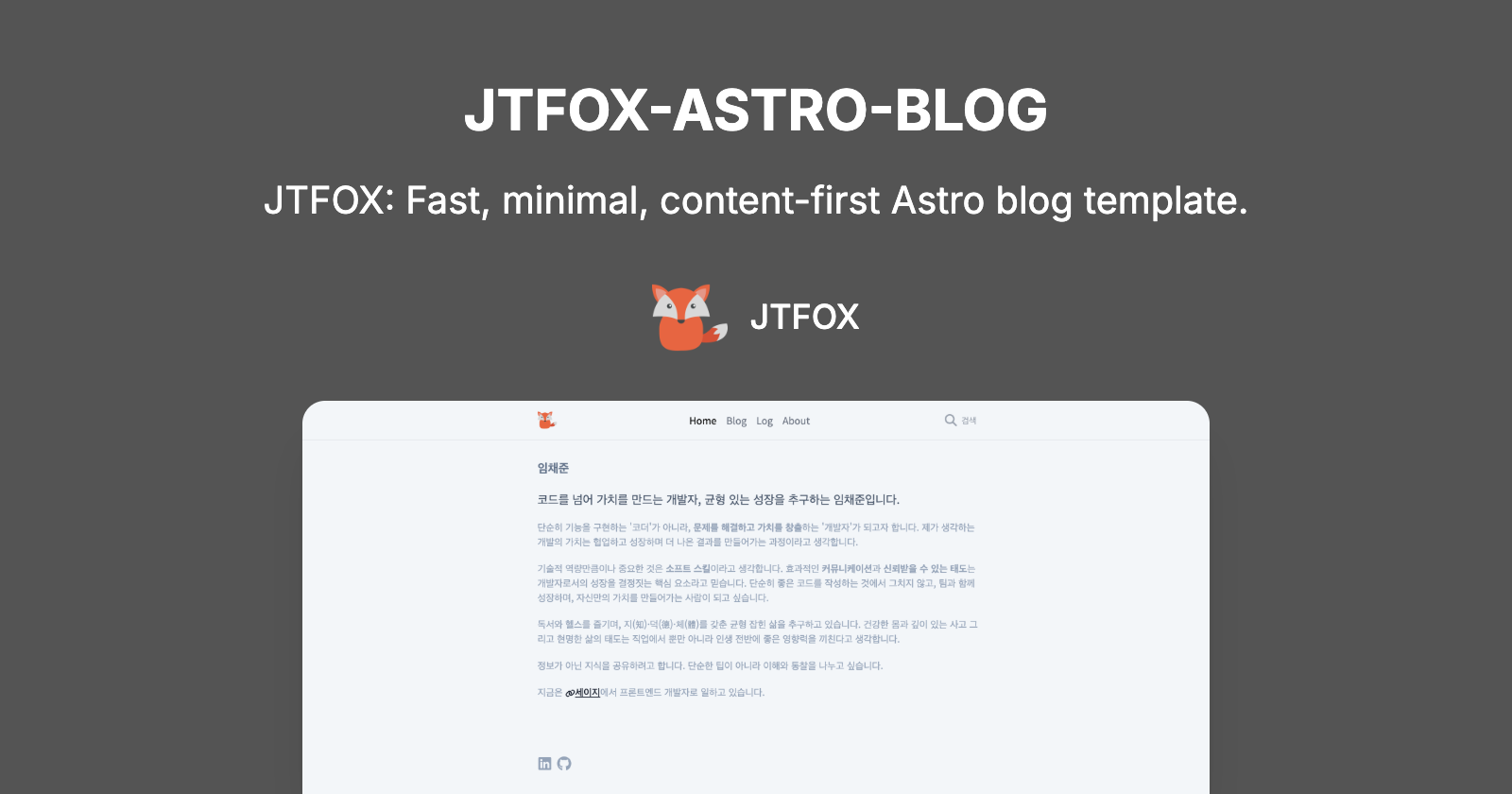
Astro Fox 🦊



Astro Fox is a fast and lightweight Astro template generator for blogs and portfolios. Easily start your project with CLI tools and quickly build a personal site with blog, log, and project sections.

✨ Features
- 🚀 CLI Generator: Create new projects with simple commands
- 🎯 Perfect Performance: Lighthouse 100/100 score
- 🔍 SEO Optimized: Built-in SEO best practices (meta tags, Open Graph, sitemaps)
- 🌓 Dark/Light Mode: Automatic detection of system theme with manual toggle
- 📱 Responsive Design: Optimized experience on all devices
- 🔎 Integrated Search: Fast content search with pagefind
- 📝 Markdown & MDX: Convenient content writing
- 🧩 Modular Components: Built with SolidJS components
- 💨 Smooth Animations: Appropriate transition effects
- 📊 RSS Feed: Automatically generated RSS feed
✅ Performance
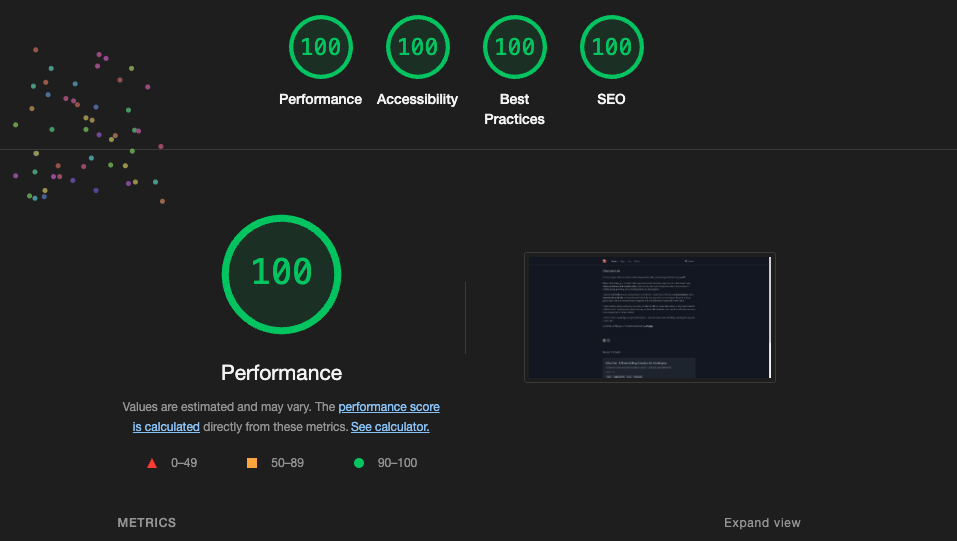
Perfect Lighthouse scores across all categories: Performance, Accessibility, Best Practices, and SEO.
🚀 Getting Started
Start with CLI
# Install globally with npm
npm install -g @cj.lim/astro-fox

# Create a new project
astro-fox init my-blog

# Navigate to project folder
cd my-blog

# Start development server
pnpm run dev
Start with Clone
Astro Fox uses pnpm by default, but supports all major package managers (npm, yarn, pnpm). Choose one package manager and use it consistently throughout these commands.
# Clone repository
git clone https://github.com/LimChaeJune/astro-fox

# Navigate to project folder
cd astro-fox

# Install dependencies with your preferred package manager
pnpm install

# Start development server
pnpm run dev

# Build for production
pnpm run build
Available Scripts
The following scripts are available regardless of which package manager you choose:
# Start development server
pnpm run dev

# Build for production
pnpm run build

# Preview production build
pnpm run preview

# Run ESLint
pnpm run lint

# Fix ESLint issues
pnpm run lint:fix

# Format code with Prettier
pnpm run format

# Check formatting with Prettier
pnpm run format:check
📝 Project Structure
/
├── cli/                  # CLI tools
├── public/
│   ├── fonts/            # Web fonts
│   └── js/               # Client scripts
├── src/
│   ├── app/
│   │   ├── components/   # App common components
│   │   ├── layouts/      # Layout components
│   │   └── styles/       # Global styles
│   ├── components/
│   │   ├── blog/         # Blog-related components
│   │   ├── log/          # Log-related components
│   │   ├── project/      # Project-related components
│   │   ├── common/       # Common UI components
│   │   └── about/        # About page components
│   ├── content/
│   │   ├── blog/         # Blog posts (Markdown/MDX)
│   │   ├── log/          # Log entries (Markdown/MDX)
│   │   └── projects/     # Project information (Markdown/MDX)
│   └── pages/            # Astro pages
│       ├── index.astro   # Home page
│       ├── blog/         # Blog pages
│       │   ├── index.astro           # Blog list page
│       │   └── [...slug].astro       # Dynamic blog post page
│       ├── log/          # Log pages
│       │   ├── index.astro           # Log list page
│       │   └── [...slug].astro       # Dynamic log entry page
│       ├── projects/     # Project pages
│       │   ├── index.astro           # Project list page
│       │   └── [...slug].astro       # Dynamic project detail page
│       └── about/        # About page
│           └── index.astro           # About page
└── package.json
Dynamic Routes with ...slug
The [...slug].astro files are used for dynamic routing in Astro:
📖 CLI Usage Guide
Astro Fox CLI is a tool for quickly creating and configuring new projects.
# install @cj.lim/astro-fox
npm install -g @cj.lim/astro-fox

# Create a new project
astro-fox init <project-name>

# Create a new blog post
astro-fox blog "My New Post" -d "A short description" -t "tag1,tag2"

# Create a new log entry
astro-fox log "Daily Log" -d "What I did today" -t "work,learning"

# Create a new project entry
astro-fox projects "Project Alpha" -d "Details about the project" -c "MyCompany" -s "2024-01-01" -e "2024-12-31"

# View help
astro-fox --help

# Check version
astro-fox --version
🔧 Customization
Content Writing
All blog posts are stored in src/content/blog as Markdown or MDX files. Each post needs frontmatter with the following fields:
---
title: "Post Title"
summary: "Brief description"
date: 2024-04-07
tags: ["astro", "web development"]
categories: "category"
image: "image-path" # optional
draft: true # optional
---

Content goes here...
The frontmatter schema is defined in src/content/config.ts using Astro's Content Collections API. You can check and modify the schema definitions there.
Logs and Projects
- Logs are stored in
src/content/log. - Projects are stored in
src/content/projects.
Styling
This template uses TailwindCSS. You can customize the theme by editing tailwind.config.mjs.
🛠️ Key Configuration Files
These files should be modified to personalize your site:
Astro Configuration - astro.config.mjs
export default defineConfig({
  site: "https://yourdomain.com", // Replace with your domain
  build: {
    format: "file", // build format
    inlineStylesheets: "auto", // css optimization
  },
});
Favicon Image - public/favicon.svg
Content Collection Schema - src/content/config.ts
Colors, Fonts and Design Elements - tailwind.config.mjs
🚢 Deployment
Astro Fox is based on static site generation (SSG) and can be easily deployed to various hosting services:
- Vercel: Connect Git repository for automatic deployment
- Netlify: Connect Git repository or deploy with drag-and-drop
- Cloudflare Pages: Connect Git repository for automatic deployment
🙏 Acknowledgement
Theme inspired by Astro Sphere.
📜 License
MIT
8 months ago