@cr0wst/rsnoop v2.0.0-beta.501e523f8c7d650ad2387d691d6d6583f73250ff
Rabbit Snoop



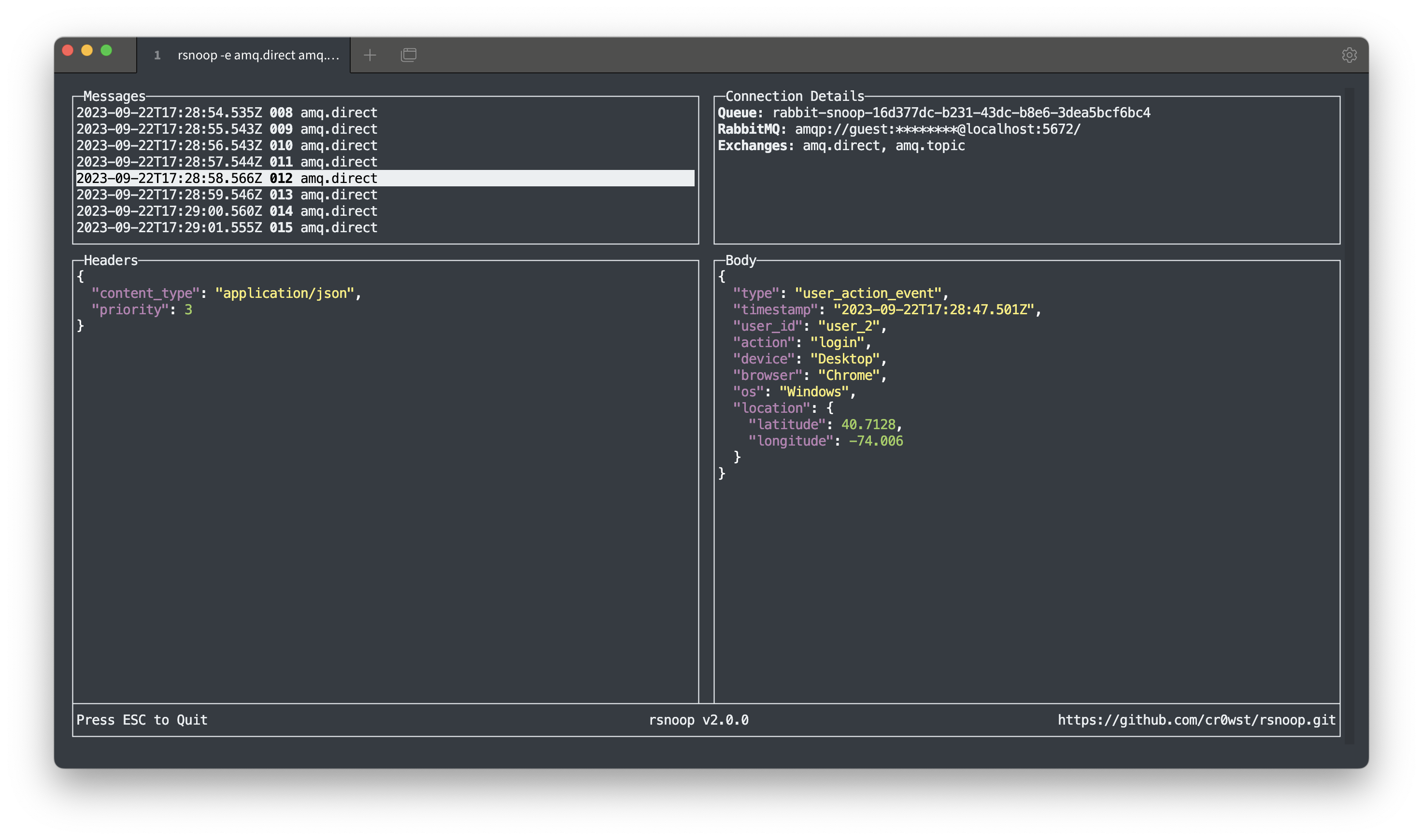
Rabbit Snoop (rsnoop) is a CLI tool used for monitoring messages sent to RabbitMQ Exchanges.
:exclamation: This tool is currently a work-in-progress and may undergo drastic changes in the future.
Features
:pencil: Zero Configuration: rsnoop makes assumptions about your local RabbitMQ server, but you can override these assumptions with command line arguments.
:rainbow: Colorized Output: Messages are displayed with colorized output to enhance readability.
:broom: Cleans Up After Itself: rsnoop will clean up any temporary queues it created when it exits.
Installation
You can install rsnoop from npm using the following command:
npm install -g @cr0wst/rsnoopThe beta tag points to the latest commit on the main branch. You can install it using the following command:
npm i -g @cr0wst/rsnoop@betaUsage
To view the list of available options for rsnoop, run the following command:
rsnoop -hIf run without arguments, rsnoop assumes the following defaults for your local RabbitMQ server:
- Host:
localhost - Port:
5672 - Username:
guest - Password:
guest - Virtual Host:
/ - Exchange:
amq.topic
To connect to a remote server, use the following command:
rsnoop -e exchange_to_listen_toIf you specify multiple exchanges, then the temporary queue will bind to all of them:
rsnoop -e exchange_one exchange_twoIssues
Please report any issues by opening a Github Issue.