

Kineto
Interactive web motion effects with live controls and copy-ready code — for Vanilla JavaScript, React, Vue, and jQuery.
실시간으로 조절하고 코드를 그대로 복사해 쓰는 웹 모션 라이브러리 — 바닐라 JS · React · Vue · jQuery 지원.
English · 한국어 · 日本語 · 简体中文 · 繁體中文 · Русский · Italiano



Live demo · Module reference · AI prompt guide · Feature contract
Kineto — the name comes from kinetic (from the Greek kínēsis, “motion”). A fitting name for a library that is all about motion on the web.
Kineto is an interactive web motion effects library with live controls and copy-ready code — 34 modules for motion, media, scroll, loaders, and text, with integrations for JavaScript, React, Vue, and jQuery. Attach effects with a single data-kt-* attribute or drive them precisely through a JavaScript API. The core has no required dependencies, and on unsupported browsers or low-end devices the effects switch off while the content stays intact.
Building with an AI coding tool (Cursor, Claude, etc.)? See the AI prompt guide — it includes a ready-to-paste instruction that tells the assistant to reach for Kineto modules first for motion and interaction.
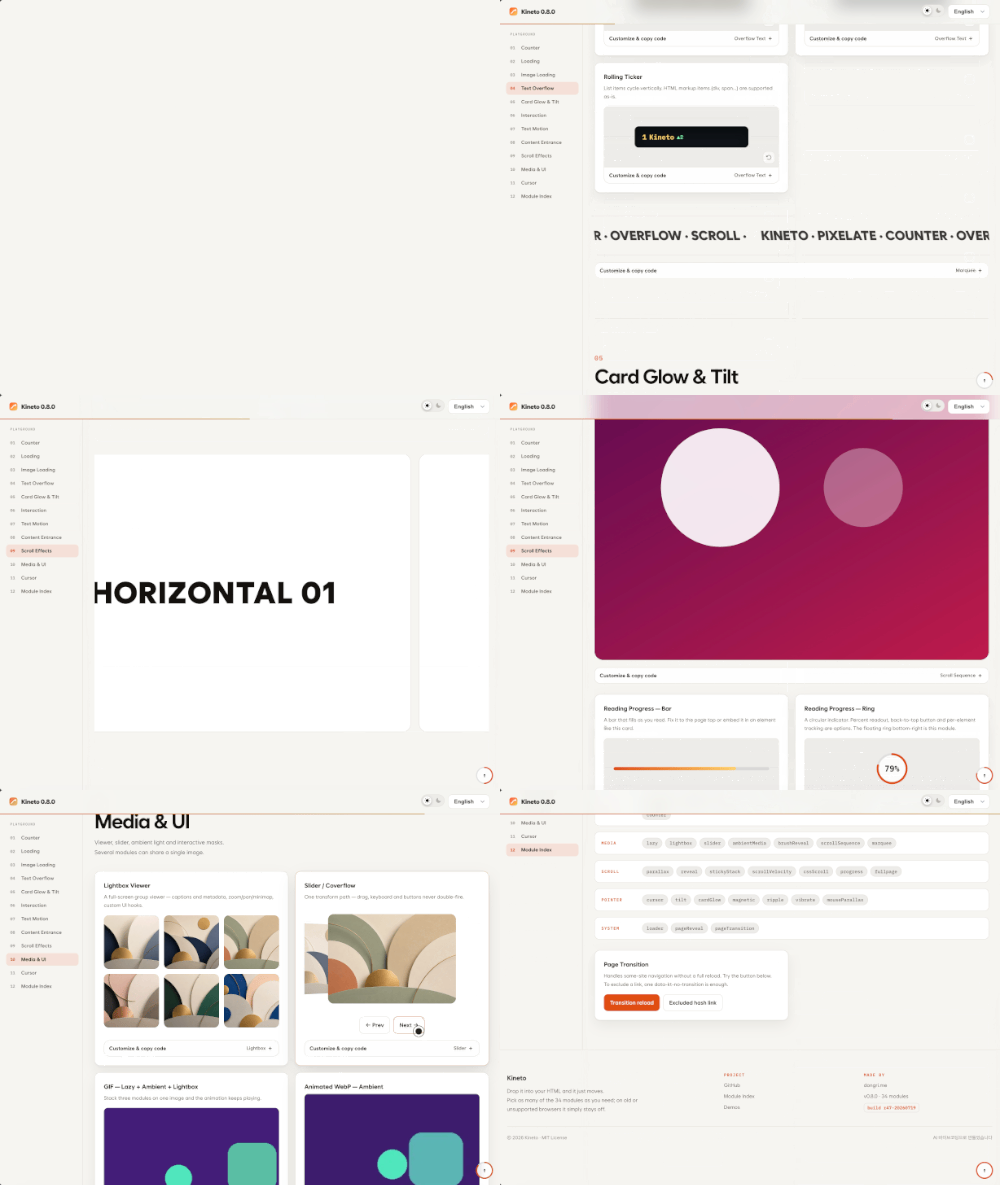
Highlights
Every effect is tunable in the live demo: adjust the options, hit Apply, and copy the resulting HTML or JavaScript.
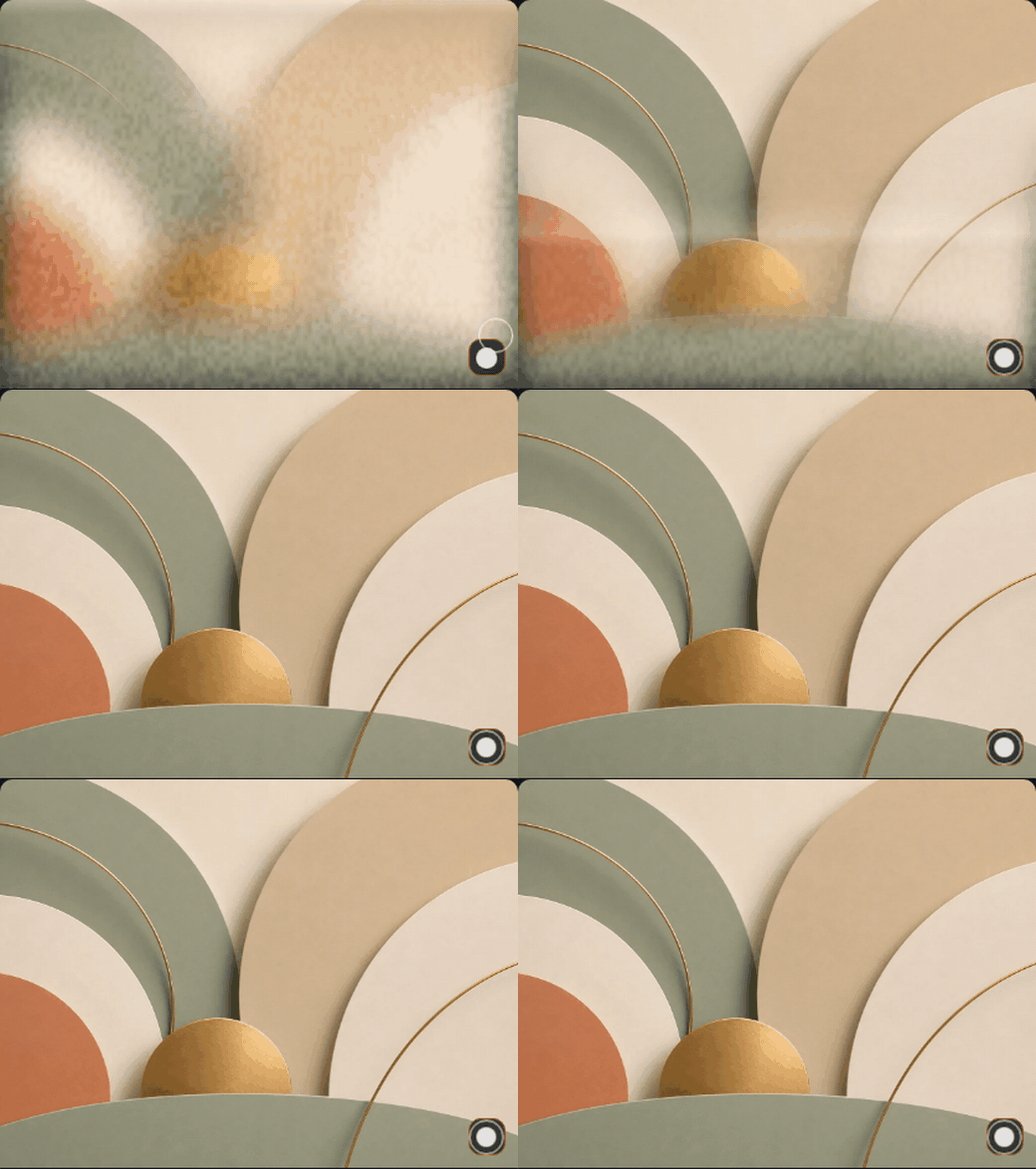
Progressive Print — lazy images resolve in like an inkjet print, line by line, low to high resolution.
Card Spotlight & Reflection — cardGlow tracks the pointer with a spotlight, surface sheen, and a luminous border.

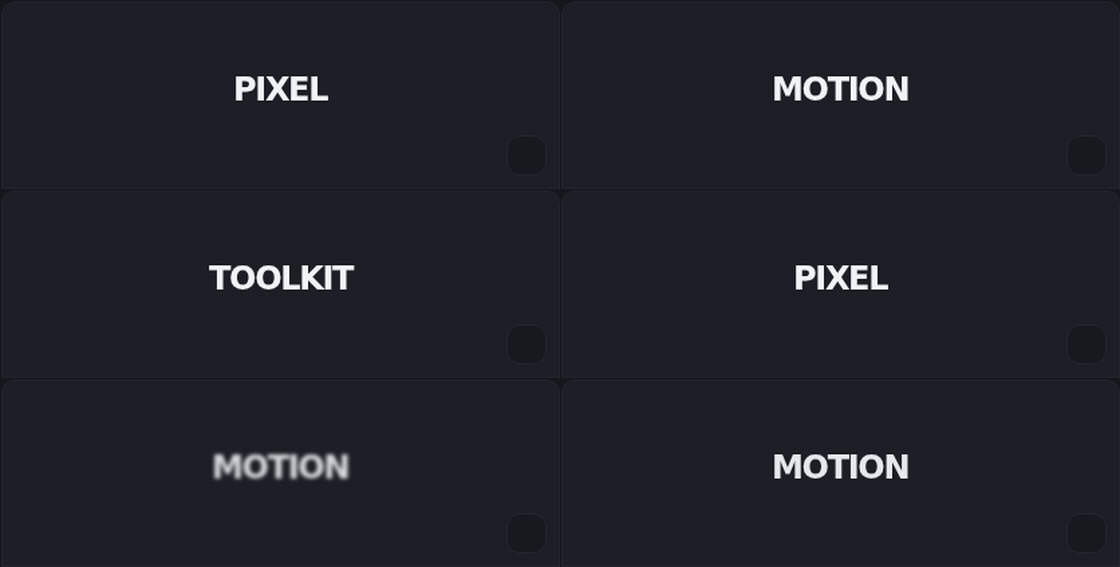
Text Transition — textTransition swaps phrases with slide, blur, or scale transitions.
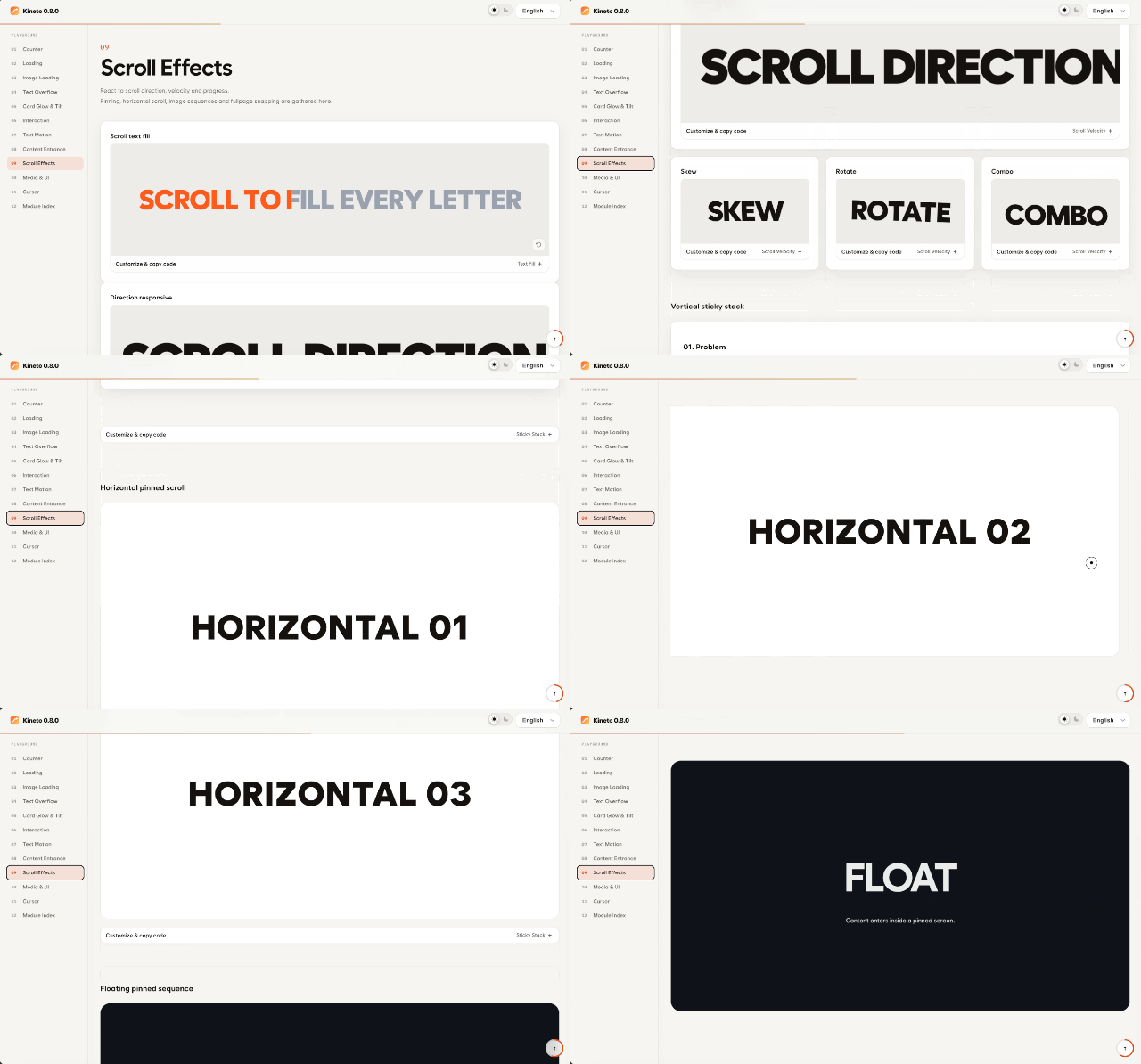
ScrollVelocity — scrollVelocity skews, scales, and shifts elements in response to scroll speed and direction.
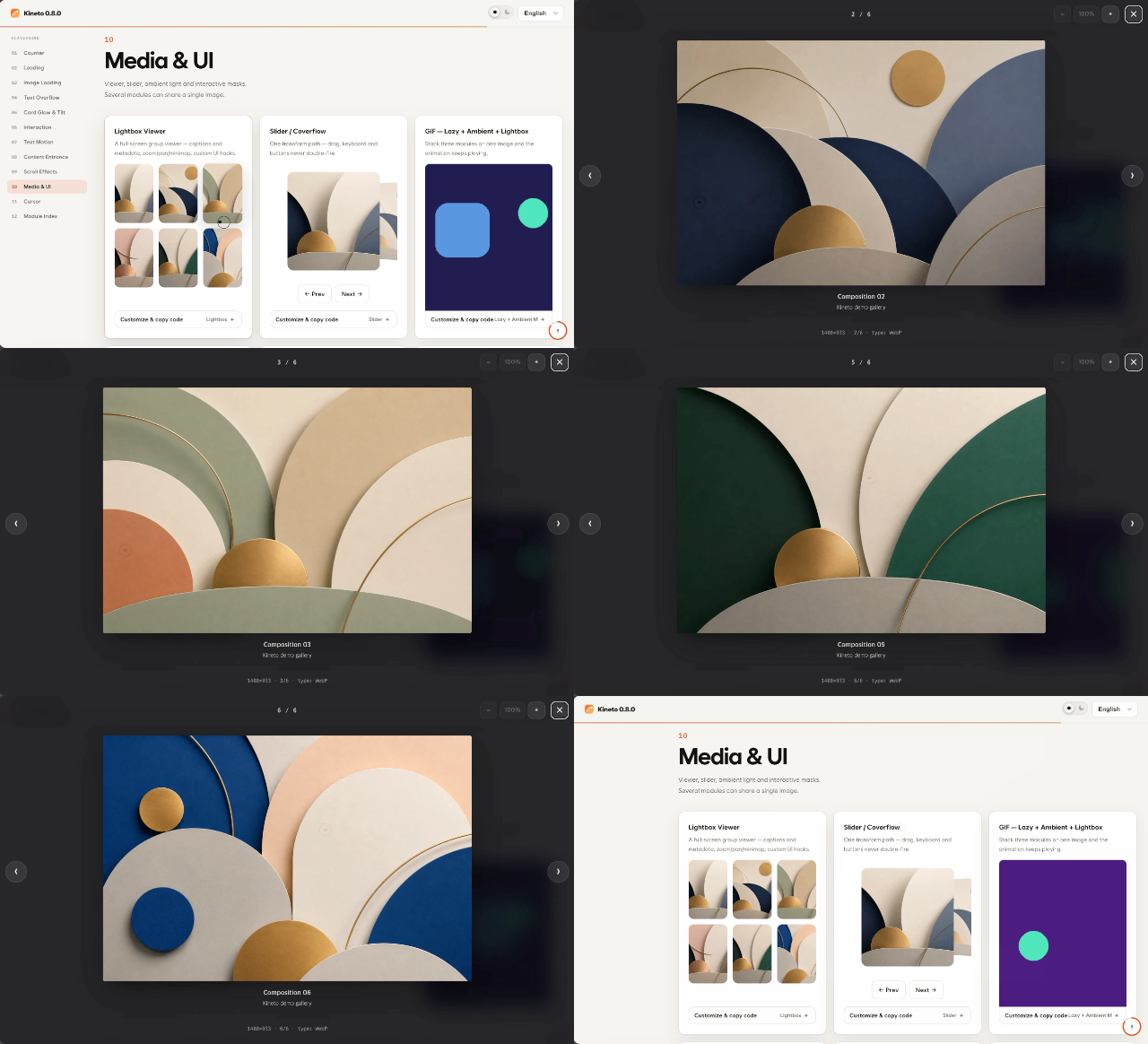
Lightbox — lightbox is a full-screen image viewer with groups, zoom, and a minimap.
See the full module list below for all 34 modules.
Installation
npm
npm install @dong-gri/kinetoimport Kineto from '@dong-gri/kineto';
import '@dong-gri/kineto/style.css';
Kineto.autoInit();CDN (script tag, no build step)
<link rel="stylesheet" href="https://cdn.jsdelivr.net/npm/@dong-gri/kineto/dist/kineto.min.css">
<script src="https://cdn.jsdelivr.net/npm/@dong-gri/kineto/dist/kineto.umd.min.js"></script>
<script>
  Kineto.autoInit();
</script>
CDN (ESM)
import Kineto from 'https://cdn.jsdelivr.net/npm/@dong-gri/kineto/+esm';Quick start
Everything works from HTML attributes alone.
<h2 data-kt-text-reveal="stream">Text that streams in</h2>
<strong data-kt-counter="pop" data-kt-to="98760" data-kt-format=",">98,760</strong>
<img data-kt-lazy="skeleton" data-src="./cover.webp" alt="Cover">
<section data-kt-reveal="fade-up">Appears on scroll</section>
The same features are available through the JavaScript API.
Kineto.counter('#total', { preset: 'pop', to: 98760, format: ',' });
Kineto.reveal('.card', { preset: 'fade-up', stagger: 0.06 });
const lightbox = Kineto.lightbox('.gallery img', { group: 'work', minimap: true });
Optional dependencies
The core runs on its own. If GSAP + ScrollTrigger (scroll scrubbing) or Lenis (smooth scroll) are present on the page, Kineto detects and uses them automatically; otherwise it falls back to standard APIs.
<script src="https://cdn.jsdelivr.net/npm/gsap@3/dist/gsap.min.js"></script>
<script src="https://cdn.jsdelivr.net/npm/gsap@3/dist/ScrollTrigger.min.js"></script>
<script src="https://cdn.jsdelivr.net/npm/lenis@1/dist/lenis.min.js"></script>
Smooth scroll is off by default and opt-in at runtime.
Kineto.enableSmooth({ lerp: 0.08 });
Kineto.disableSmooth();
Modules
| Module | Activation attribute | Purpose |
|---|---|---|
ambientMedia |
data-kt-ambient-media |
Ambient glow sampled from media |
blurText |
data-kt-blur-text |
Per-character blur reveal |
brushReveal |
data-kt-brush-reveal |
Pointer brush-mask reveal |
cardGlow |
data-kt-card-glow |
Pointer spotlight, surface sheen, luminous border |
counter |
data-kt-counter |
Number count, flip, clock, countdown |
cssScroll |
data-kt-css-scroll |
Scroll bound to CSS vars / animation timeline |
cursor |
data-kt-cursor |
Eleven custom cursor presets |
fullpage |
data-kt-fullpage |
Fullpage section paging (x / y / mixed axis) |
glitch |
data-kt-glitch |
RGB slice and glitch reveal |
lazy |
data-kt-lazy |
Image load effects (skeleton, pixelate, print, dissolve) |
lightbox |
data-kt-lightbox |
Full-screen viewer, groups, zoom, minimap |
loader |
data-kt-loader |
Loader bound to real progress sources |
magnetic |
data-kt-magnetic |
Magnetic pointer response |
marquee |
data-kt-marquee |
Continuous marquee |
mouseParallax |
data-kt-mouse-parallax |
Pointer / gyroscope parallax |
overflowText |
data-kt-overflow-text |
Eight ways to handle overflowing text |
pageReveal |
data-kt-page-reveal |
Page-entry overlay |
pageTransition |
data-kt-page-transition |
Same-origin page transitions |
parallax |
data-kt-parallax |
Scroll parallax |
progress |
data-kt-progress |
Reading progress bar / ring |
reveal |
data-kt-reveal |
Scroll-entry reveal |
ripple |
data-kt-ripple |
Click ripple |
scrollSequence |
data-kt-scroll-sequence |
Image-sequence scrubbing |
scrollVelocity |
data-kt-scroll-velocity |
Scroll speed / direction response |
shuffle |
data-kt-shuffle |
Character shuffle decode |
slider |
data-kt-slider |
Slide and coverflow |
stickyStack |
data-kt-sticky-stack |
Sticky stack (vertical / horizontal / floating) |
textFill |
data-kt-text-fill |
Scroll-driven text fill |
textReveal |
data-kt-text-reveal |
Text reveal (incl. Hangul composition) |
textSplit |
data-kt-text-split |
Character / word split motion |
textTransition |
data-kt-text-transition |
Text swap transitions |
tilt |
data-kt-tilt |
3D tilt and glare |
typewriter |
data-kt-typewriter |
Typing effect |
vibrate |
data-kt-vibrate |
Haptic vibration feedback |
For each module's variants and full option list, see the module reference and kineto.features.json.
Framework adapters
import { Motion } from '@dong-gri/kineto/react';
<Motion as="h2" type="textReveal" options={{ mode: 'hangul' }}>Hello</Motion>
import KinetoVue from '@dong-gri/kineto/vue';
app.use(KinetoVue);import installKineto from '@dong-gri/kineto/jquery';
installKineto(window.jQuery);
$('.card').kineto('reveal', { preset: 'fade-up' });Browser support
Latest Chrome, Edge, Firefox, and Safari (desktop and mobile). With prefers-reduced-motion enabled, every module renders its final state without animation; on unsupported environments the effects degrade to static content.
Build
npm install
npm run build   # emits dist/
npm run verify  # lint, build, tests, contract checks
License
MIT dongri · Built with AI vibe-coding.