
Fabriq Admin
A pluggable, embeddable admin & visualization console for the Fabriq data fabric
Browse entities, run vector & semantic search, explore the knowledge graph, inspect CRDT documents, plot spatial queries, read time‑series telemetry, and manage runtime plugins — all from one tenant‑aware console you can mount into any React app or run standalone.






Highlights
- Library‑first, embeddable. The entire console is a single
<FabriqAdmin>React component. Drop it into an existing app (React Router, Next.js, or standalone), hand it a client, and it renders into your container — no page, router, or global‑CSS ownership required. - Runtime plugin system. Every panel is a plugin. Built‑ins ship with the host; third‑party plugins load at runtime over the network via Module Federation — no rebuild, no redeploy.
- Multi‑tenant by design. A tenant switcher injects
X‑Tenant‑IDon every request; all reads and writes are tenant‑scoped. - Surfaces every Fabriq subsystem. Entities, Search (text/semantic/similar), Graph, Spatial, Time‑series, Files, CRDT documents, Distillation, Cache, Projections, Events, and a raw API console.
- Scoped, themeable design system. shadcn + Base UI primitives on Tailwind v4, an OKLCH lime theme, and zero global preflight — all styles are scoped to
.fabriq-admin, so it's safe to embed.
Feature tour
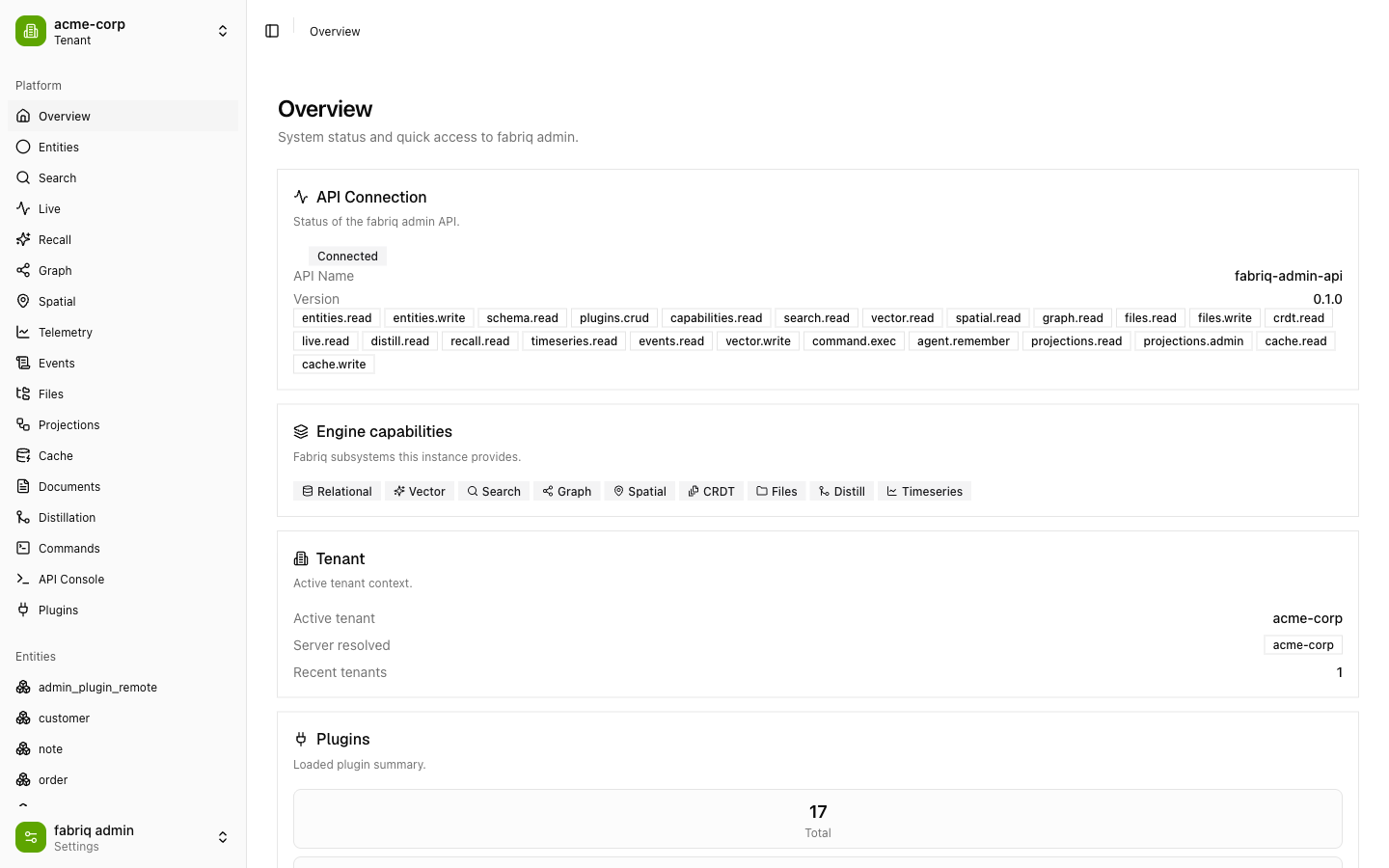
Overview — engine capabilities at a glance
Live API connection status, the exact capability set the backend advertises, the active tenant, and a loaded‑plugin summary.
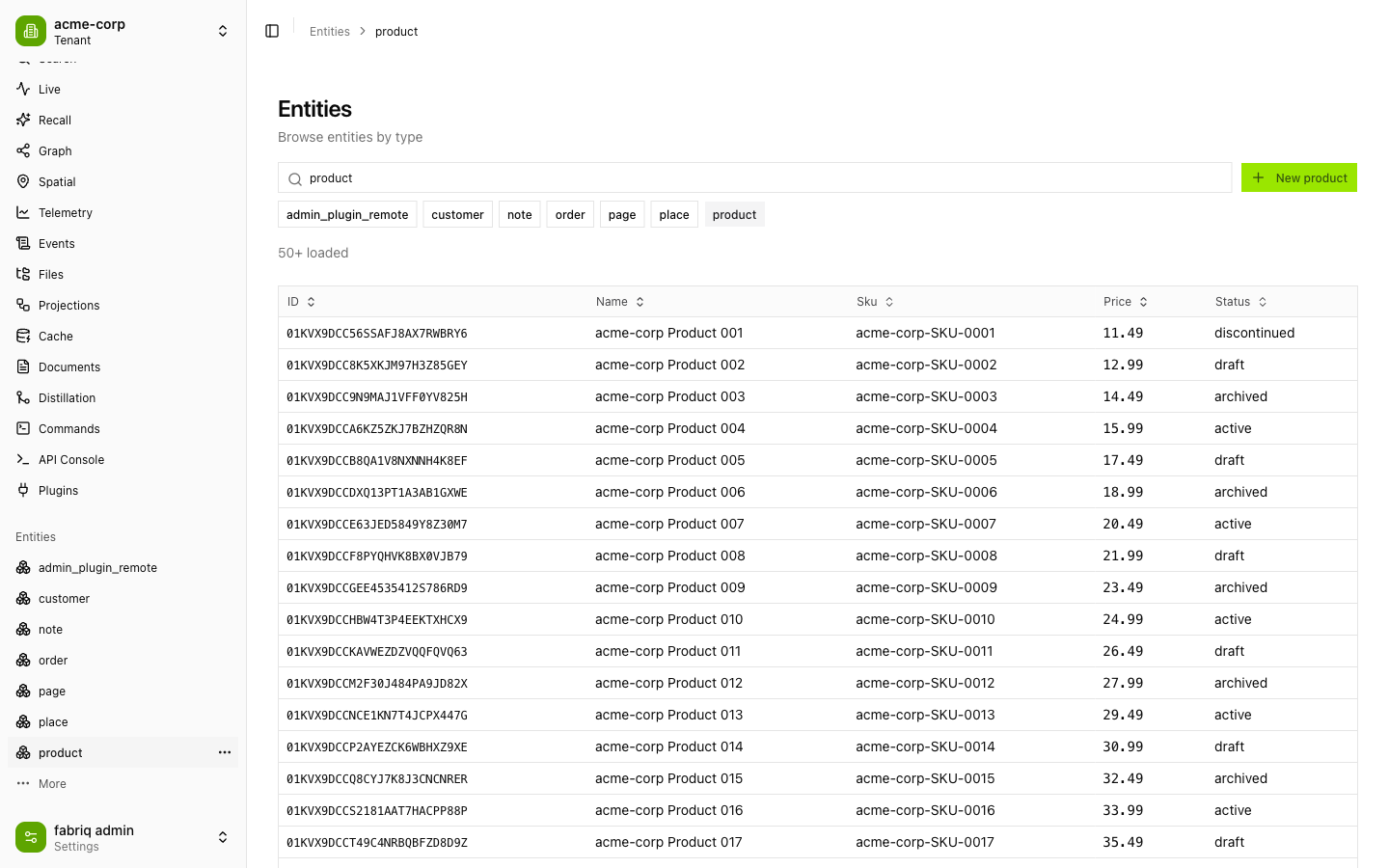
Entities — schema‑aware CRUD
Browse any registered entity type, page through instances, open a detail view, and create/update/delete — the grid columns are derived from the type's schema.
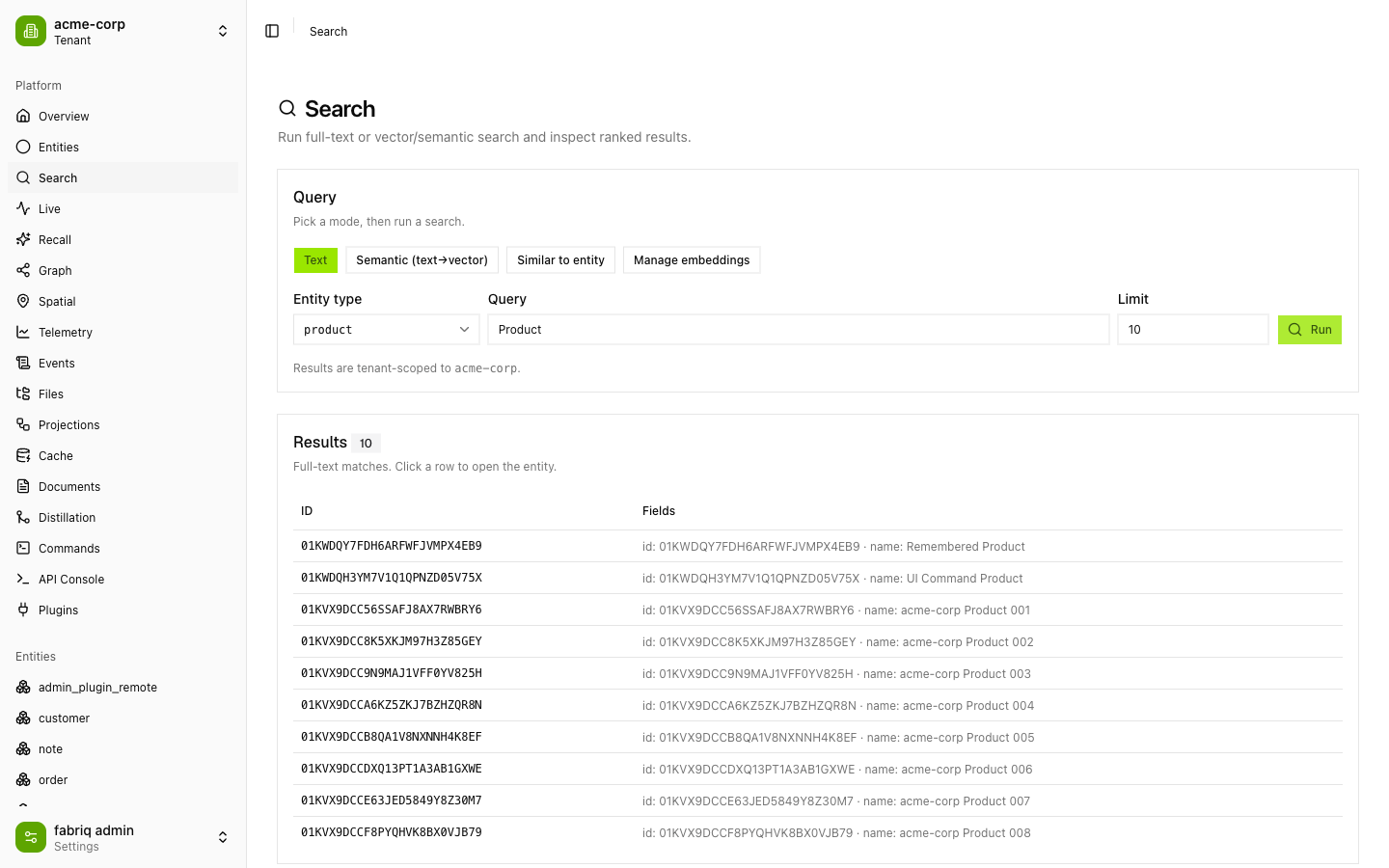
Search — full‑text, semantic & similarity
Three modes in one panel: full‑text search, semantic (text → vector) search backed by pgvector, and similar‑to‑entity search — plus an embedding manager. Results are ranked and tenant‑scoped.
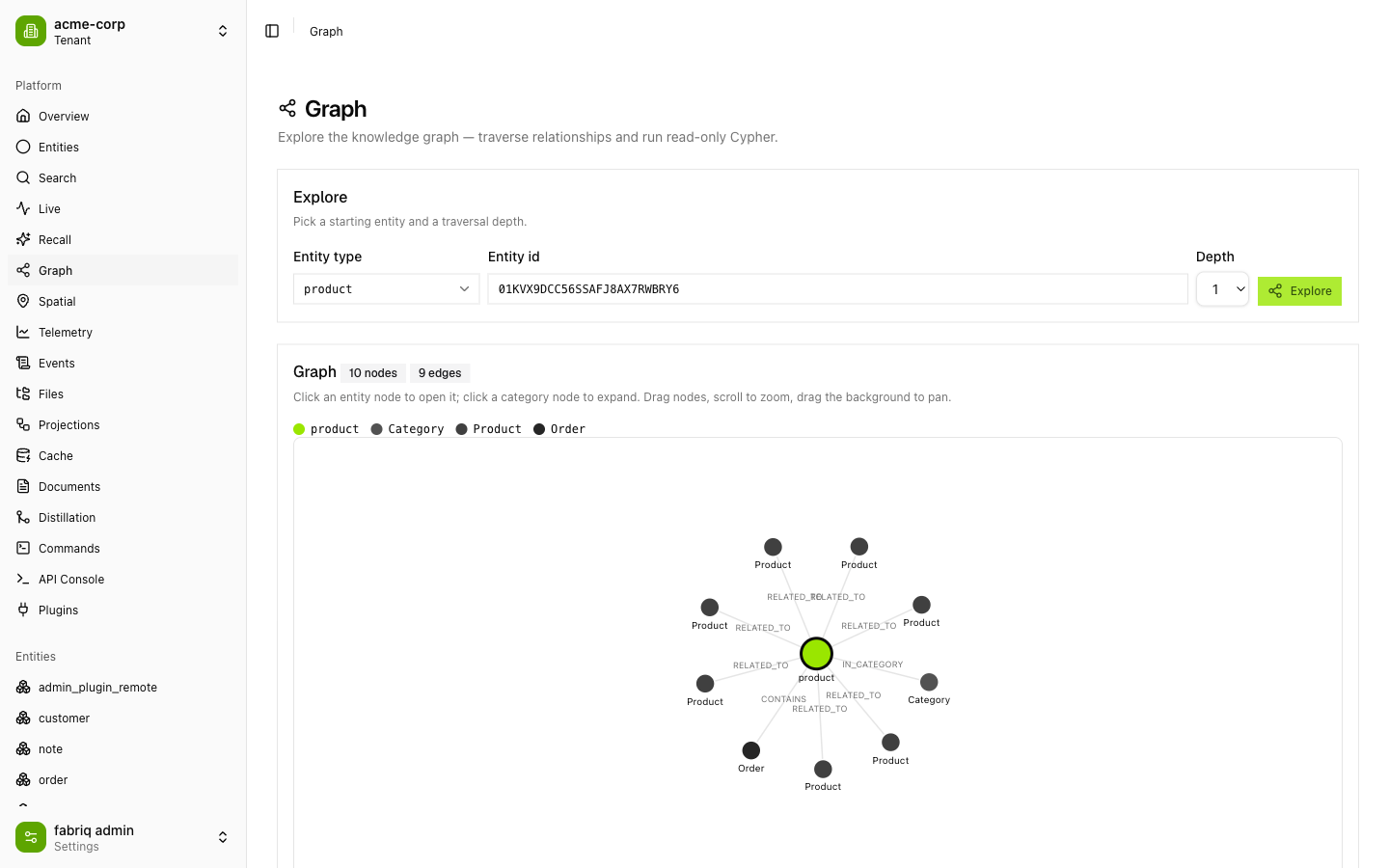
Graph — explore the knowledge graph
Traverse relationships from any entity with a depth control, or drop into read‑only Cypher. Results render as an interactive d3‑force graph (drag, zoom, pan) with per‑type node coloring, backed by FalkorDB.
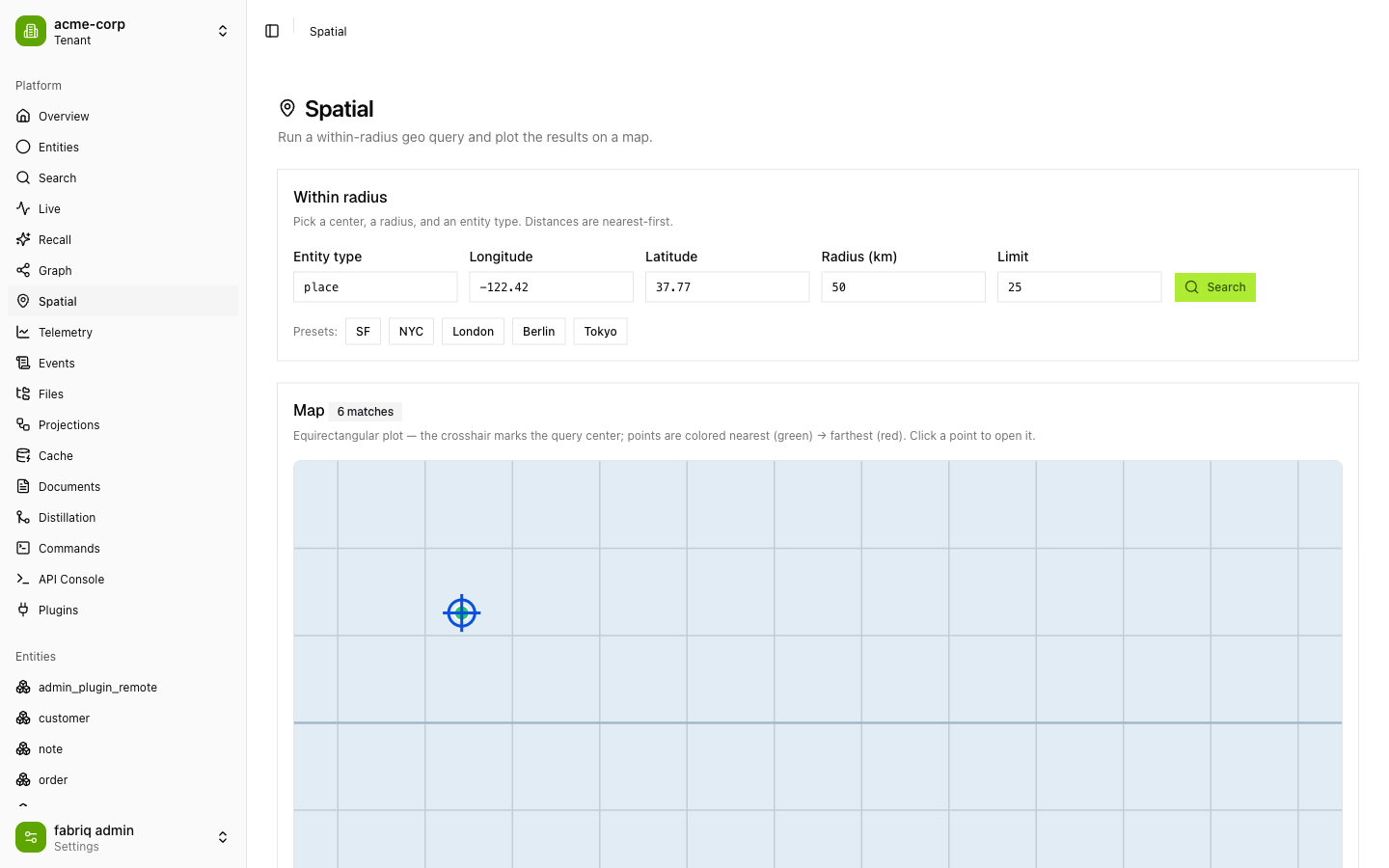
Spatial — within‑radius geo queries
Pick a center, radius, and entity type; matches plot on a map nearest‑first (green → red), with quick city presets. Powered by Fabriq's PostGIS spatial plane.
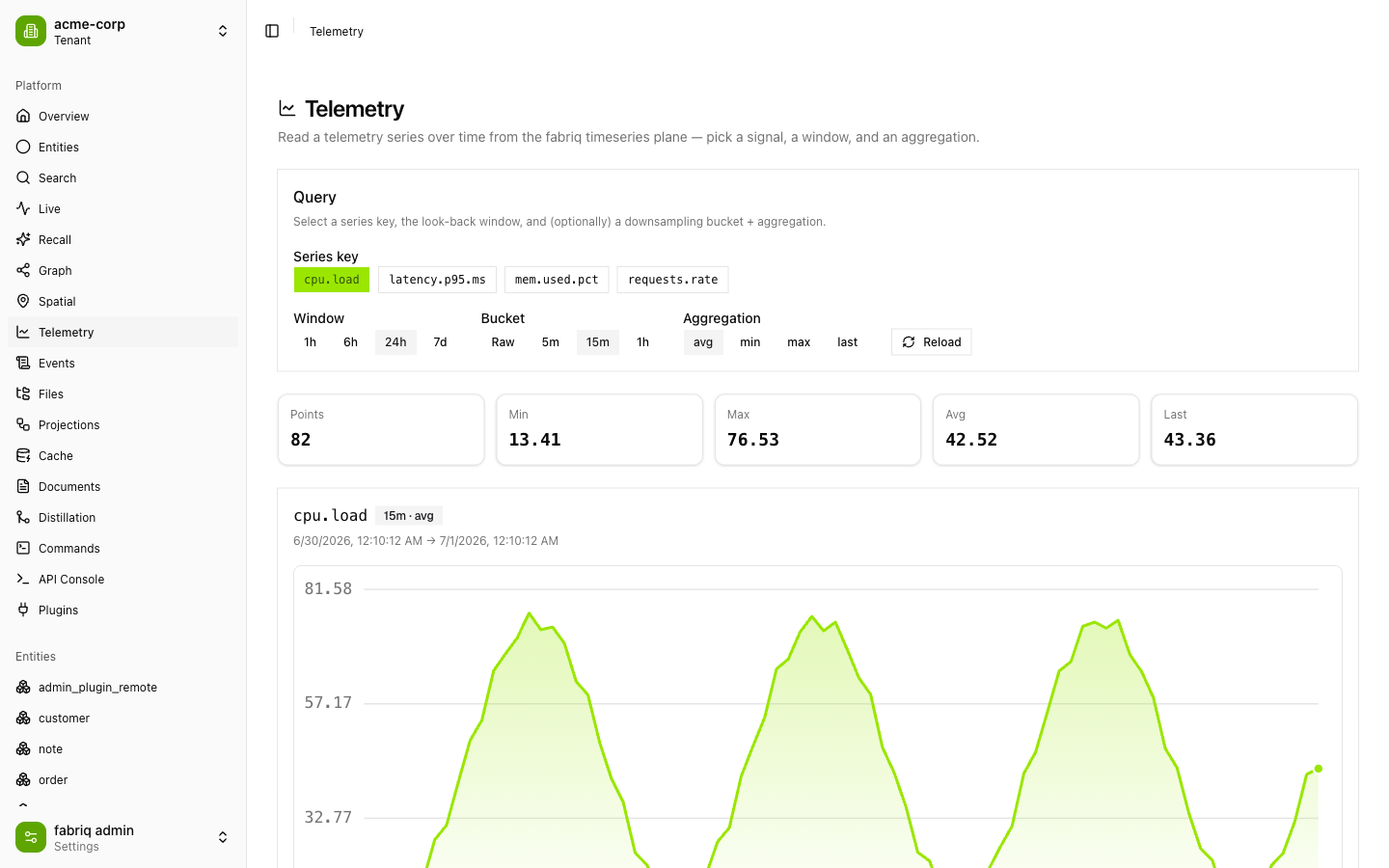
Telemetry — time‑series signals
Read any signal from the time‑series plane — choose a look‑back window, downsampling bucket, and aggregation. Summary stats (min/max/avg/last) plus a live area chart.
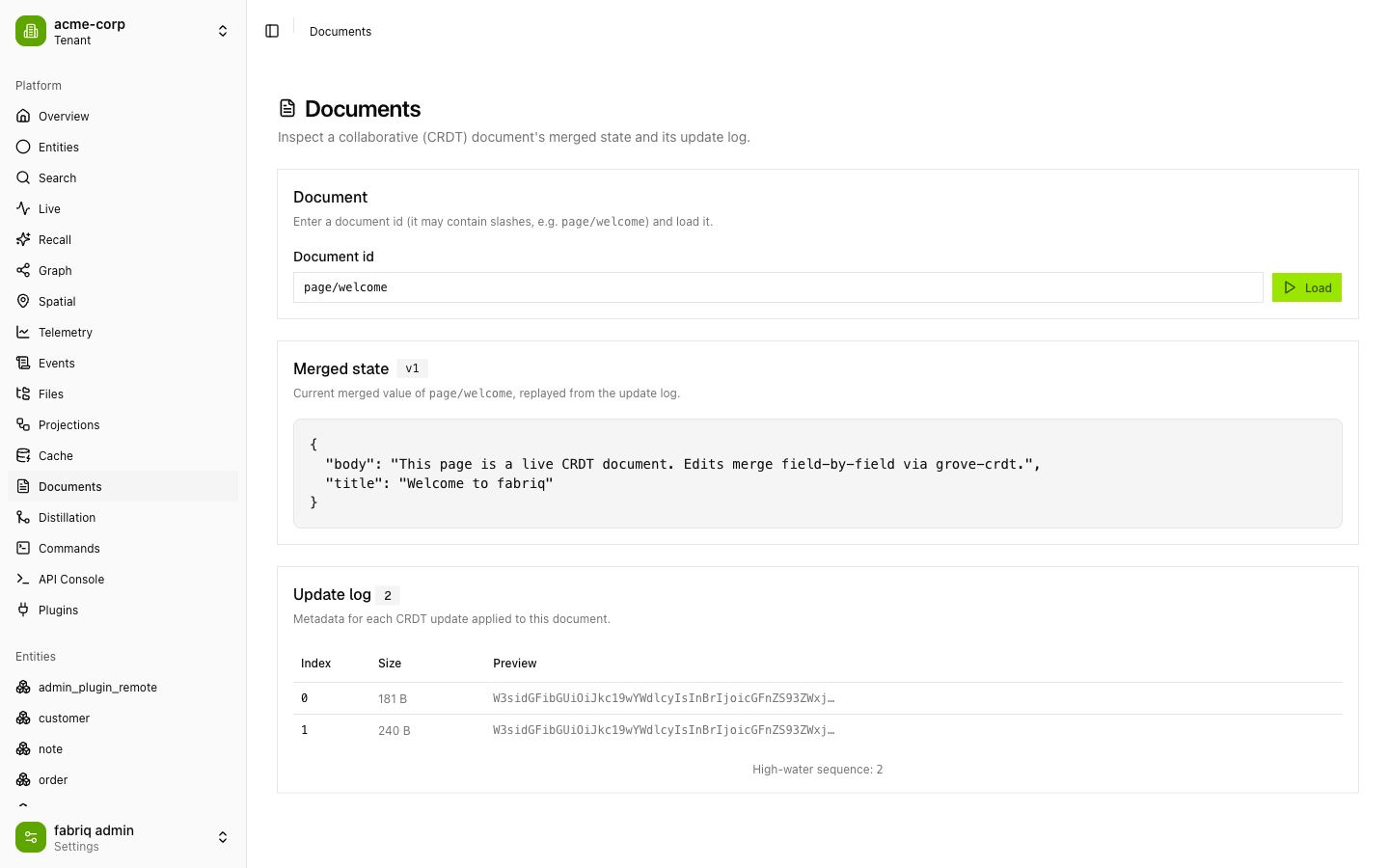
Documents — collaborative CRDT state
Inspect a CRDT document's current merged state (replayed from its update log, merged field‑by‑field via grove‑crdt) alongside the raw update‑log metadata and high‑water sequence.
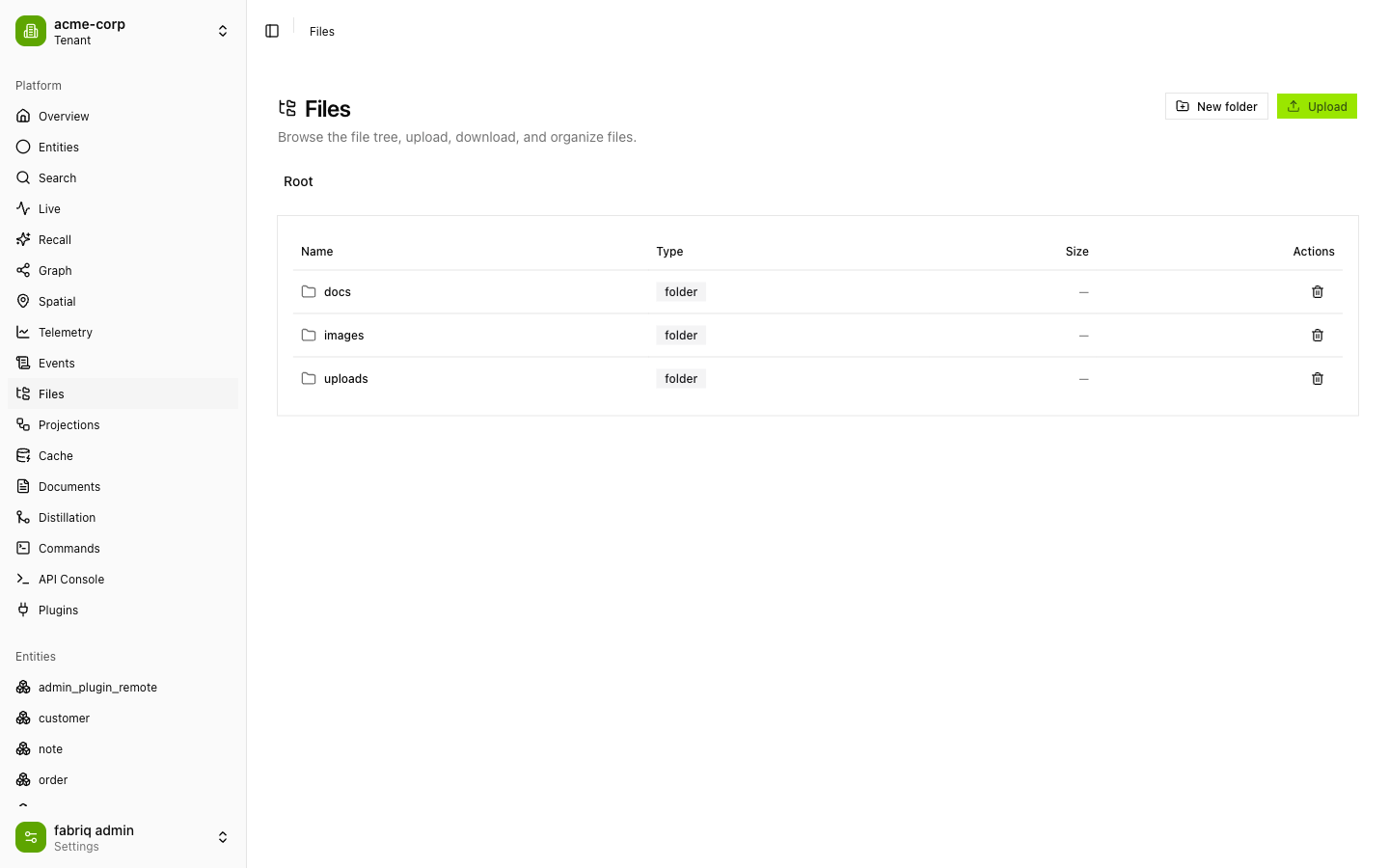
Files — the blob/file plane
Browse the file tree, upload, download, delete, and organize — backed by Fabriq's content‑addressed file plane.
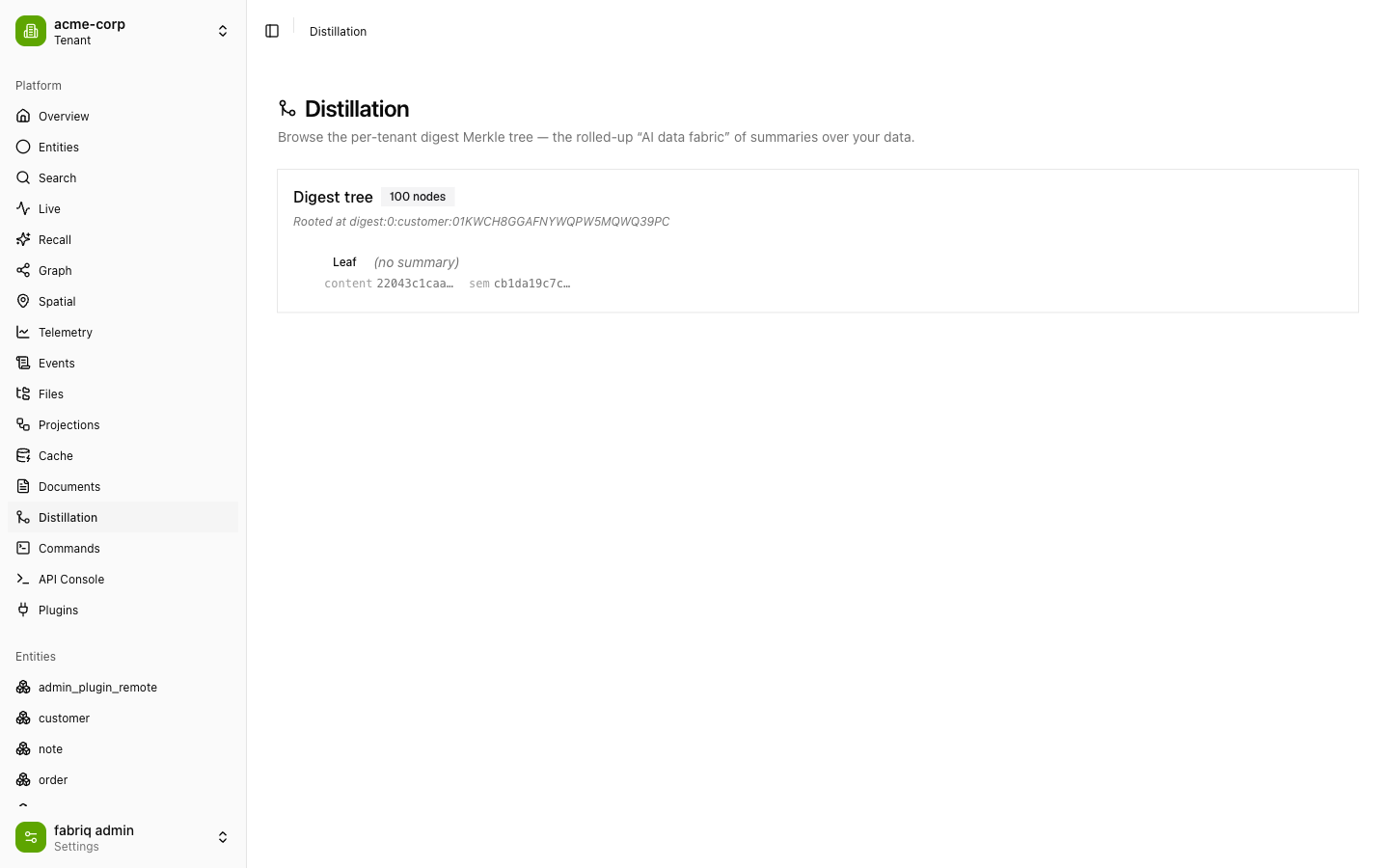
Distillation — the "AI data fabric"
Browse the per‑tenant digest Merkle tree: rolled‑up summaries over your data with content and semantic hashes at every node.
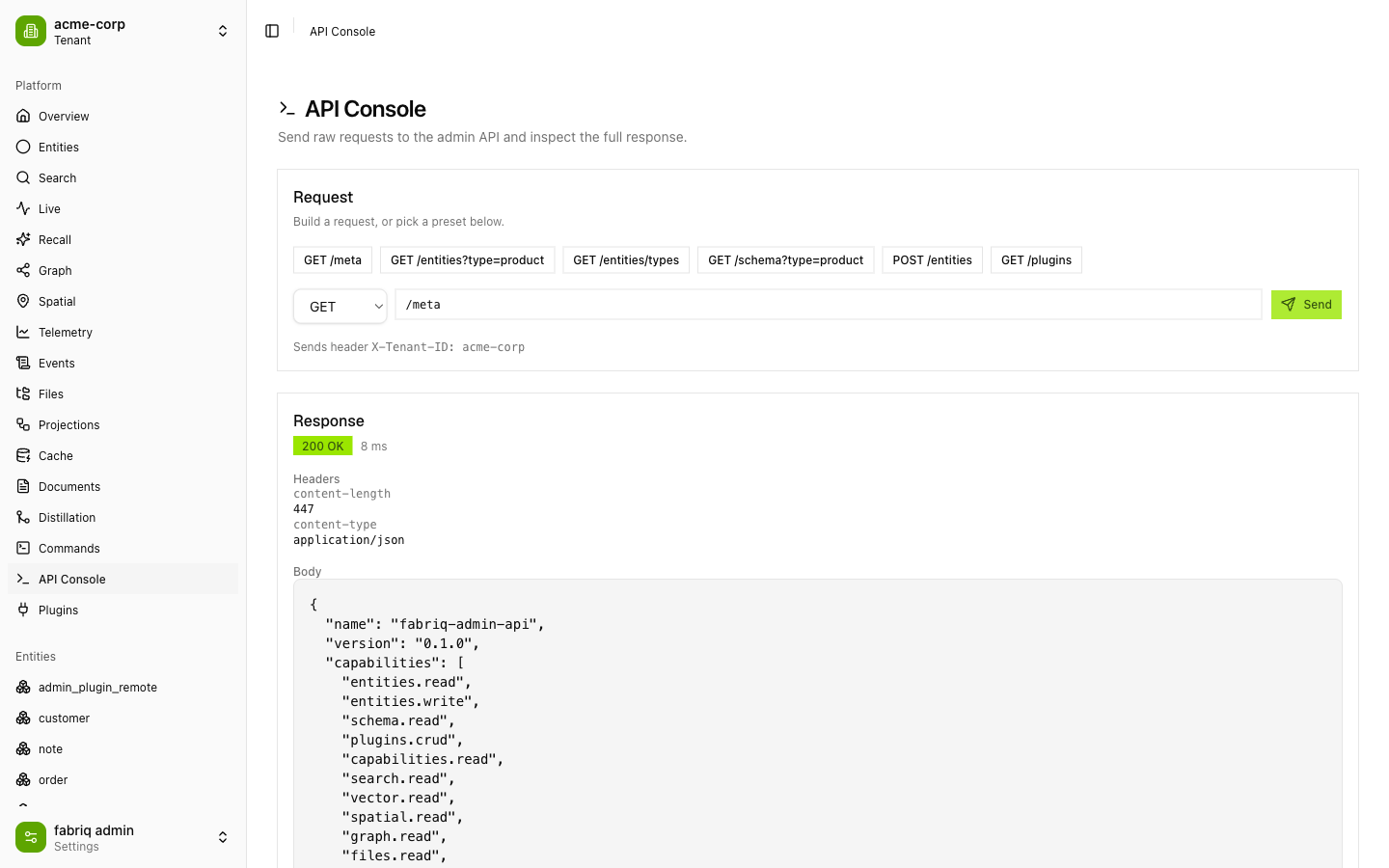
API Console — raw request explorer
Send arbitrary requests to the admin API with presets, inspect status, timing, headers, and the pretty‑printed JSON body. The active tenant header is applied automatically.
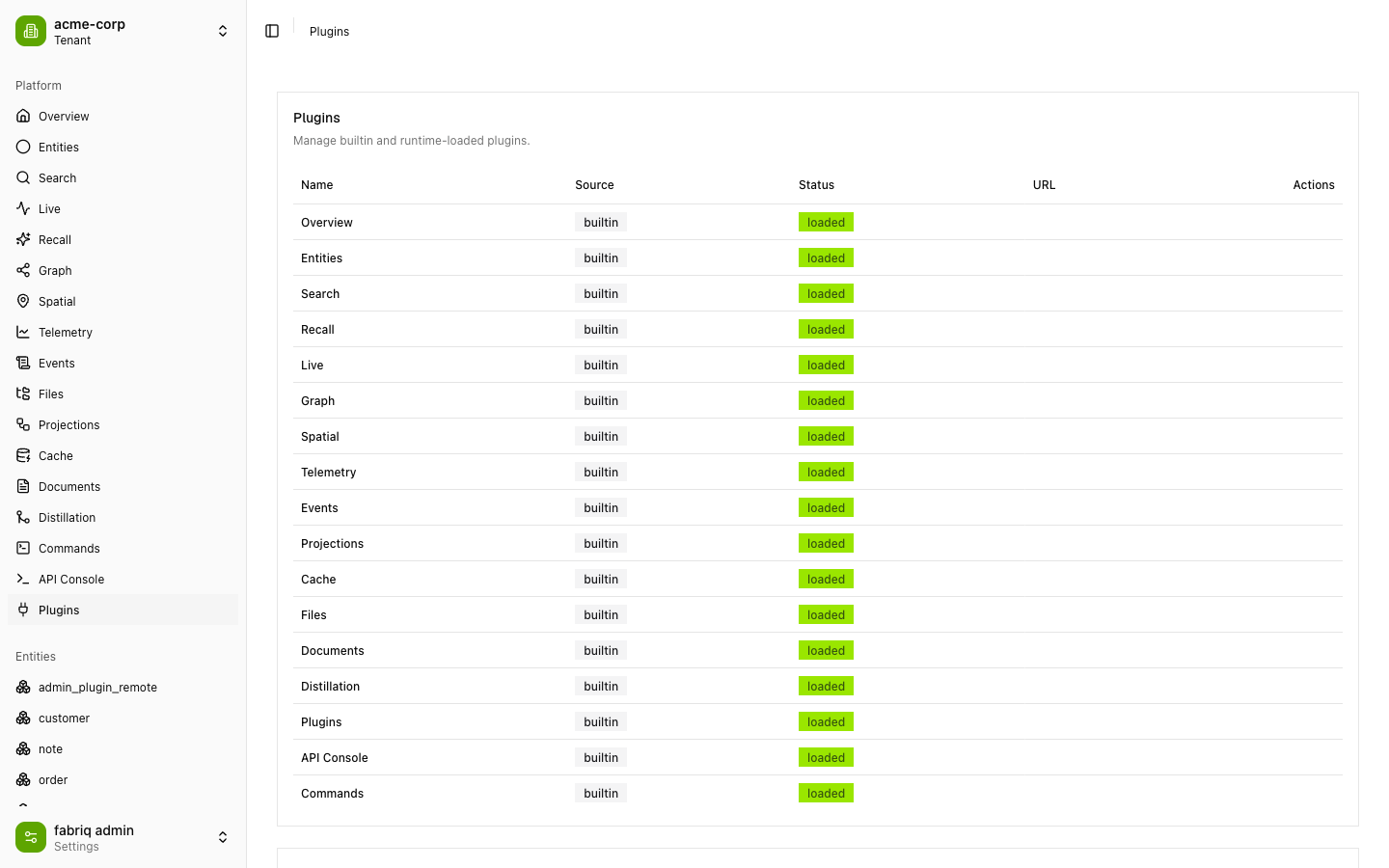
Plugins — runtime federation manager
See every builtin and remote plugin with its source and load status, and register new remote plugins by URL at runtime.
Also included: Live (streaming result sets), Recall (agentic RAG recall), Events (event‑stream browsing), Projections (materialized view management), Cache (read‑through cache inspection), and Commands (command execution).
Architecture
┌───────────────────────────────────────────────────────────────┐
│  Host app  (apps/host — Vite + Module Federation)             │
│                                                               │
│   <FabriqAdmin                                                │
│      client={FabriqClient}      ← HTTP/SSE transport          │
│      plugins={[…builtins]}      ← 17 builtin panels           │
│      tenantStore={…}            ← X-Tenant-ID header           │
│      loadRemote={…} />          ← runtime federation loader    │
│         │                                                     │
│         ├─ PluginRegistry  → merges routes + nav + panels     │
│         ├─ Router (virtual | hash | path)                     │
│         └─ Scoped UI (.fabriq-admin, Tailwind v4, no preflight)│
└───────────┬───────────────────────────────────┬──────────────┘
            │ REST + SSE (/admin/*)              │ setRemote()
            ▼                                    ▼
   Fabriq backend                       Remote plugins
   (forgeext/adminapi)                  (remoteEntry.js, loaded by URL)
Library‑first mounting. <FabriqAdmin> (packages/admin-sdk) owns no page and sets up no global router. It renders into the container you give it, scopes all CSS to .fabriq-admin, and bridges to your host router via optional routerPush/routerReplace props. Routing strategy is selectable: virtual (in‑memory, embed‑safe), hash, or path.
Runtime Module Federation. The host (apps/host/vite.config.ts) shares singletons — react, react-dom, @tanstack/react-query, @fabriq-ai/admin-sdk, and @fabriq-ai/ui — so runtime‑loaded remotes use the host's React and context instances. Remote plugins are registered by URL at runtime from the Plugins page; there are no statically‑declared remotes.
Plugins are the unit of composition. A plugin is a small object (definePlugin({ id, name, capabilities, navItems, routes, panels })). Builtins are passed to <FabriqAdmin> as an array; remotes are fetched, validated, and merged into the same PluginRegistry. An optional PluginStore persists remote specs (HTTP or localStorage) across reloads.
Tenant‑aware transport. FabriqClient wraps an injectable transport (default HTTP+SSE) whose getHeaders() pulls X‑Tenant‑ID from the TenantStore, so every entity read, search, graph query, and stream is tenant‑scoped.
Getting started
Prerequisites
- Node.js ≥ 20 and pnpm ≥ 9
- A running Fabriq admin backend. The simplest path is the demo server shipped with Fabriq (
cmd/admin-demo), which mounts theforgeext/adminapiextension and seeds sample data across two tenants.
1. Start the backend
From your Fabriq checkout, with a dev stack up (Postgres, Elasticsearch, FalkorDB, Redis — the demo defaults match the standard dev ports):
go run ./cmd/admin-demo # serves the admin API on http://localhost:8080/adminVerify it:
curl -s localhost:8080/admin/meta -H 'X-Tenant-ID: acme-corp'2. Start the console
pnpm install
pnpm dev                     # → http://localhost:5173
Open the app, click the tenant switcher, and add a tenant (e.g. acme-corp). Every panel is now live against the backend.
The API base URL defaults to http://localhost:8080/admin and can be overridden with the VITE_FABRIQ_API_URL environment variable.
Optional: run the remote‑plugin example
pnpm --filter @fabriq-ai/remote-example dev # → http://localhost:5175 (CORS enabled)Then add its remoteEntry.js URL from the Plugins page to load it into the host at runtime.
Embedding in your app
import { FabriqAdmin, FabriqClient, createHttpTransport, createTenantStore } from "@fabriq-ai/admin-sdk"
import { builtinPlugins } from "./plugins"
import "@fabriq-ai/ui/styles.css"

const tenantStore = createTenantStore()
const baseUrl = "https://your-host/admin"
const client = new FabriqClient({
  baseUrl,
  transport: createHttpTransport({ baseUrl, getHeaders: () => tenantStore.headers() }),
})

export function AdminRoute() {
  return (
    <FabriqAdmin
      client={client}
      plugins={builtinPlugins}
      tenantStore={tenantStore}
      theme="system"
      routing="path"
      path="/admin"
    />
  )
}
Monorepo structure
fabriq-admin/
├── apps/
│   ├── host/                 @fabriq-ai/host           — Module Federation host / dev shell
│   └── remote-example/       @fabriq-ai/remote-example — standalone remote‑plugin example
├── packages/
│   ├── admin-sdk/            @fabriq-ai/admin-sdk      — <FabriqAdmin>, plugin system, client, transport, router, tenant
│   └── ui/                   @fabriq-ai/ui             — Base UI + shadcn components, scoped Tailwind v4 theme
└── plugins/                  17 builtin feature plugins
    ├── overview  entity-browser  search  recall  live  graph  spatial
    ├── telemetry  events  projections  cache  files  crdt  distill
    └── commands  api-console  plugins-manager
Packages are consumed as raw TypeScript source (main: ./src/index.ts) — no per‑package build step for local development.
Writing a plugin
import { definePlugin } from "@fabriq-ai/admin-sdk"
import { Boxes } from "lucide-react"
import { MyPanel } from "./MyPanel"

export default definePlugin({
  id: "acme.my-panel",
  name: "My Panel",
  version: "1.0.0",
  capabilities: ["entities.read"],
  navItems: [{ label: "My Panel", to: "/my-panel", icon: Boxes, order: 55 }],
  routes: [{ path: "/my-panel", element: <MyPanel />, title: "My Panel" }],
})
Build it as a Module Federation remote exposing ./plugin (see apps/remote-example) and load it at runtime from the Plugins page — or bundle it into your host's plugin array.
Tech stack
| Area | Choice |
|---|---|
| UI | React 19, TanStack Query, TanStack Table/Virtual |
| Styling | Tailwind v4 (scoped, no preflight), Base UI + shadcn, OKLCH lime theme, next-themes |
| Bundling | Vite 5 + @vitejs/plugin-react + @originjs/vite-plugin-federation |
| Visualization | d3-force (graph), recharts (telemetry) |
| Monorepo | pnpm workspaces |
| Testing | Vitest + Testing Library + jsdom |
| Language | TypeScript 5.6 (target esnext) |
Testing
pnpm test # run the vitest workspace across packages, apps, and pluginsUnit tests run under jsdom and never touch real Module Federation or the network: the loadRemote prop is injectable, and a federation stub mocks virtual:__federation__, so plugin loading, routing, transport, and components are all tested in isolation.
Backend
Fabriq Admin talks to the Fabriq adminapi forge extension (forgeext/adminapi) over /admin/* REST and SSE endpoints — meta, entities, schema, search, graph, spatial, timeseries, files, crdt, distill, recall, live, events, cache, projections, plugins, and a raw command endpoint. The console probes /meta at startup and lights up exactly the panels the connected engine advertises as capabilities.