
@hugeicons/core-free-icons
@hugeicons/core-free-icons
Hugeicons Core Free Icons Package - Beautiful and customizable icons for your applications

What is Hugeicons?
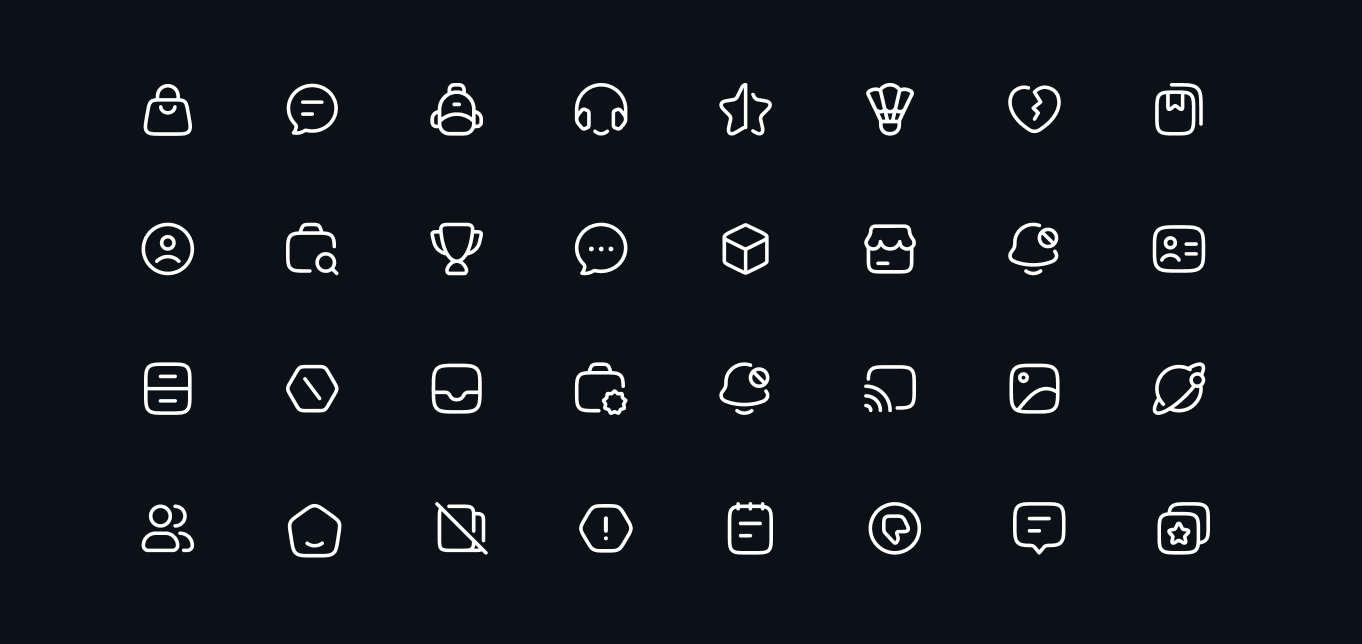
Hugeicons is a comprehensive icon library designed for modern web and mobile applications. The free package includes 4,500+ carefully crafted icons in the Stroke Rounded style, while the pro version offers over 40,000+ icons across 9 unique styles.
Key Highlights
- 4,500+ Free Icons: Extensive collection of Stroke Rounded icons covering essential UI elements, actions, and concepts
- Pixel Perfect: Every icon is crafted on a 24x24 pixel grid ensuring crisp, clear display at any size
- Customizable: Easily adjust colors, sizes, and styles to match your design needs
- Tree-Shakeable: Optimized for modern bundlers with automatic dead code elimination
- Optimized Loading: Individual icon imports reduce bundle size by 99%
- Regular Updates: New icons added regularly to keep up with evolving design trends
Looking for Pro Icons? Check out our comprehensive documentation at docs.hugeicons.com for detailed information about pro icons, styles, and advanced usage.
Installation
This is a core package that provides the raw icons. To use these icons in your project, you'll need to install both this package and the corresponding framework-specific package:
# First, install the core package
npm install @hugeicons/core-free-icons

# Then install the framework-specific package
npm install @hugeicons/react          # for React
# or
npm install @hugeicons/react-native   # for React Native
# or
npm install @hugeicons/vue           # for Vue
# or
npm install @hugeicons/angular       # for Angular
# or
npm install @hugeicons/svelte        # for Svelte
Usage
Import Methods
This package now supports multiple import methods for maximum flexibility:
1. Static Import (Tree-shakeable)
Best for production builds when you know which icons you need:
import { Home01Icon, User01Icon } from '@hugeicons/core-free-icons';2. Dynamic Import - Full Bundle
Loads the entire icon library (use when you need many icons dynamically):
const { Home01Icon } = await import('@hugeicons/core-free-icons');3. Dynamic Import - Individual Icons (NEW )
Loads only the specific icon you need (99% smaller bundle size):
// Loads just ~0.75KB instead of ~5MB!
const icon = await import('@hugeicons/core-free-icons/Home01Icon');
const Home01Icon = icon.default;
Performance Comparison
| Import Method | Bundle Size | Load Time | Best For |
|---|---|---|---|
| Static Import | ~2-3KB per icon | 0ms (bundled) | Production builds |
| Dynamic Full Bundle | ~5MB | 100-200ms | Many dynamic icons |
| Dynamic Individual | ~0.75KB | 10-20ms | Icon pickers, lazy loading |
For real-world applications, we recommend using our framework-specific packages that provide optimized components and additional features. Check out the Framework Support section below for more details.
Tree-Shaking Support
This package is optimized for tree-shaking with modern bundlers (Webpack, Rollup, Vite, etc.). When you import icons using the standard syntax, bundlers will automatically eliminate unused icons:
// Only the icons you import will be included in your bundle
import { UserIcon, HomeIcon } from '@hugeicons/core-free-icons';

// Bundlers automatically tree-shake unused icons
// Result: Only UserIcon and HomeIcon (~1.5KB) instead of entire library (~5MB)
Requirements for tree-shaking:
- Use a modern bundler (Webpack 5+, Rollup, Vite, Parcel)
- Ensure your bundler has tree-shaking enabled
- The package automatically sets
sideEffects: falsefor optimal tree-shaking
Features
- Individual Icon Imports: Load only what you need with 99% bundle size reduction
- Tree-shakeable: Optimized for modern bundlers
- Multiple Import Methods: Static, dynamic bundle, or dynamic individual
- TypeScript Support: Full type definitions included
- Framework Agnostic: Works with any JavaScript framework
- Optimized Performance: Lazy load icons on demand
- Customizable: Easy to style with CSS or inline styles
- ESM & CommonJS: Support for both module systems
- Zero Dependencies: No external dependencies
- Regular Updates: New icons added frequently
Framework Support
Hugeicons provides dedicated packages for various frameworks:
- @hugeicons/react - For React applications
- @hugeicons/react-native - For React Native applications
- @hugeicons/vue - For Vue applications
- @hugeicons/angular - For Angular applications
- @hugeicons/svelte - For Svelte applications
Each framework package provides optimized components, additional features, and framework-specific documentation.
Types
TypeScript types are included and will work out of the box.
License
Created by Hugeicons. All rights reserved.