
@kelceyp/caw
CAW
CAW provides independently useful capabilities that combine to provide powerful context and agentic workflows enabling your agents to build software sustainably. All capabilities are dual channel. React based web application for humans and rich MCP capabilities for agents. Everything you can do, agents can do too.
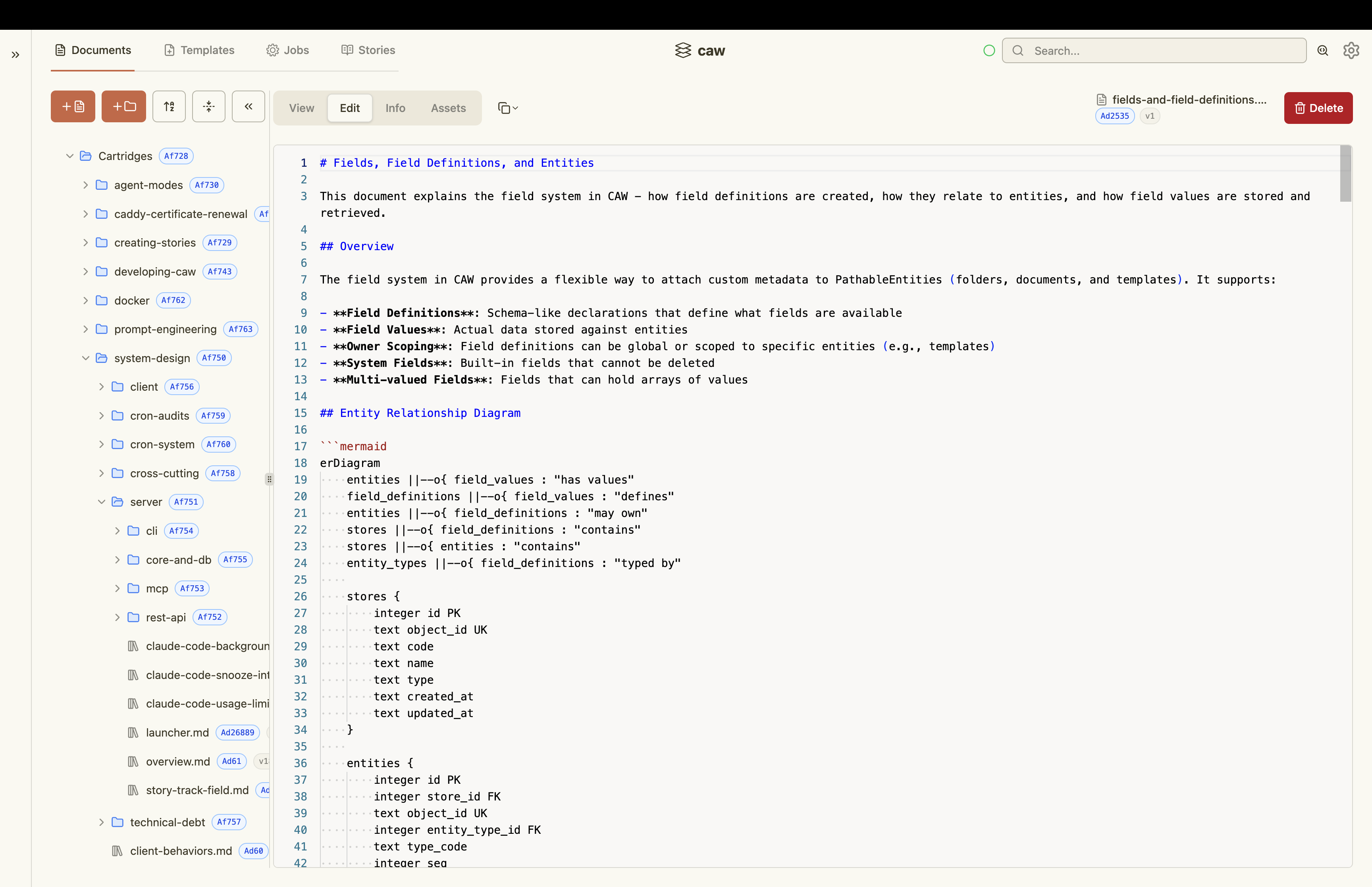
Content Management
Build your agent knowledge base in lock step with your code base.
- Extended MD capabilities including inline mermaid, inline SVG, linking and includes
- Monaco editor and extended marked rendering capabilities for users
- Real time SSE updates
- Typed metadata including multivalued fields
- Locking, clobber protection and version control
- Image deduping and easy pasting/viewing
- Rich MCP tooling for agents to read and edit documents
- Cartridge, Scratch and Task document subtypes with additional capabilities
Document viewer
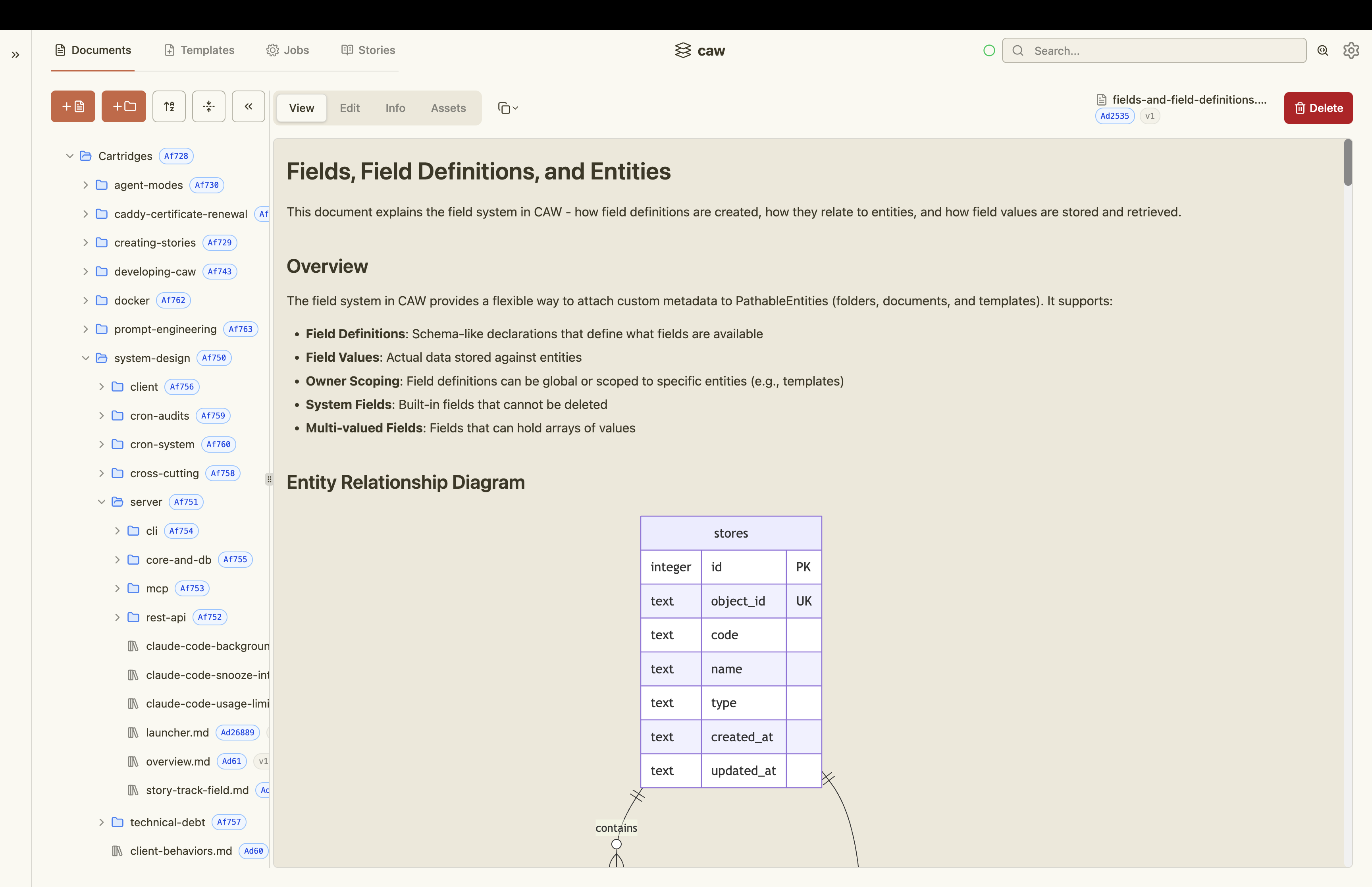
Editor
Templates
Create powerful templates for documents, prompts and saved searches.
- Handlebars templating with handlebars-helpers enabling
- Substitution
- Conditionals
- Enumeration
- String manipulation
- Arithmetic
- Collection utilities
- Number formatting
- Word inflection
- Expressions
- Type and multivalued enabled
- Subtypes include document, prompt and saved search, all providing different behaviours
- Document templates create documents
- Prompt templates orchestrate locally installed agents (see Agent Orchestration below)
- Saved searches render the query language into a search to return results
- Rich MCP tooling so that agents can assist you with context engineering
Editing
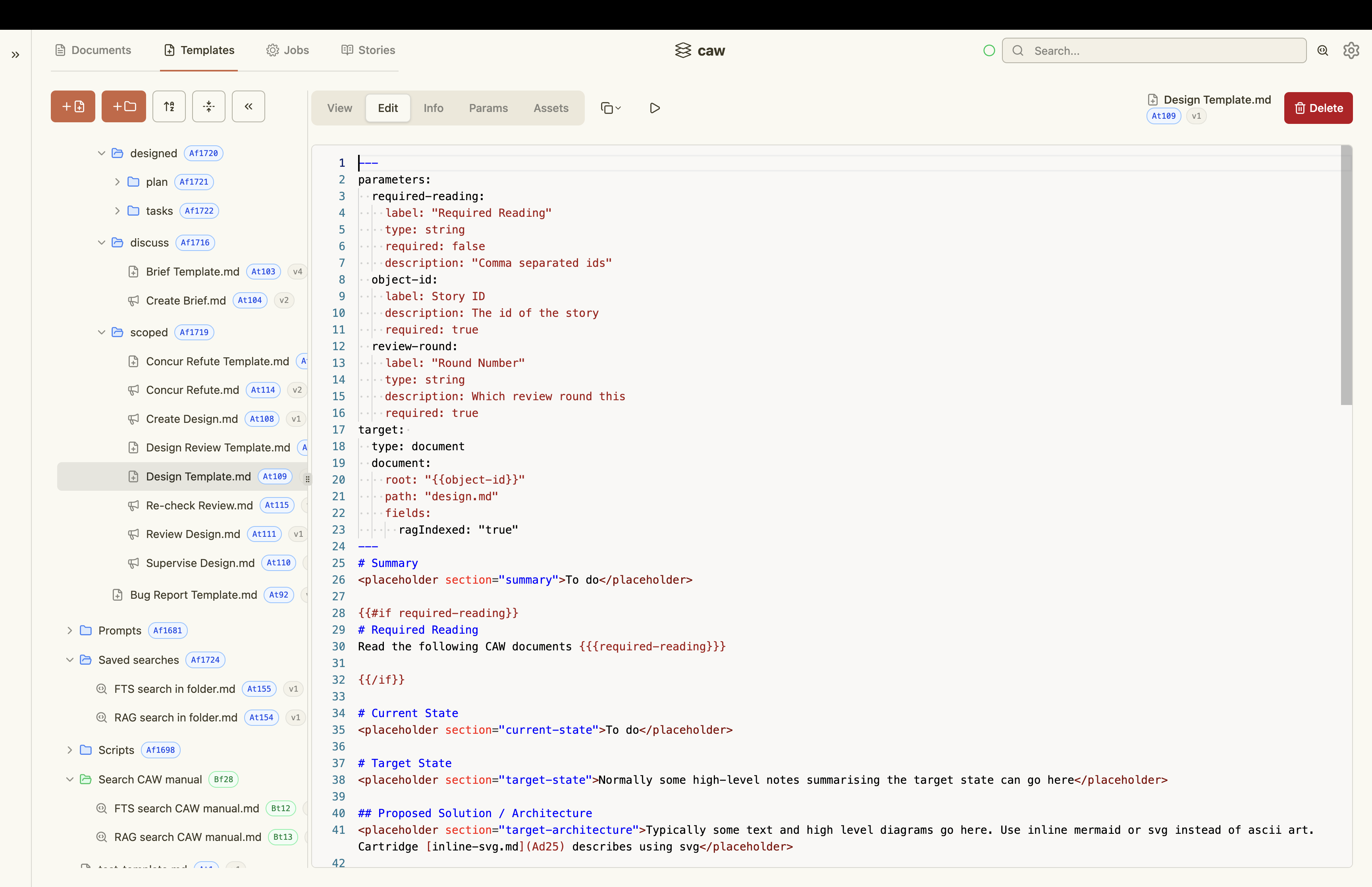
Form rendering
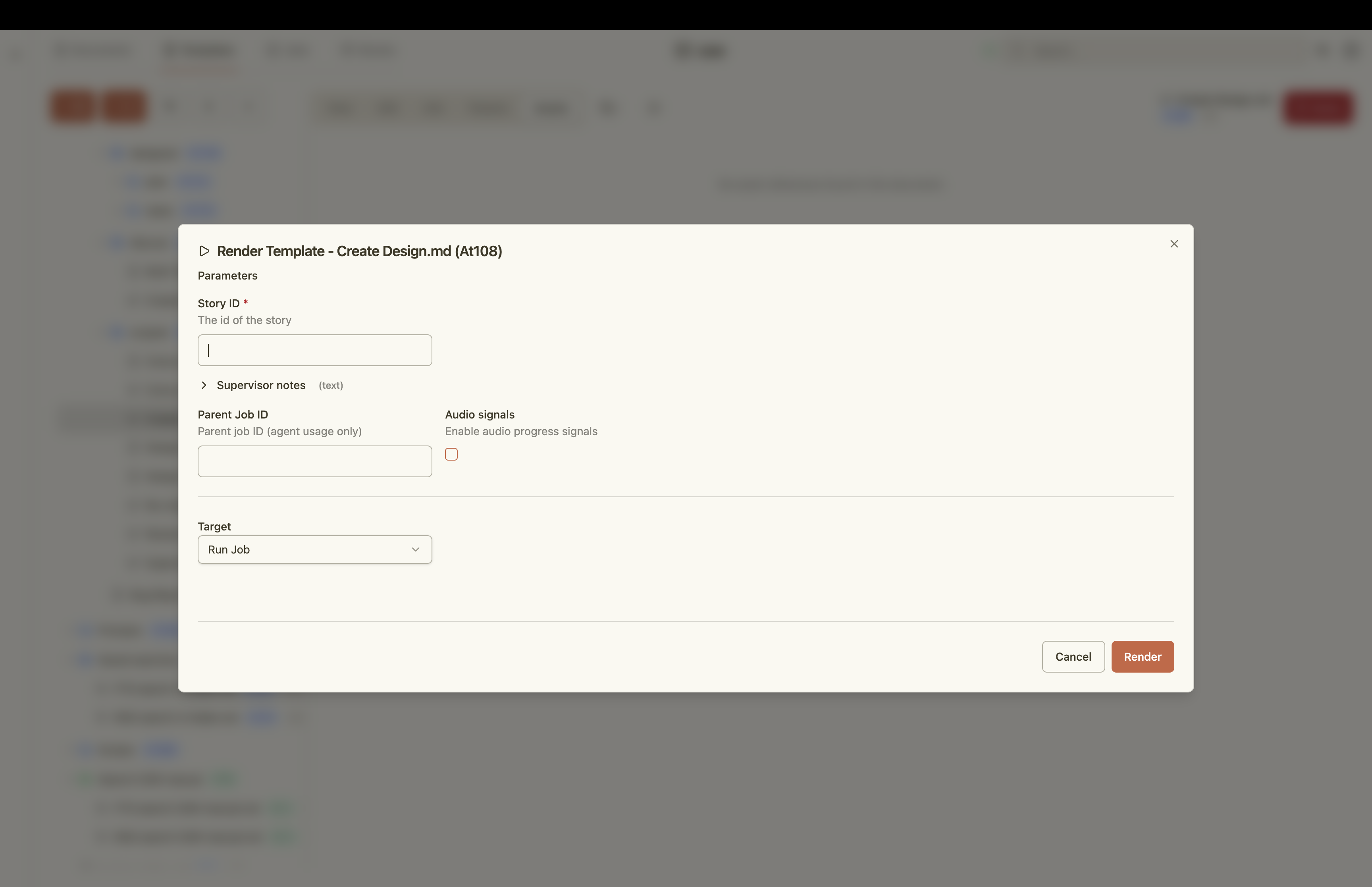
Agent Orchestration
Orchestrate your locally installed agents.
- Browser based reskinning of Claude Code, Codex and Cursor CLI
- In chat UI wireframing using inline SVG
- In chat mermaid diagramming
- Multi-level cross vendor subagents (have Claude supervise Codex supervising Cursor)
- Capture all prompts and outputs making them easily findable
- Act as the orchestration hub for agents to communicate with one another
- Seamlessly jump between REPLs and web application
- Use the right model for the job
- Unlock powerful agent patterns
- Requires user to explicitly enable this feature in settings
Stories
Use a thin slice mentality to build software incrementally.
- Leverage document templates for each stage of the story lifecycle
- Leverage prompt templates to orchestrate agents at each stage of the story lifecycle
- Eliminate agent assumptions using acceptance criteria
- Define the various tracks your stories take
- Manage your own cognitive load as the amount of parallel work increases
Story document explorer
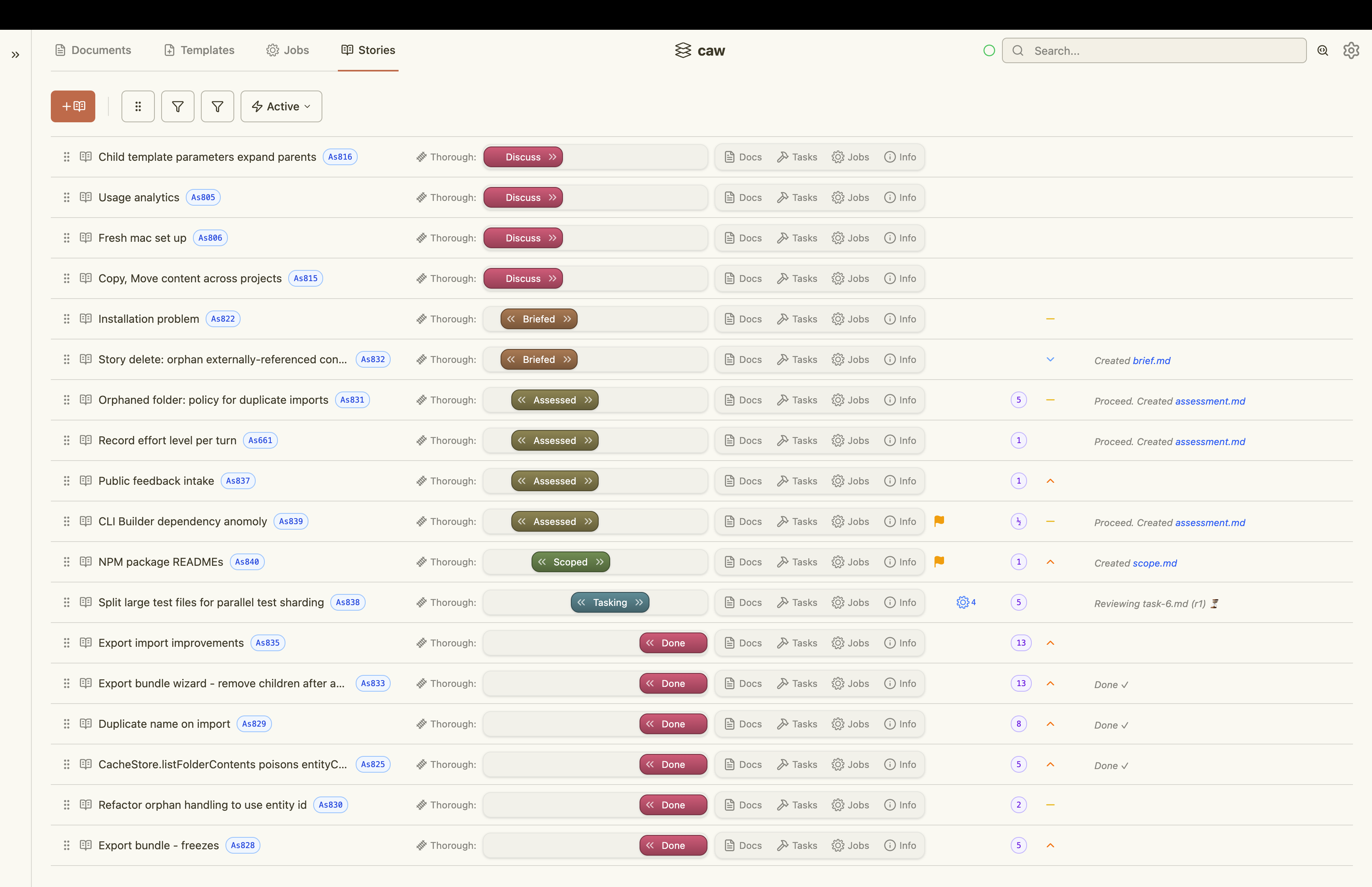
Search
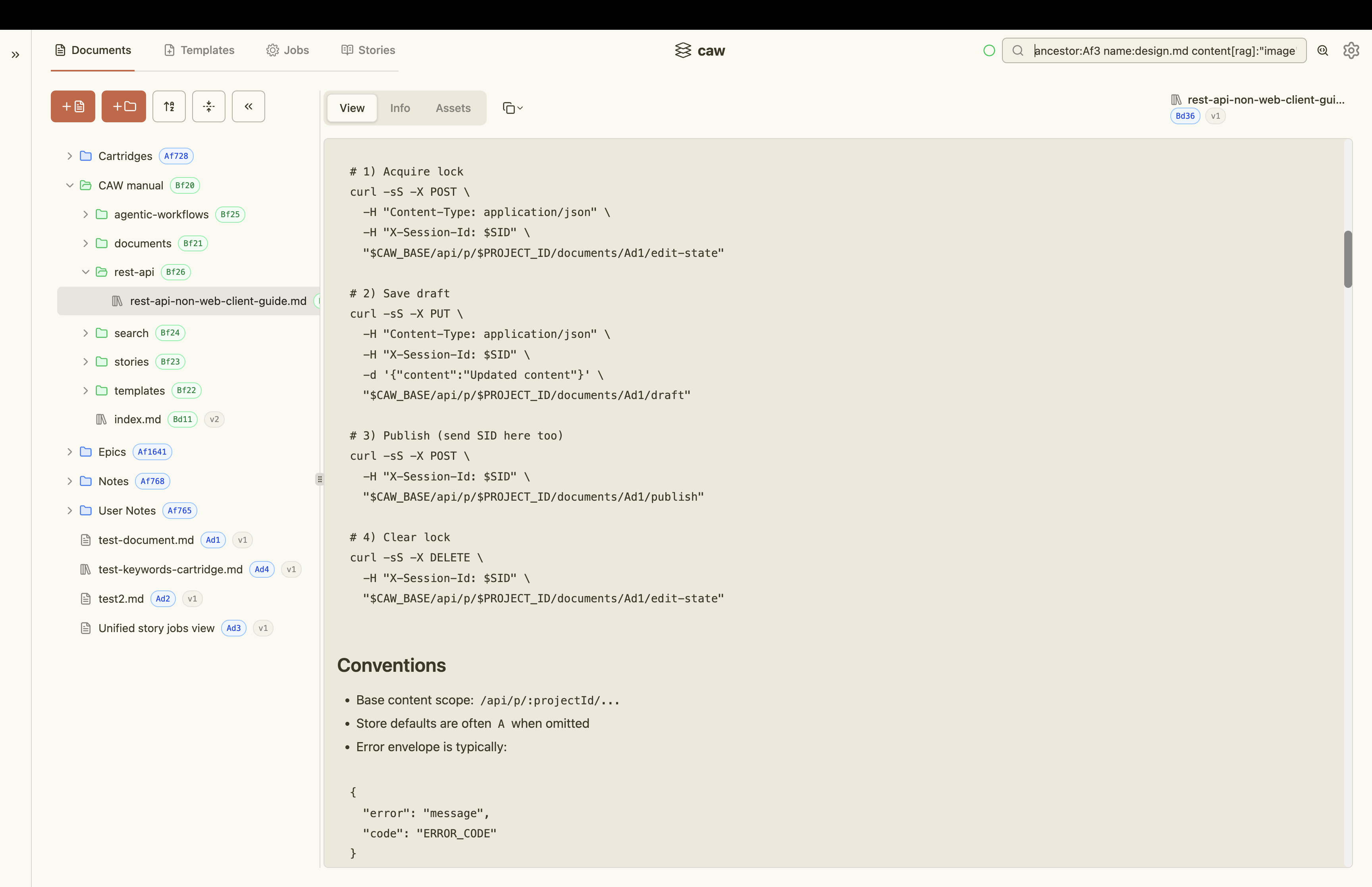
Find what you and your agents need as the knowledge base grows.
- Metadata based search with expressions
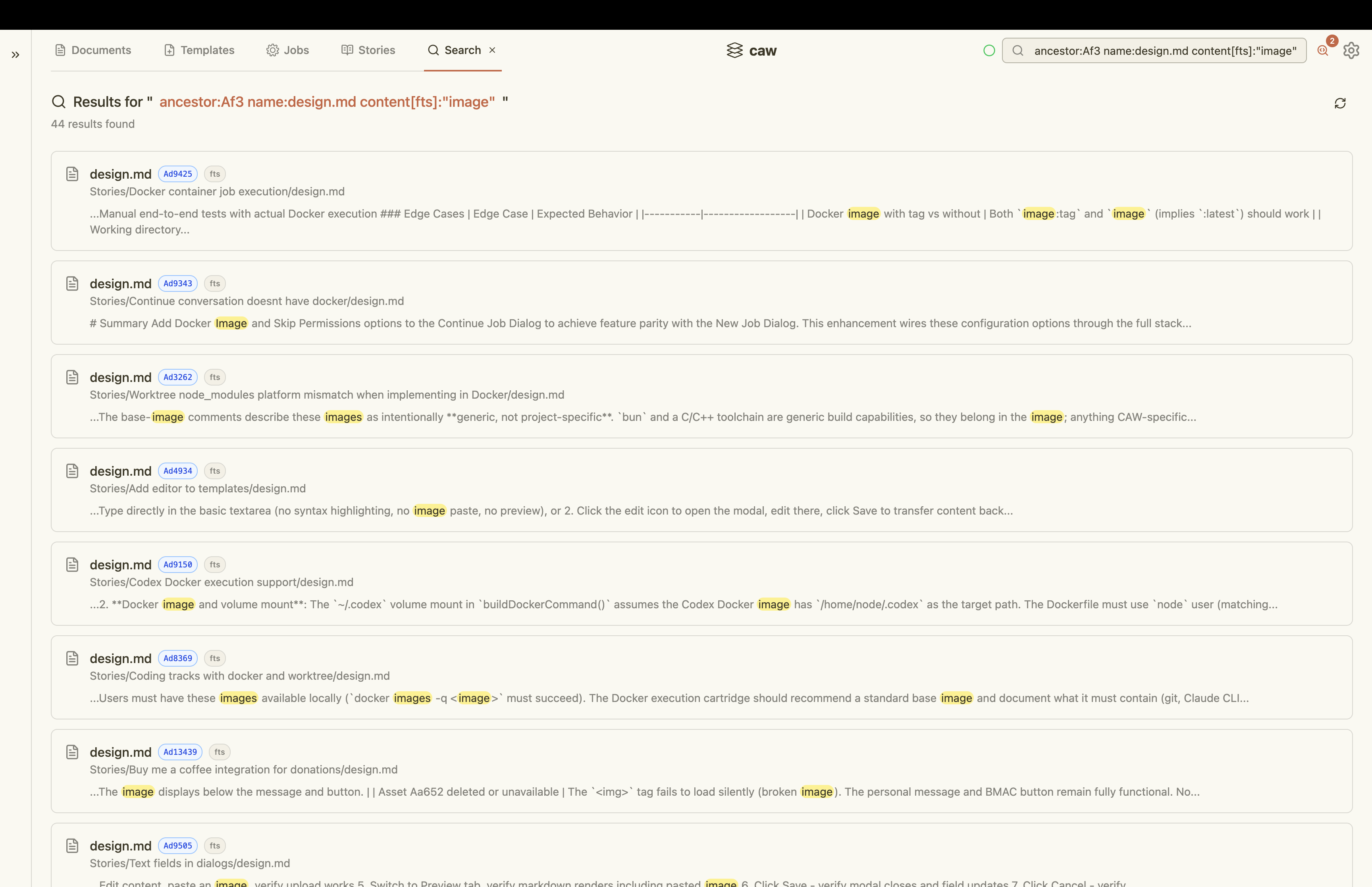
- Full text search
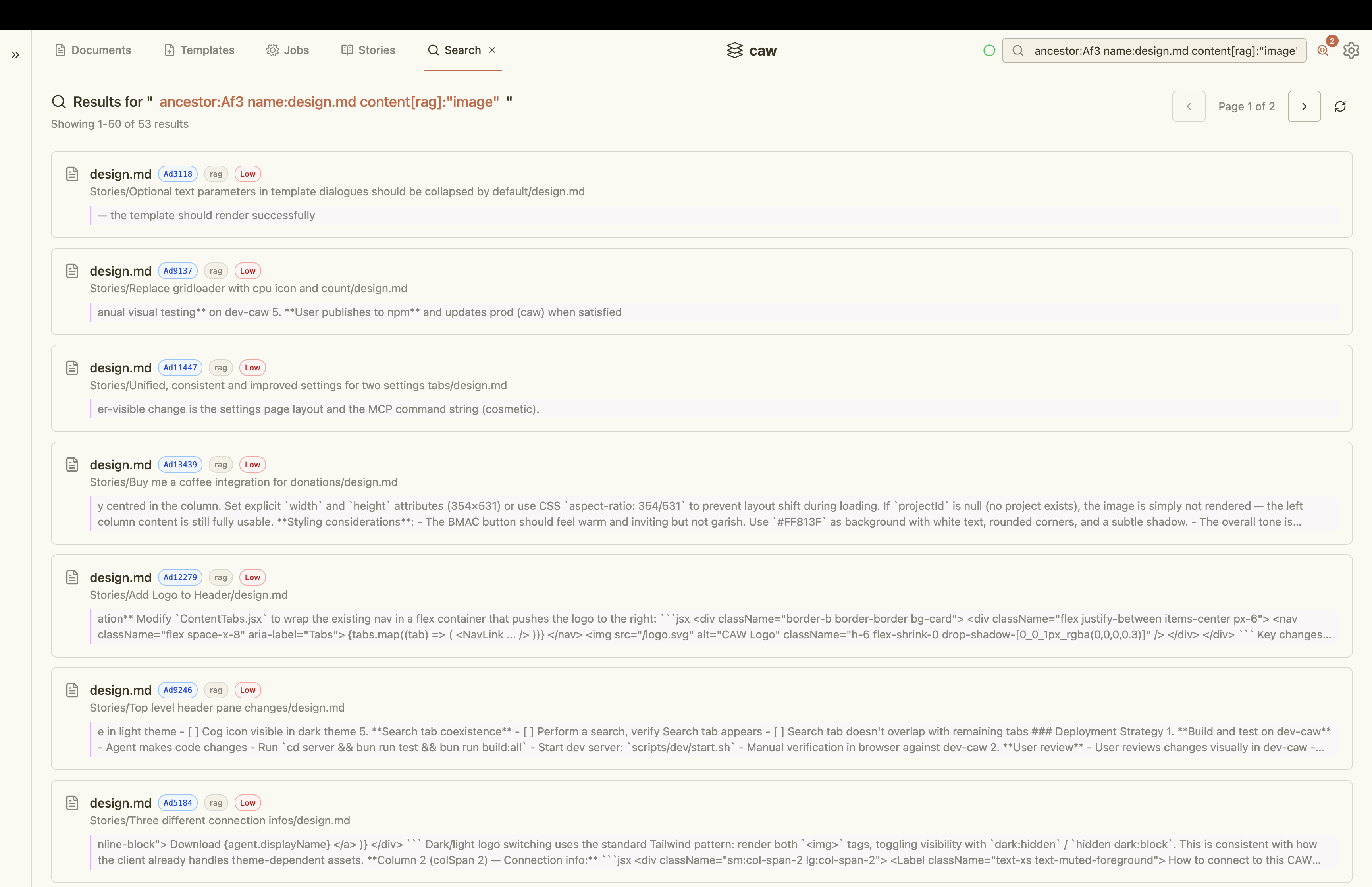
- RAG (i.e. semantic) search
- Ancestor walks
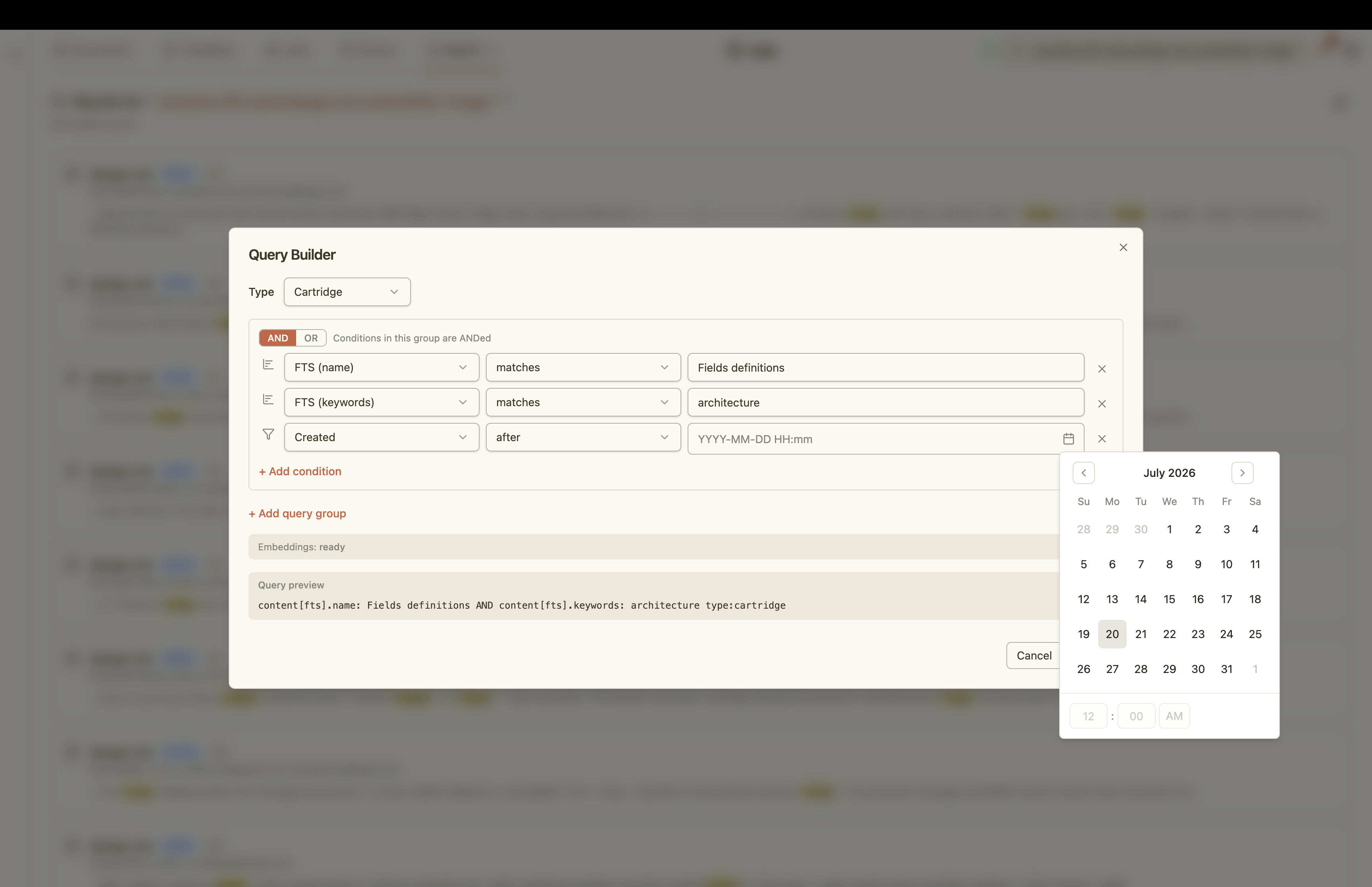
- Expressive query language
- Supports all entities
Search box
Query builder
Full-text search (FTS) results
Semantic (RAG) search results
The Voltron Effect
Unlock powerful automation by bringing these capabilities together. Define the visibility of prompt templates for each stage of each story track. Provide detailed and repeatable processes that are specific to your project that enable agents to find what they need and execute with the goldilocks amount of context to build sustainably.
Quick Start
npm install -g @kelceyp/caw
caw start
Then open http://localhost:2229 in your browser.
Commands
caw start       # Start the server
caw stop        # Stop the server
caw status      # Check if the server is running
caw logs        # Tail the server logs
caw upgrade     # Upgrade to the latest version
Prerequisites
- Node.js v24+
Optional Integrations
All optional integrations are configured via Preferences > Infrastructure in the web UI.
Caddy
- Enable HTTPS and HTTP2/SPDY
- Remove browser limitations on number of concurrent connections
- Cleaner
caw.localhostrather thanlocalhost:2229
PM2
- Enable automatic launch on machine start
Docker
- Enable agent orchestration within Docker containers
Git
- Enable agent orchestration within worktree branches
GitHub CLI
- Enable PR and other GitHub capabilities
Links
License
Proprietary. All rights reserved.