1.2.1 • Published 5 years ago
@kibibit/kb-frosted-cards v1.2.1
Created for the Home Assistant kibibit Theme
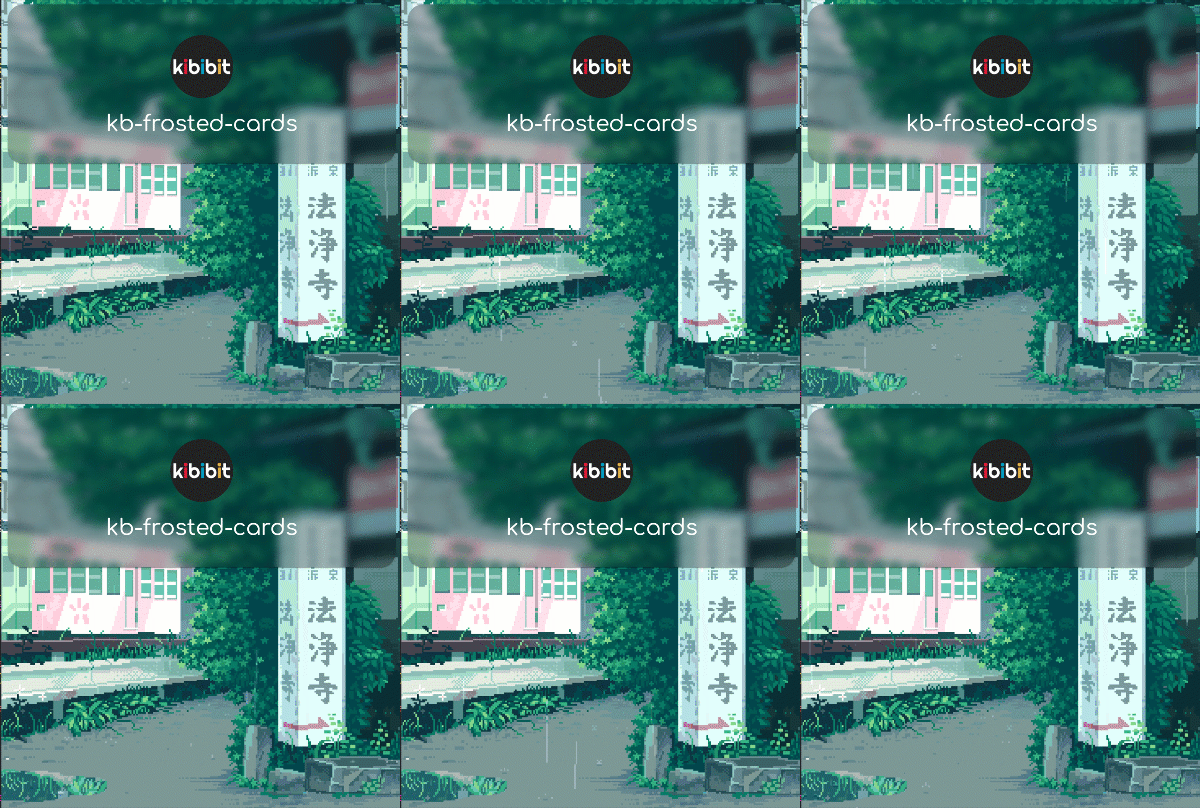
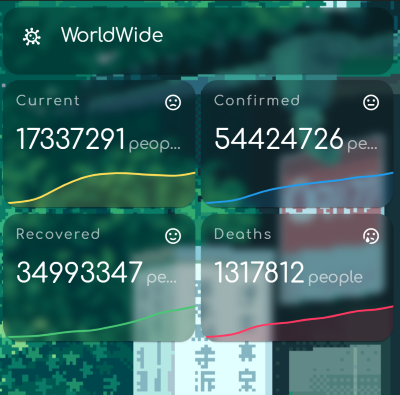
It have transparent card background colors, support multiple backgrounds, and custom local backgrounds
Installation
HACS
- Go to the Community Store.
- Select
Frontend. - Click on the
+button - Search for
kibibit Frosted Cards. - Click on it.
- Press
Install this Repository in HACs. - When prompted, reload the frontend
Manual Installation
- Create a folder named
kb-frosted-cardsin yourconfig/wwwfolder. - Copy the file
kb-frosted-cards.jsinto that folder. - In HA GUI, go to
Configuration=>Lovelace Dashboards=>Resources, and click the+button to add a resource. - A popup will open. In the url field, fill in
/local/kb-frosted-cards/kb-frosted-cards.js, and selectJavaScript Modulein the dropdown. - Refresh the Home Assistant Frontend.
How does it look?
Stay in touch
- Author - Neil Kalman
- Website - https://github.com/kibibit
- StackOverflow - thatkookooguy
- Twitter - @thatkookooguy
- Twitter - @kibibit_opensrc