
arven
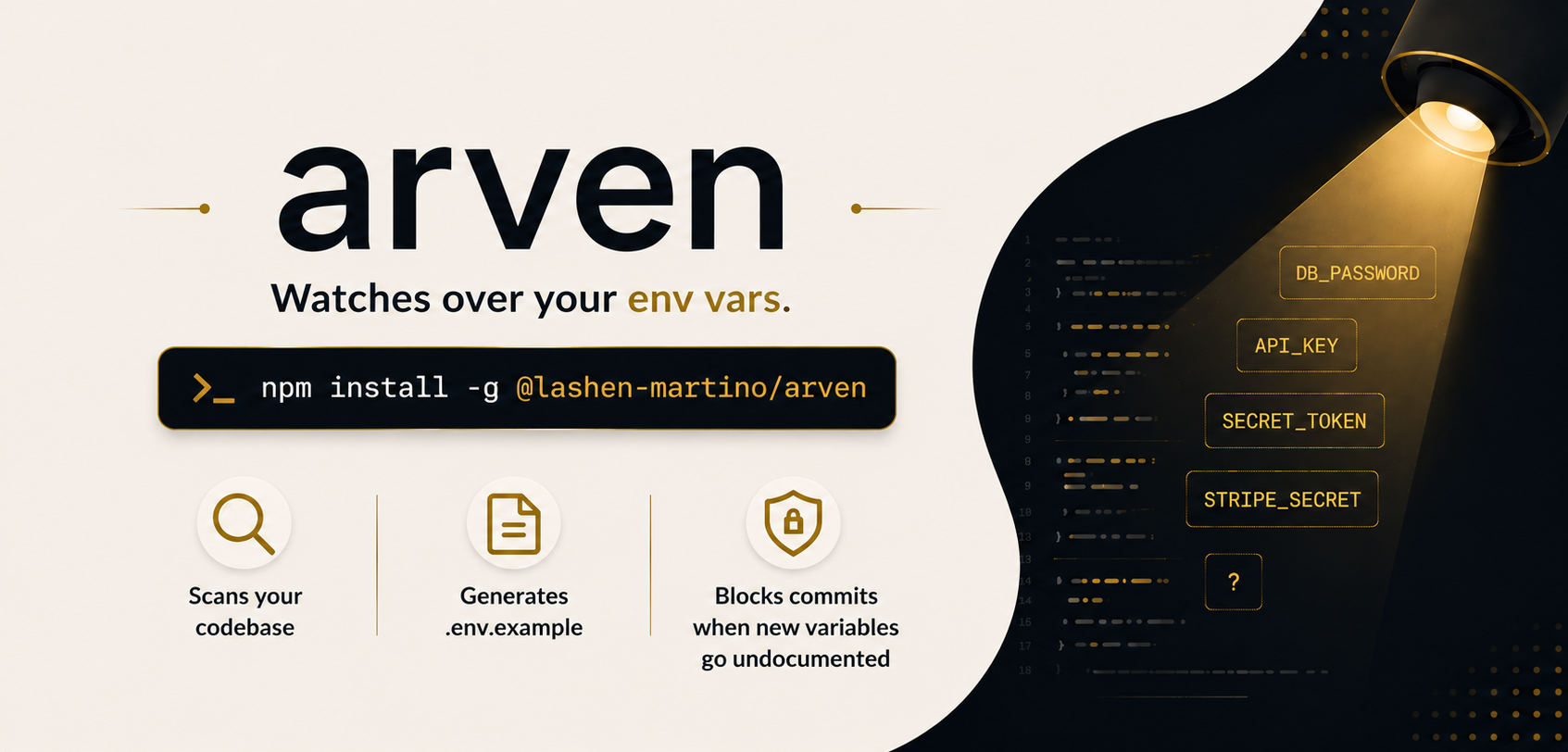
arven is a lightweight CLI that helps teams keep environment variable documentation accurate and up to date.
It scans your codebase, generates a structured .env.example, and installs a Git pre-commit hook that blocks commits whenever new environment variables are introduced without documentation.
Features
Automatic Environment Variable Discovery — Scan your codebase and detect environment variables across multiple runtimes and frameworks.
Generate
.env.exampleFiles — Create organized and maintainable environment templates automatically.Pre-Commit Protection — Prevent commits when newly introduced variables are missing from
.env.example.CI-Friendly Validation — Verify documentation consistency in CI/CD pipelines.
Framework Agnostic — Works with Node.js, Vite, Next.js, Bun, Deno, and more.
Zero Workflow Changes — Integrates directly with Git and remains silent when everything is properly documented.
Installation
Install arven globally using npm:
npm install -g @lashen-martino/arvenAfter installation, the arven command will be available in your terminal.
Quick Start
Initialize arven in your project:
arven initThis command will:
- Install a Git pre-commit hook
- Scan your codebase for environment variables
- Generate a
.env.examplefile - Start protecting future commits automatically
Generate .env.example
Generate a new environment template from your codebase:
arven generateOverwrite an existing file:
arven generate --overwriteGenerate to a custom path:
arven generate -o .env.sampleCheck Documentation Status
Validate that .env.example is synchronized with the codebase:
arven checkThis command exits with a non-zero status code when missing variables are detected, making it ideal for CI pipelines.
View Differences
Compare detected variables against the current .env.example without modifying files:
arven diffRemove Arven
Uninstall the Git hook:
arven uninstallGit Integration
arven integrates directly with Git through a pre-commit hook.
When a new environment variable is introduced but not documented, the commit is blocked until the variable is added to .env.example.
Example:
git commit -m "feat: add stripe integration"arven detected undocumented environment variables
✗ STRIPE_SECRET_KEY
Update your .env.example file and try again.If everything is synchronized, commits proceed normally without additional prompts.
CI/CD Integration
Add arven to your pipeline to enforce environment documentation across all contributors.
GitHub Actions
- name: Validate environment documentation
  run: npx arven check
This ensures undocumented variables cannot be merged into protected branches.
Contributing
We welcome contributions and suggestions! If you have ideas or improvements, feel free to open an issue or submit a pull request.
Please read Contribution Guide for detailed instructions on how to contribute.
License
Licensed under the MIT License. 2026 Lashen Martino