
mo
Manage your Opensource projects!
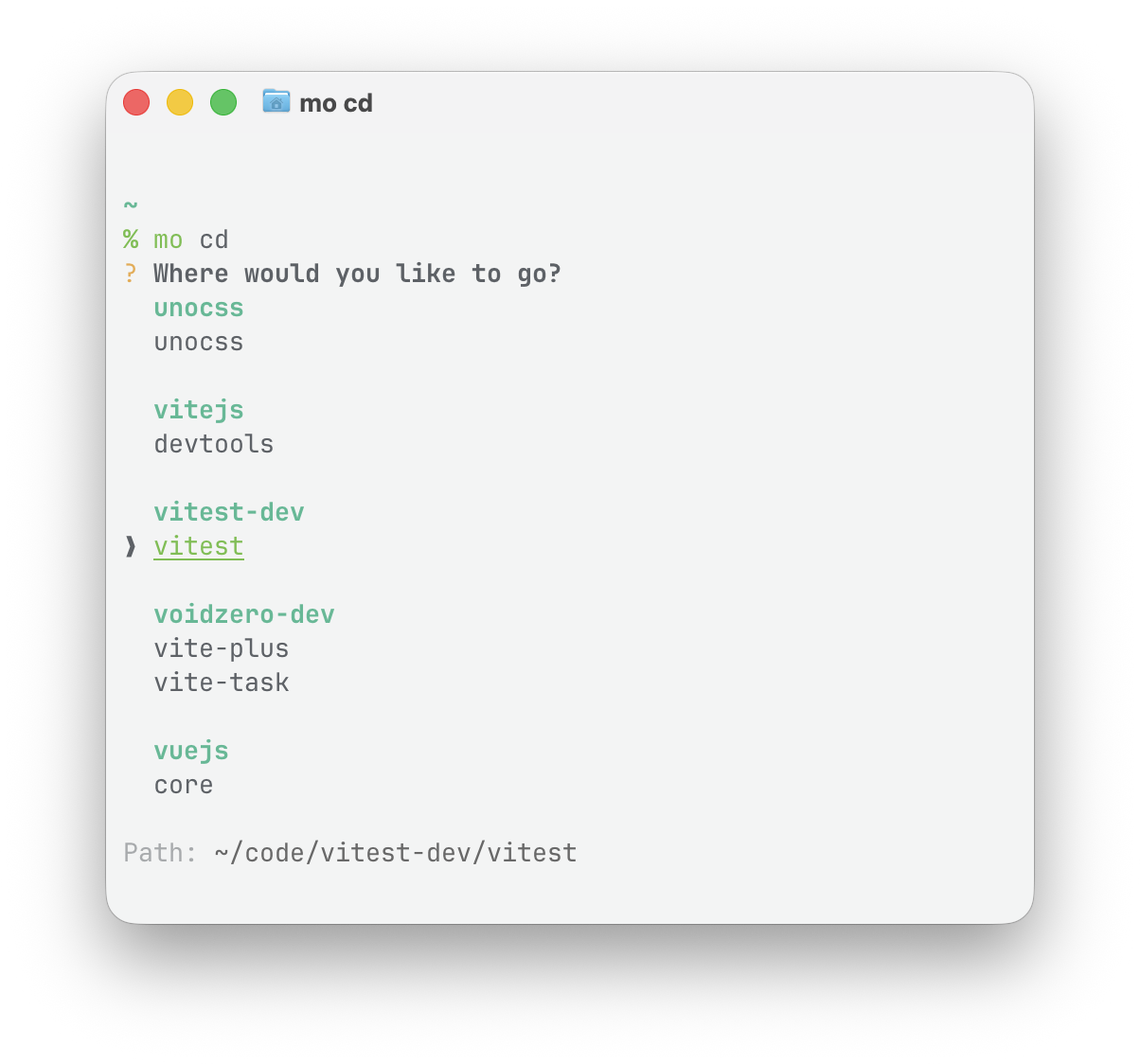
mo keeps your GitHub repos organized under a single root directory.
Install
vp i -g @liangmi/moRequirement
- macOS or Linux
git- GitHub CLI
ghauthenticated (gh auth status)
Setup
Run once to initialize config and shell integration:
mo setupIf you are an agent user, we provide
global-projectsskill.Install it with:
skills add liangimQwQ/mo -gIt is not completely a
mo's usage skill, it is mainly about project organization standard, including how to get access the right project or how to place a cloned project correctly.
Commands
| Command | Alias | Description |
|---|---|---|
mo setup |
Initialize config and shell integration | |
mo clone <repo> |
mo c |
Clone <owner>/<repo> or a GitHub repo URL |
mo composition <main> <subs> <repo> |
Run clone/fork, then cd/edit/open |
|
mo fork [repo] |
mo f |
Fork <owner>/<repo>, a GitHub URL, or cwd |
mo list |
mo ls |
List all managed repos |
mo cd [target] |
Jump to root, owner, repo, or GitHub URL | |
mo edit [target] |
mo e |
Open a directory in your editor |
mo open [target] |
mo o |
Open a directory in Finder/Explorer |
mo cd, mo edit, and mo open have similar behavior and open an interactive selector when called without arguments. When a target is provided, it can be a search query, <owner>/<repo>, or a GitHub repository URL for an existing local repo.
If you are using
mowith VS Code based editors, you can add this line to your editor config to preventmo editpopping up a new separated window."window.openFoldersInNewWindow": "off"Setting
code -ras your editor inmo setuphave the same effect as well.
Config
The config file should be generated by running mo setup. Modifying ~/.config/morc.json manually is not recommended.
Please follow the config_schema.json if you are developing mo.
~/.config/morc.json:
{
  "$schema": "https://raw.githubusercontent.com/liangmiQwQ/mo/main/config_schema.json",
  "root": "~/code",
  "shells": ["zsh"],
  "editor": "code",
  "alias": {
    "clone": ["k"],
    "cd": ["i"],
    "edit": ["e"]
  },
  "compositionAlias": true
}
Command mo Conflict
If another tool already uses the mo command, we provide moi as an cli alias:
vp i -g @liangmi/moi@liangmi/moi has the same behavior, but exposes moi, moi-inner, and moi-get-root commands.
Contribution
We are so excited that you are willing to help improving mo! Please see ROADMAP.md for what's planned.
Credits
Vite+ provides powerful developing tools for the cli development, including linting, formatting and bundling.
Vue TUI provides an excellent Tui framework based on Vue.js. It helps build the selector part inside mo cd, mo edit and mo open commands.
License
MIT Liang Mi