1.0.2 • Published 9 years ago
@mapbox/mapbox-gl-traffic v1.0.2
Mapbox GL Traffic 

Add a traffic toggle control to Mapbox GL JS.
:globe_with_meridians: Check the demo
Usage
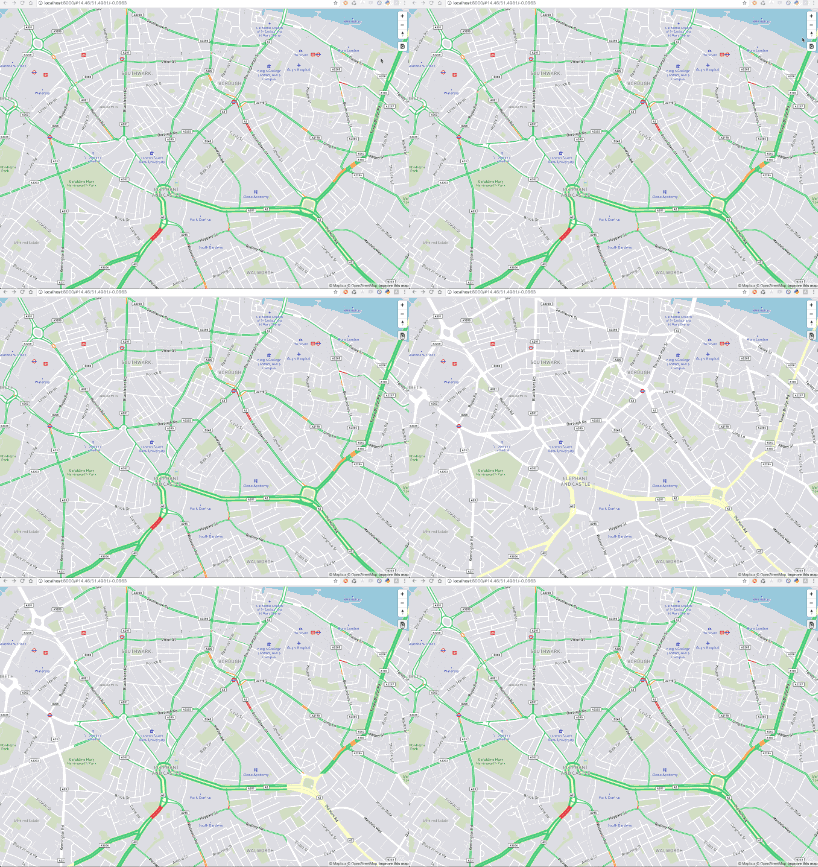
mapbox-gl-traffic is a Mapbox GL JS plugin that you can easily add on top of your map. Check index.html for a complete example.
Make sure to include the CSS and JS files.
When using NPM
Check how to use Mapbox GL JS in a module bundler.
npm install --save mapbox-gl @mapbox/mapbox-gl-trafficconst mapboxgl = require('mapbox-gl')
const MapboxTraffic = require('@mapbox/mapbox-gl-traffic');
const map = new mapboxgl.Map({
container: 'map',
style: 'mapbox://styles/mapbox/traffic-night-v2',
center: [-77.0259, 38.9010],
zoom: 9
});
map.addControl(new MapboxTraffic());Examples
API
MapboxTraffic
Create a new Mapbox GL JS plugin that allows you to hide and show traffic layers in your map and an optional toggle button.
Parameters
optionsobject Options to configure the plugin.options.showTrafficboolean Show or hide traffic overlay by default. (optional, defaultfalse)options.showTrafficButtonboolean Show a toggle button to turn traffic on and off. (optional, defaulttrue)options.trafficSourceRegExp The traffic source regex used to determine whether a layer displays traffic or not. (optional, default/mapbox-traffic-v\d/)
Develop
Run the linter and watch for changes to rebuild with browserify.
npm install
npm run test
npm run watch
Create a minified standalone build.
npm install
npm run build1.0.2
9 years ago